
How to Report LTO Tracker Delivery Delays Latest Update 2026
If you are using LTO Tracker and notice that your plate, license, or document delivery is delayed, you are not alone. Delays can occur due to high volume, system processing, or courier issues. Understanding why delays happen and how to report them ensures that your request is addressed promptly and prevents unnecessary confusion or trips to the LTO office.
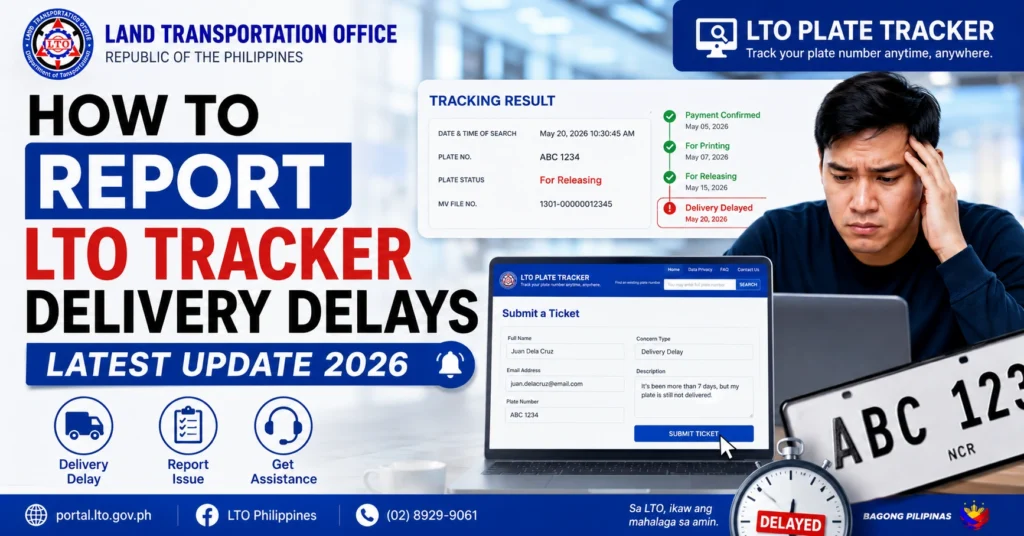
Common Reasons for Delivery Delays
Pending Verification
Your request may still be under internal LTO verification before it can be handed to the courier.
System or Technical Issues
Temporary system slowdowns, maintenance, or website glitches can delay updates.
Courier or Logistics Delays
Packages may be delayed due to high volume, misrouting, or weather conditions affecting delivery schedules.
Incomplete or Incorrect Documents
Missing or incorrect OR/CR numbers, MV File numbers, or personal information can prevent processing.
Regional Branch Workload
Some LTO offices experience higher workloads, causing slower updates and longer delivery timelines.
You can also read: LTO Tracker Says Ready but No Release Notice — What It Means
Step-by-Step Process to Report LTO Tracker Delivery Delays
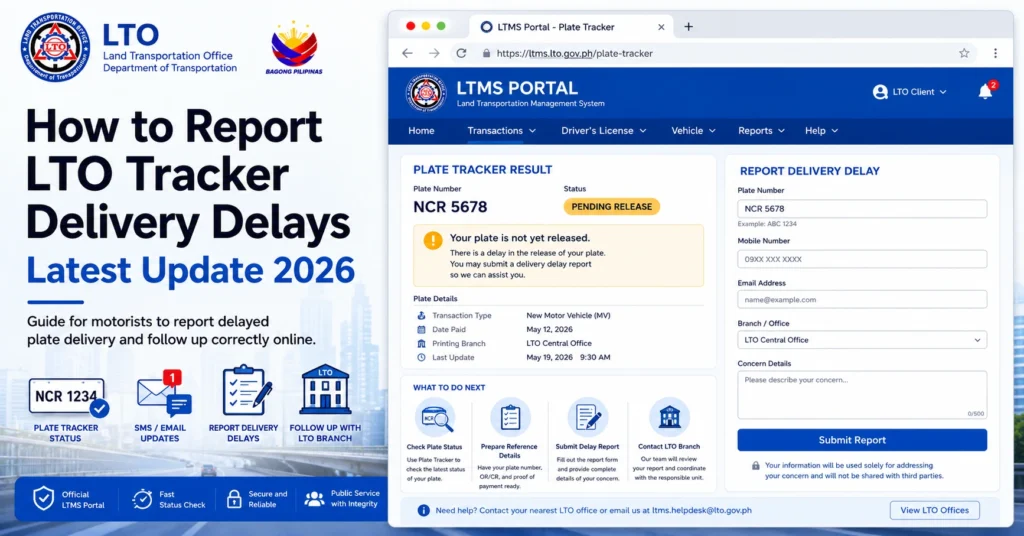
Gather Your Documents
Collect your eGovPH approval, payment receipts, and tracker screenshots to provide evidence.
Check the Tracker
Confirm the current status on LTO Tracker before reporting, noting any messages such as “Pending Template Delivery” or “We are now locating your plate number.”
Contact LTO Client Care
Reach out via the official LTO Client Care online portal or hotline, providing your details and evidence.
Submit a Formal Complaint
Include your name, contact number, vehicle details, MV File Number, and description of the delay.
Follow Up
Keep a record of your complaint number and follow up if the delay persists after the advised time.
Typical Timeline for Resolving Delivery Delays
| Type of Issue | Expected Resolution Time | Notes |
|---|---|---|
| Pending Verification | 1–3 weeks | Depends on branch workload |
| System or Technical Issue | 3–5 days | Updates may appear after maintenance |
| Courier Delay | 1–2 weeks | Depends on logistics and area coverage |
| Incorrect Documents | 1–2 weeks | Resolution after document correction |
| High Branch Workload | 2–4 weeks | Patience required during peak periods |
Tips to Avoid or Minimize Delivery Delays
Common Mistakes When Reporting Delays
FAQs
Conclusion
Reporting LTO Tracker delivery delays is straightforward when you follow the correct process. Collect your documents, verify the tracker status, submit a clear report through official channels, and follow up as needed. Most delays are resolved within the standard processing period, but using these steps ensures your request receives proper attention and prevents unnecessary frustration.


