
LTO Tracker Says Delivered but No Plate? Fix Guide (2026)
If the LTO Tracker says delivered but no plate arrived at your address, it can feel confusing and stressful. You may wonder if the plate was sent to the wrong person, marked received by mistake, or lost during delivery. Before you panic, check your delivery details, courier status, payment proof, and the person who may have received the package.
This guide explains what the delivered status may mean, why your LTO plate may not be in your hands yet, and the exact steps you can take to follow up with the courier, LTO office, or release point.
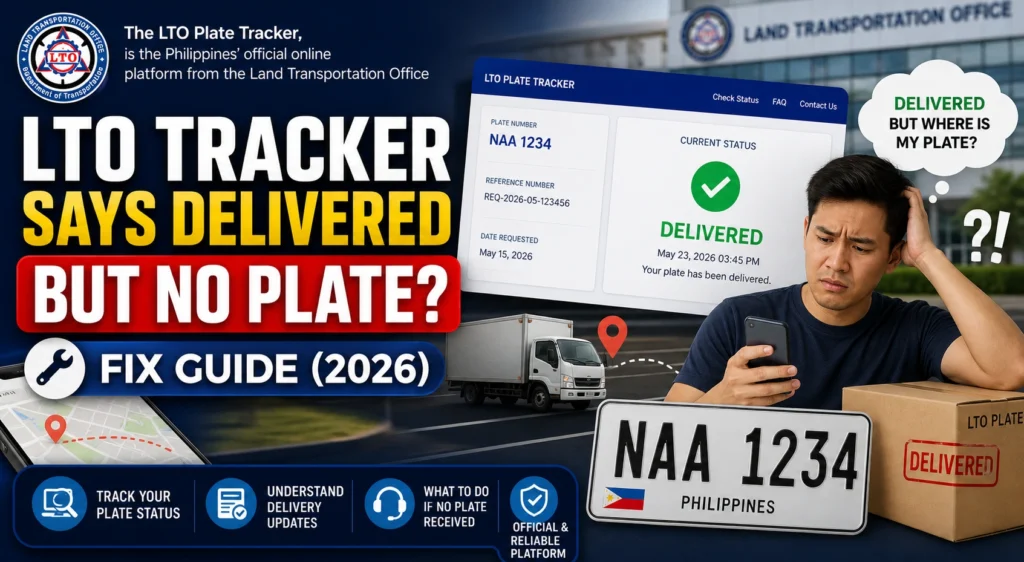
Quick Answer: What If LTO Tracker Says Delivered but No Plate?
You can also read: LTO Plate Stuck on Locating Status? Fix Guide (2026)
Why LTO Tracker May Show Delivered Even If You Have No Plate
A delivered status does not always mean the plate is safely in your hands. Sometimes the courier system marks a package as delivered after handover, but the actual recipient may be a guard, family member, office staff, neighbor, or another person at the address.
In other cases, the delivery record may be updated too early, the courier may have tagged the package incorrectly, or the plate may have been sent to the wrong address. That is why you should check the proof before assuming the plate is lost.
Check These Things First
Ask people at the delivery address
Ask your family, housemates, office receptionist, condo guard, building admin, or neighbor if they received a package from LTO or the courier. Many delivery problems are solved by checking who signed or accepted the item.
Check the courier tracking page
If the LTO Tracker gave you a courier name or tracking number, open the courier tracking page. Look for delivery date, time, receiver name, proof of delivery, rider note, or photo proof.
Review your delivery address
Check the address you entered during booking. Make sure the house number, street, barangay, city, province, landmark, and phone number are correct. A small mistake can send the plate to the wrong place.
Save screenshots right away
Take screenshots of the LTO Tracker delivered status, courier tracking page, payment receipt, reference number, and your delivery details. These are important if you need to file a follow-up or complaint.
Check your SMS and email
Some couriers send proof of delivery, rider updates, or failed delivery notes by SMS or email. Check your inbox, spam folder, and old text messages.
Step-by-Step Fix for Missing LTO Plate Delivery
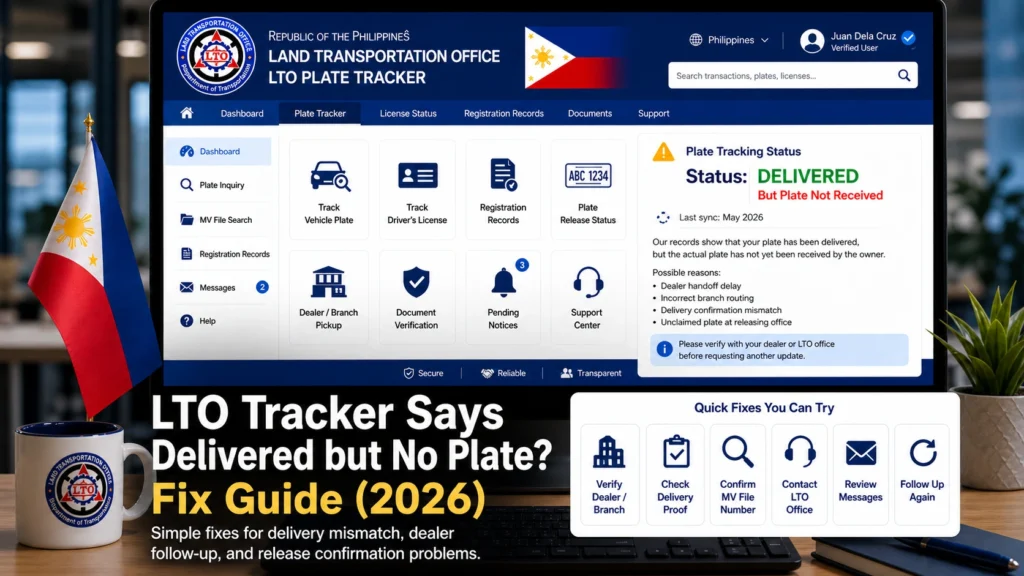
Do not rely only on the word “delivered” in the tracker. Check if there is a courier tracking number, receiver name, rider note, delivery photo, or time stamp.
If a courier is already assigned, contact the courier support team. Give them your tracking number, delivery name, phone number, address, and the date shown as delivered. Ask who received the plate and request proof of delivery.
If the courier cannot help, contact the LTO office, dealer, or release point shown in your tracker result. Tell them the tracker says delivered but you did not receive the plate.
Keep your OR/CR, valid ID, tracker screenshot, payment proof, courier tracking screenshot, and delivery address details. If someone else booked or paid for the delivery, include their details too.
Ask the courier or LTO support to verify the receiver name, delivery location, and package handover. Do not just ask, “Where is my plate?” Give clear details so they can check faster.
If a plate arrives later but the number does not match your OR/CR or tracker record, do not install it. Report the mismatch immediately and ask for correction.
What to Say When You Contact Support
Keep your message short and complete. Support teams can help faster when they have all the important details in one message.
Good day. My LTO Tracker status says my plate was delivered, but I have not received it. I already checked with my household/office/guardhouse and no one has the plate. My plate number is [plate number], MV file number is [MV file number], tracking/reference number is [number], and payment date is [date]. May I request proof of delivery and assistance in locating the plate?
When Should You Report It as Missing?
Report the issue if the tracker says delivered but nobody at your address received the plate, the courier cannot show proof of delivery, the receiver name is unknown, or the delivery location does not match your address.
You should also report it if the tracker says completed but there is no courier tracking number, no SMS, no email, and no clear proof that the plate was handed over to you.
Documents to Keep Ready
Before you follow up, prepare your documents. This makes the process easier and helps you avoid repeating the same details.
How to Avoid This Problem Next Time
FAQs
Conclusion
IIf the LTO Tracker says delivered but no plate arrived, stay calm and start with proof. Check your household, office, guardhouse, courier tracking page, and delivery address first. Many cases are caused by wrong receiver details, early courier tagging, or incomplete address information.
If you still cannot find the plate, contact the courier and LTO release point with your screenshots, OR/CR, valid ID, MV file number, and payment proof. The faster you report the missing delivery with complete details, the easier it is to trace where your LTO plate went.


