
LTO Plate Stuck on Locating Status? Fix Guide (2026)
Is your LTO plate stuck on locating status after you checked the LTO Tracker? You are not alone. Many vehicle owners see messages like “We are now locating your plate number” and do not know if their plate is missing, delayed, or already with the courier.
The good news is that this status does not always mean something is wrong. In many cases, it means your plate record is being checked, your physical plate is being located, or your delivery request is still moving through the system. This guide explains what the status means, what to check first, and what to do if it does not change.
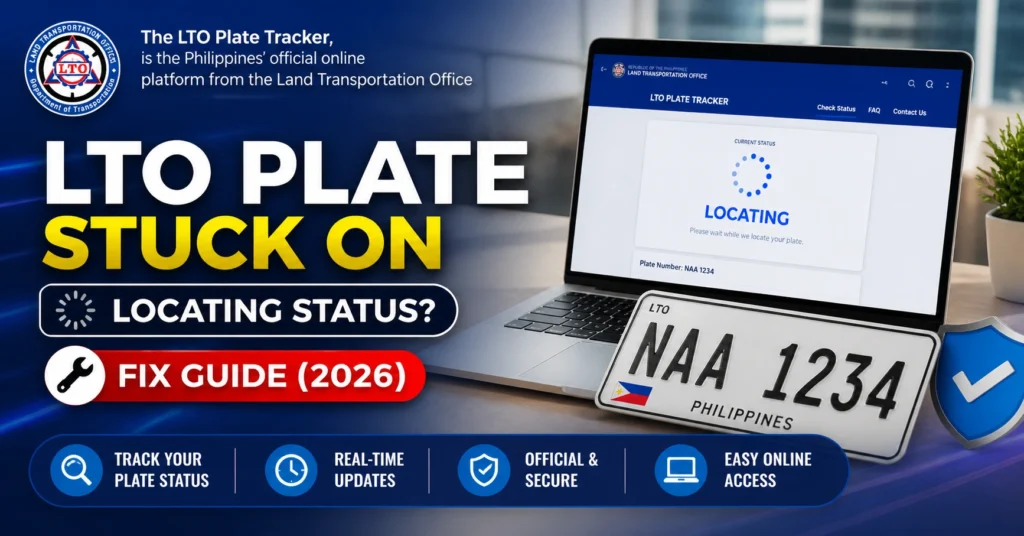
Quick Answer: What Does “Locating Your Plate Number” Mean?
You can also read: LTO Violation Check Online 2026: How to Verify and Settle Traffic Fines
Why Your LTO Plate Gets Stuck on Locating Status
The LTO Tracker connects your plate record, MV file number, pickup point, delivery option, and sometimes courier booking. If one part of that process is not fully updated, the tracker may keep showing a locating message.
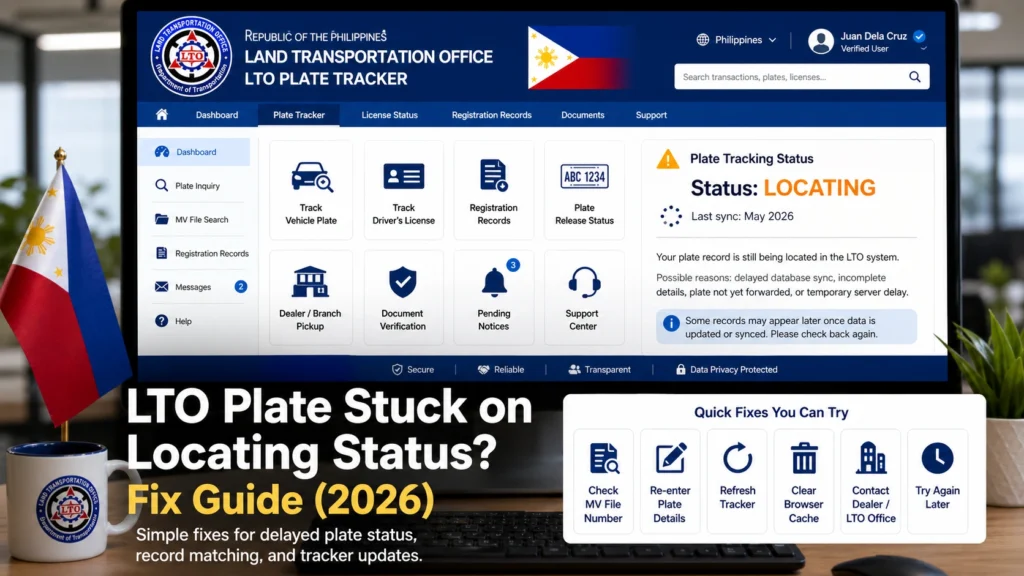
Here are the most common reasons this happens:
What to Check First Before You Panic
Before visiting an LTO office, do a few simple checks. These can save you time and help you explain the issue clearly if you need support.
Check using your MV file number
If you first searched using your plate number, try again using your MV file number. The MV file number is usually found on your Certificate of Registration or Official Receipt. Make sure you enter every digit correctly.
Take screenshots of the tracker status
Save a screenshot of the locating status, payment page, reference number, pickup point, and any delivery confirmation. These details are useful if the status does not move.
Check your SMS and email
Look for messages from the courier, LTO Tracker, payment provider, or delivery partner. Sometimes the courier tracking number is sent separately from the tracker page.
Review your uploaded documents
If your ID or OR/CR photo was blurry, cropped, expired, or mismatched, the delivery may be delayed. Make sure your name, address, and vehicle details are readable.
Confirm your delivery address
Check if your house number, street, barangay, city, province, and phone number are correct. A small address mistake can delay courier booking or delivery.
How Long Should You Wait?
Step-by-Step Fix for LTO Plate Locating Status
- Open the LTO Tracker again and search using both your plate number and MV file number. If one method does not show the right result, the other may give a clearer update.
- If you paid for delivery, save your payment receipt, reference number, date, amount, and payment method. Do not delete your GCash, QRPh, or bank confirmation.
- If the tracker shows an LTO office, dealer, or pickup point, write it down. This is usually the first place to contact if your status stays on locating.
- If a courier name or tracking number appears, contact the courier first. Give them your tracking number, delivery name, phone number, and address. If there is no courier tracking number yet, the plate may not have been handed over.
- If the status does not change, contact the LTO office shown in your tracker result. Explain that your plate is stuck on locating status and give them your plate number, MV file number, payment reference, and screenshot.
- Some owners want to pick up the plate instead of waiting for delivery. Do not assume this is allowed in every case. Ask the office first, especially if you already paid for courier delivery.
- If you go to an LTO office or dealer, bring a valid government ID, OR/CR, printed screenshots, payment proof, and authorization letter if someone else will claim the plate for you.
- आप जानकारी डाउनलोड भी कर सकते हैं, अगर आक इसकी जरूरत हो।
What If You Paid but Got No Tracking Number?
Can You Still Pick Up the Plate After Choosing Delivery?
When Should You Follow Up?
Follow up if the locating status stays the same for several business days after payment, if you have no courier tracking number, if the tracker says delivered but you received nothing, or if your plate details do not match your OR/CR.
When you message or call, keep it short and clear. Here is a simple format you can copy:
Good day. My LTO plate status is stuck on “locating your plate number.” I already checked using my plate number and MV file number. I also paid for delivery on [date]. My reference number is [reference number]. May I ask if my plate is already available for pickup or courier release?
Common Mistakes That Delay LTO Plate Delivery
Small mistakes can slow down your plate release. Before sending a complaint, check these common issues:
Simple Tips to Avoid More Delays
FAQs
Conclusion
If your LTO plate is stuck on locating status, do not panic right away. Start by checking your MV file number, payment receipt, delivery details, and tracker screenshots. In many cases, the status changes once the plate is verified or handed over to the courier.
But if the status stays the same for too long, take action. Contact the LTO office or release point shown in your tracker result, ask if courier pickup has started, and confirm whether personal pickup is possible. The earlier you organize your proof, the easier it is to get a clear answer.


