
How to Change LTO Plate Delivery Address Latest Update (2026)
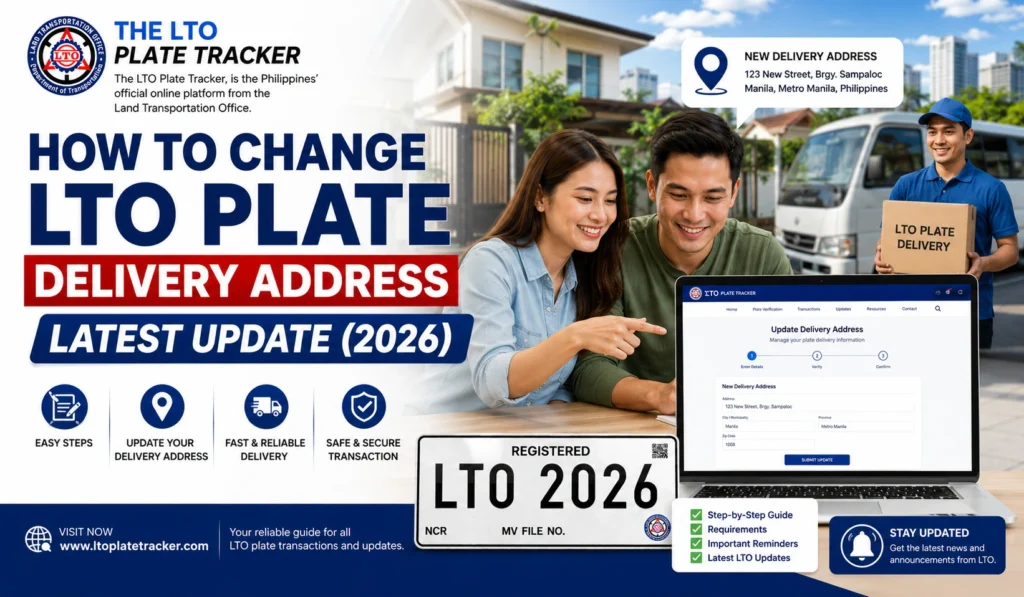
Sometimes when checking your LTO Tracker, you might notice that your vehicle plate is scheduled for delivery to the wrong address. Whether due to a typo, dealer error, or system issue, correcting the delivery address is essential to ensure your plate reaches you on time.
This guide explains the step-by-step process to update your LTO plate delivery address and tips to avoid delays.
Why You Might Need to Change Your Delivery Address
Common reasons for updating your plate delivery address include:
Incorrect Entry During Registration
Typographical mistakes in street number, barangay, city, or postal code can cause misdelivery.
Moving to a New Address
If you moved after registration, the original delivery address may no longer be valid.
Dealer Input Error
If a dealer processed your registration, they might have submitted the wrong address.
Courier System Error
Even with correct details in LTO records, courier misrouting can sometimes require address updates.
You can also read: LTO Plate Claim Authorization Letter Latest Update Guide 2026
Step-by-Step Guide to Change Your LTO Plate Delivery Address
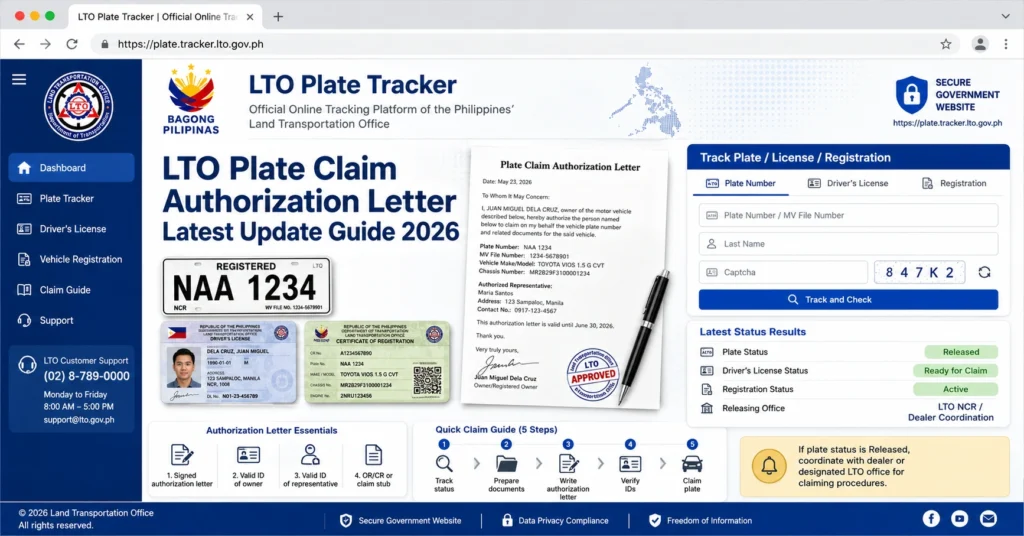
Log in to LTO Tracker and check the delivery address associated with your plate.
Note any discrepancies between the tracker address and your intended delivery address.
Take a screenshot for reference when contacting LTO or your dealer.
Call or visit the LTO office where your vehicle was registered.
Bring your OR/CR, plate number, and valid ID.
Request that the branch update the delivery address in their system.
Confirm that the change is reflected in the LTO tracker.
If a dealer handled your registration, inform them of the correction.
Dealers can often expedite the update and communicate directly with the LTO branch.
Ensure they submit the updated address to avoid delivery confusion.
If your plate is already in transit, contact the courier service immediately.
Provide your tracking number and correct delivery address.
Ask if they can reroute or hold the package until it reaches the correct address.
Check the LTO Tracker daily to ensure that the delivery address has been corrected.
Keep screenshots of the updated tracker for reference and proof of change.
Table: Steps to Change LTO Plate Delivery Address
| Step | Action | Notes |
|---|---|---|
| 1 | Verify Tracker | Confirm current delivery address, take screenshot |
| 2 | Contact LTO Branch | Provide OR/CR and request update |
| 3 | Notify Dealer | Ensure dealer submits updated address if involved |
| 4 | Contact Courier | Reroute or hold package if already dispatched |
| 5 | Confirm Update | Monitor LTO Tracker until corrected |
Tips to Avoid Delivery Address Mistakes
FAQs
Conclusion
Changing your LTO plate delivery address is straightforward if you act quickly. Always verify your tracker, contact the LTO branch and dealer if needed, and coordinate with the courier for rerouting.
Keeping all documents handy and monitoring the tracker ensures your plate reaches the correct address without unnecessary delays.


