
LTO Tracker Pending Template Delivery Meaning Update 2026
If you’ve checked your LTO Tracker and seen “Pending Template Delivery”, you might feel confused or worried. Don’t panic! This status is completely normal and just means that your plate request is still being processed by LTO before it reaches the delivery stage. Many users also see messages like “We are now locating your plate number”, which means LTO is verifying your plate details and preparing it for shipment or branch pickup. Understanding what this status means will save you time, reduce unnecessary trips to the LTO, and help you track your plate efficiently.
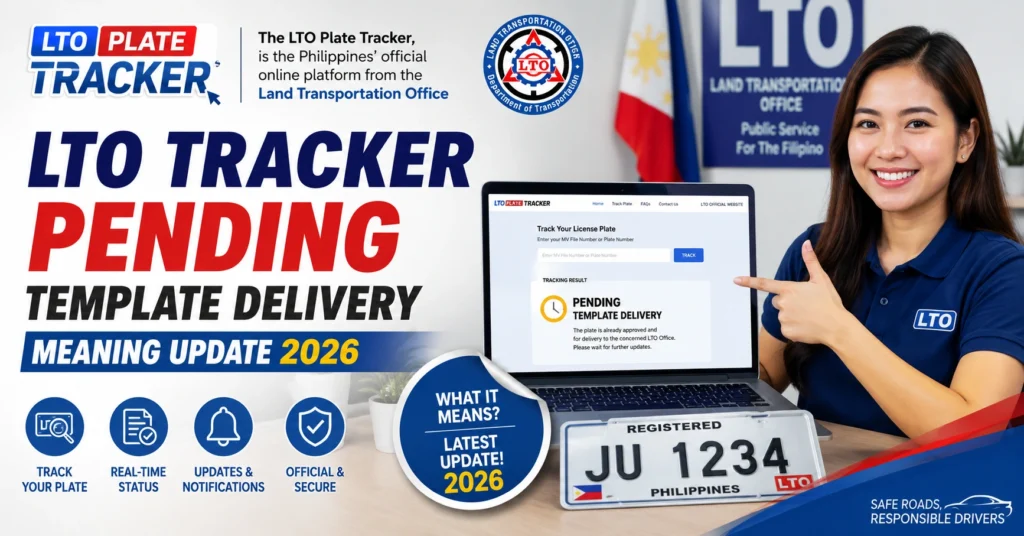
What “Pending Template Delivery” Really Means
If you’ve checked your LTO Tracker and seen “Pending Template Delivery”, it’s normal to wonder if something went wrong. The good news: this status is not an error — it means your plate request is still being worked on by the LTO.
In simple terms, **“Pending Template Delivery” means LTO has received your application and payment, but your plate has not yet been handed over to the delivery partner. It’s part of the official process before your plates are shipped or available for pickup.
You might also see phrases like “We are now locating your plate number” or “for verification.” These messages occur when LTO is verifying, matching, or preparing your plate details for the next step.
This is a standard part of the system, and many users see this status for a few days up to several weeks before the update changes.
You can also read: LTO Tracker Pending Template Delivery Meaning Update (2026)
Why This Status Appears (Simple Explanation)
“Pending Template Delivery” appears for a few key reasons:
Verification Stage
After payment, LTO checks your details against their database — this includes your MV File Number, engine/CHASSIS information, and other records. The system won’t release your plate to the courier until everything matches.
Plate Preparation
Once verified, the plate must be printed, quality‑checked, and packaged. Only after this is your plate handed over to the courier or set for pickup.
System Timing
Tracker updates tend to lag behind real internal processing. It may look like nothing is happening online, even when LTO staff have already started working on your request.
This is why the “Pending Template Delivery” stage can last anywhere from a few days to a few weeks.
Step‑by‑Step Plate Delivery Process in LTO Tracker
Understanding the entire process can help ease confusion and reduce anxiety while you wait:
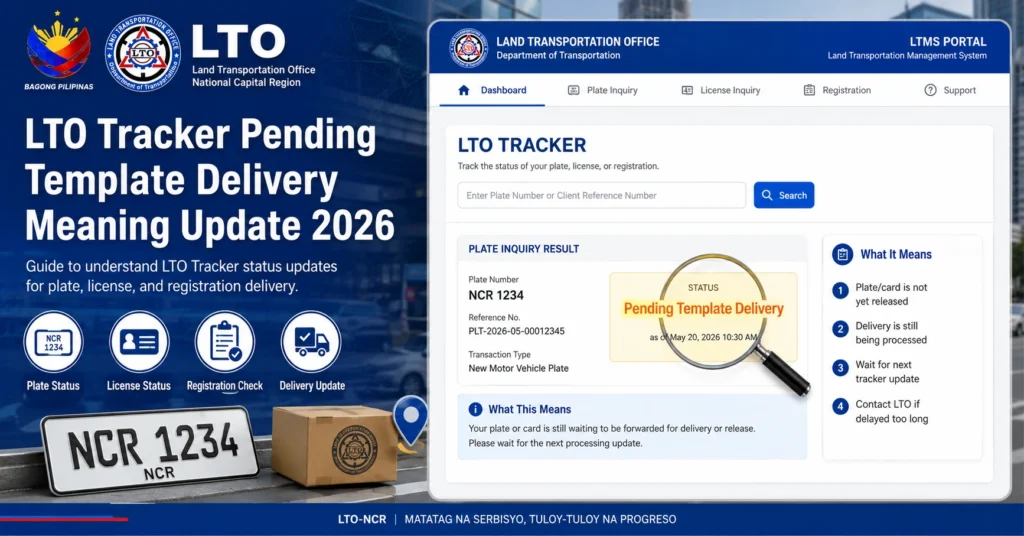
Payment Confirmed
You pay for your plate via the official LTO payment portal.
Once payment is successful, your request goes into LTO’s queue.
Verification and Matching
LTO verifies your plate number and ownership details.
The system checks your MV File Number and any entered data.
Status: Pending Template Delivery
This is the stage where the system prepares your plate for delivery.
It is common and expected at this point.
Plate Printed and Packaged
Your plate is printed, checked, and packed.
Once ready, LTO releases it to the courier.
Courier Handoff & SMS Tracking
Once handed to the delivery partner, you receive an SMS tracking number.
The status changes from “pending” to courier tracking.
Final Delivery or Branch Pickup
Your plate is delivered to your address, or you pick it up from the assigned LTO branch if that option was chosen.
Tip: If you don’t receive an SMS tracking number within the normal processing period, check your contact number on file or follow up with LTO.
Common Issues With Pending Template Delivery (And How to Fix Them)
Many users share the same concerns when seeing this message. Here are real problems and simple ways to handle them:
What to Do:
Contact your LTO office or Client Care if nothing changes after this period.
Wait within the usual processing window (about 3–4 weeks).
Keep screenshots of your tracker and payment receipts.
This usually happens if:
- Your registered contact number is outdated.
- SMS got filtered as spam.
Fix: Verify your contact details with LTO or check again in your spam message folder.
Some Tracker results show a different office address, which leads to confusion.
Tip:
Confirm directly with LTO Customer Care or your local office before going there. The tracker data may lag behind or be incomplete.
Occasionally, the payment hasn’t fully cleared even if you got a confirmation email.
Solution:
Wait a few hours and check again. If it still shows pending, contact the payment support team.
How Long Does It Usually Take?
Processing time varies, but here are typical timelines:
| Request Type | Estimated Time | What It Means |
|---|---|---|
| New Plate | 3–4 weeks | Standard processing + delivery |
| Replacement Plate | 2–3 weeks | Faster but still pending first |
| Driver’s License | 1 week | Usually quicker |
| No SMS Received | Follow up after 3–4 weeks | Contact LTO |
Keep in mind that regional offices may process at different speeds, and delays sometimes occur during peak periods.
What You Should Do While Waiting
Check Tracker Regularly:
Updates can happen without notice.
Save Proof:
Keep screenshots of payment and tracker status.
Keep Contact Info Updated:
This ensures SMS notifications reach you.
Reconfirm Courier Tracking:
Use your SMS tracking number once sent.
Follow Up After Standard Time:
If your status doesn’t update after 4 weeks, contact LTO support.
FAQs
Conclusion
“Pending Template Delivery” is not an error — it’s a normal part of how the LTO Tracker system works. It simply means your plate is still being prepared and hasn’t been handed to the courier yet. Most users see this status for a few days up to a few weeks before the next update.
Stay patient, follow the step‑by‑step process above, and use the FAQs to guide your expectations. Always keep proof of payment and check for SMS tracking updates so you know when your plate is ready to be delivered.


