
LTO Plate Produced but Still Not Available: Fix Guide (2026)
Sometimes, when you check your LTO Tracker, it shows that your plate is “Produced”, but you still haven’t received it. This can be confusing and stressful, but it’s a common issue that can usually be resolved quickly.
This guide explains why your plate may not be available yet and what you can do to get it without unnecessary delays.
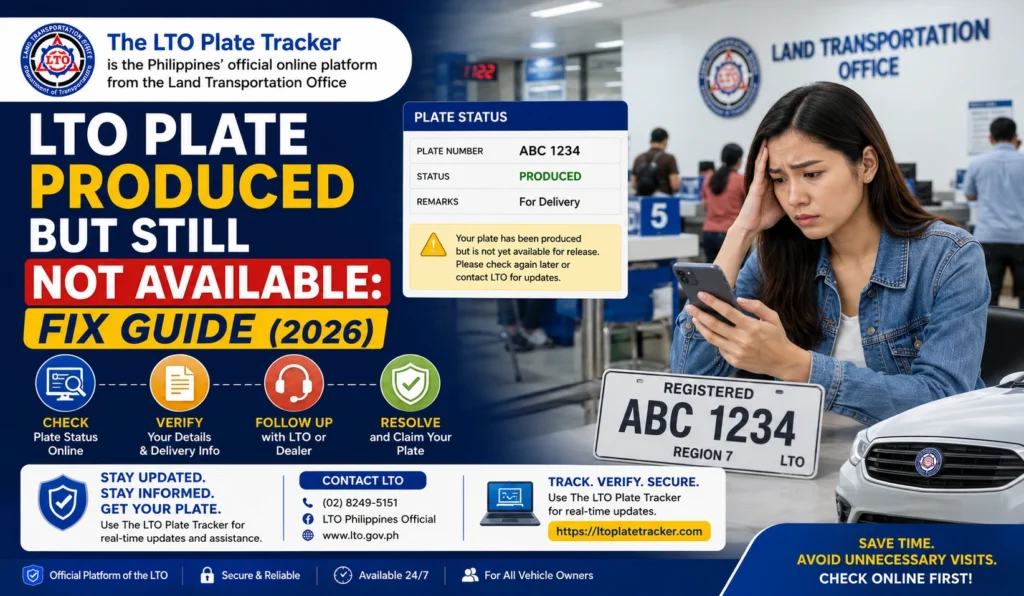
Why This Happens
Even though the tracker says your plate is produced, it may not be immediately available due to:
Courier or delivery delay
If you opted for home delivery, your plate may be in transit but not yet scanned as delivered. Delivery schedules can vary depending on the courier or location.
Pending LTO processing
After production, the plates still need to be recorded in the LTO system and scheduled for release. This can take a few days, especially if the branch handles many requests.
Regional differences
Plates produced in one region may take longer to reach another region due to logistics and transport schedules.
System update delays
Sometimes, the tracker updates before the plate is physically available. This means your plate may already be ready for pickup or delivery but isn’t reflected in the system yet.
You can also read: What to Do If Your LTO Plate Was Received by Someone Else
How to Check and Follow Up
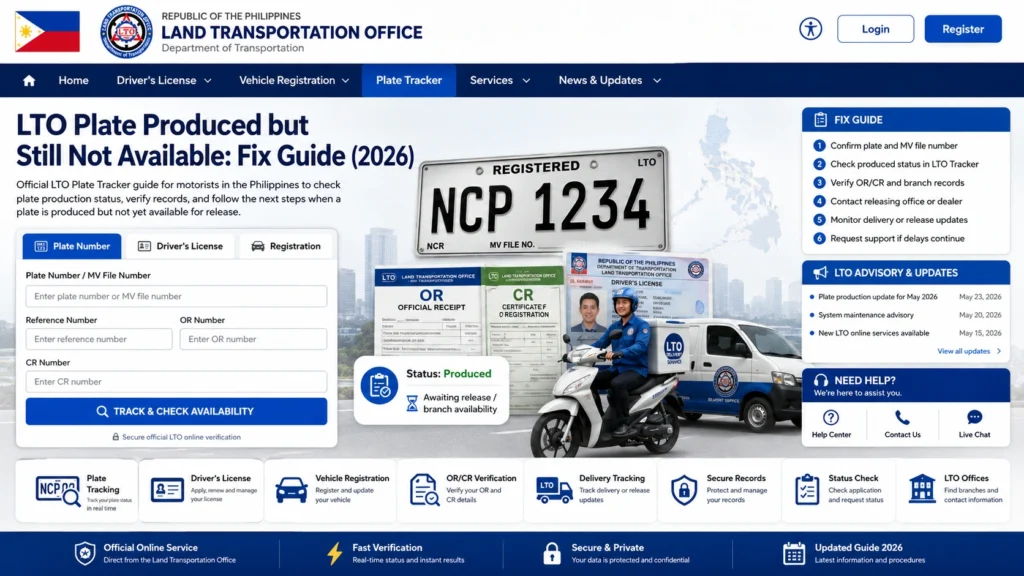
Check your LTO Tracker and take note of:
- Plate number
- Status (Produced, Ready for Release, Delivered)
- Any delivery option available
If the tracker shows “Produced” but no delivery or pickup option, you need to follow up.
If you chose home delivery:
Sometimes the plate is already in transit, but the system hasn’t updated.
Ask the courier for the current location of your plate.
Provide your plate number and tracking details.
If the plate isn’t delivered after several days:
- Bring your OR/CR and valid ID
- Ask the staff to verify if your plate is ready for release
- Request guidance for pickup or re-scheduling delivery
Most offices can confirm the plate’s status within the day.
If your registration was processed by a dealer:
Dealers can help clarify if the LTO system updated early or if the plate is still in transit
Ask if the dealer has received or is holding your plate
Tips to Speed Up Your Plate Delivery
Table: Steps to Take When Plate is Produced but Not Available
| Step | Action | Notes |
|---|---|---|
| 1 | Check Tracker | Note status, plate number, and delivery option |
| 2 | Contact Courier | Provide plate number and waybill info, confirm transit |
| 3 | Visit LTO Office | Bring OR/CR and ID, ask for pickup or release info |
| 4 | Contact Dealer | Verify if they received or are holding your plate |
| 5 | Follow Up | Keep screenshots and confirm status updates regularly |
FAQs
Conclusion
Seeing “Produced” but not receiving your plate can be frustrating, but it’s usually a delivery or system delay, not a lost plate. Check your tracker regularly, follow up with the courier, LTO, or dealer, and keep all records. Most drivers receive their plate within a few days after following up, so staying calm and proactive solves the issue quickly.


