
eGovPH Approved but LTO Tracker Still Pending — What It Means
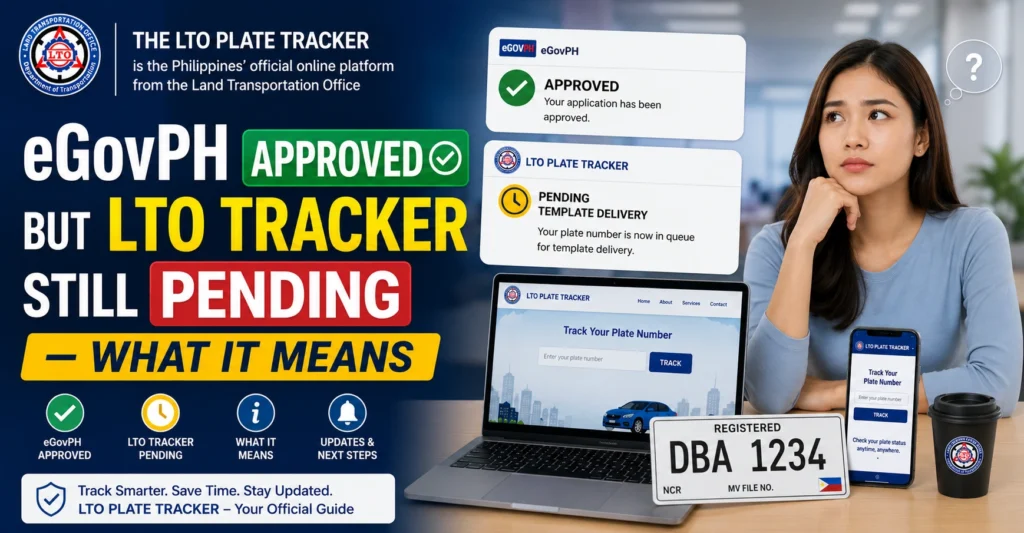
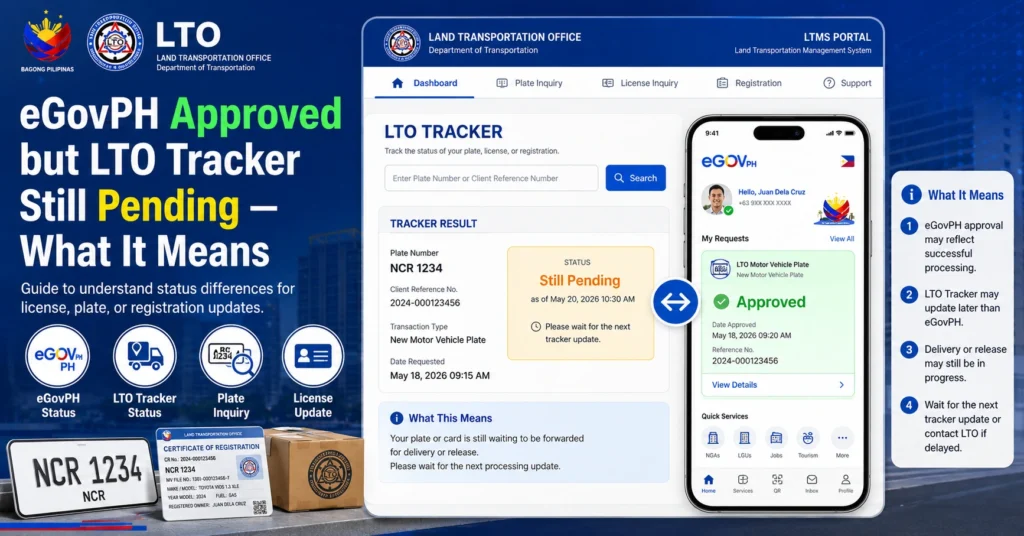
If your eGovPH application shows approved, but your LTO Tracker still shows pending, it is normal. eGovPH approval confirms your online submission, but the LTO Tracker reflects internal processing. This means your request, whether for a plate or driver’s license, has not yet moved into the next phase of verification, printing, or delivery. Understanding this can help you avoid unnecessary trips and stay informed about your request status.
Why eGovPH and LTO Tracker Show Different Statuses
There are several reasons for the difference:
Separate Systems That Don’t Sync Immediately
eGovPH and LTO Tracker are connected, but not in real time. Once eGovPH approves your request, it still enters LTO’s internal queue for verification and preparation.
Internal Verification by LTO
LTO checks your information, payment, and documents before updating the tracker.
Workflow Processing Time
LTO processes many requests daily. Even after approval, requests are queued for verification, printing, packaging, and release.
You can also read: LTO Tracker Pending Template Delivery Meaning Update 2026
Step-by-Step After eGovPH Approval
How Long It Usually Takes
Processing times vary depending on the type of request.
| Type of Request | eGovPH Status | Typical Tracker Status | Expected Time |
|---|---|---|---|
| New Plate Application | Approved | Pending to Ready for Delivery | 3–4 weeks |
| Replacement Plate | Approved | Pending to Delivered | 2–3 weeks |
| Driver’s License | Approved | Pending to Ready for Pickup | 1–2 weeks |
| No SMS Tracking Yet | Approved | Pending | Check after normal processing time |
Common Reasons Your Tracker Stays Pending
What You Should Do While Waiting
How to Contact LTO If Needed
Tips to Avoid Future Delays
FAQs
Conclusion
Seeing eGovPH approved but LTO Tracker still pending is normal. eGovPH approval confirms your submission, but the tracker reflects internal LTO verification and preparation. By following the step-by-step process, monitoring tracker updates, keeping your proof of payment, and contacting LTO if needed, you can track your plate or license confidently and avoid confusion.


