
LTO Plate Status Changed Back to Locating: (Guide 2026)
If you checked your LTO Tracker and noticed that your plate status suddenly changed back to “Locating” after being marked as produced, ready, or dispatched, don’t panic. This is a common issue caused by system updates, courier errors, or processing delays.
This guide explains why it happens, what steps you should take, and practical tips to get your plate without stress.
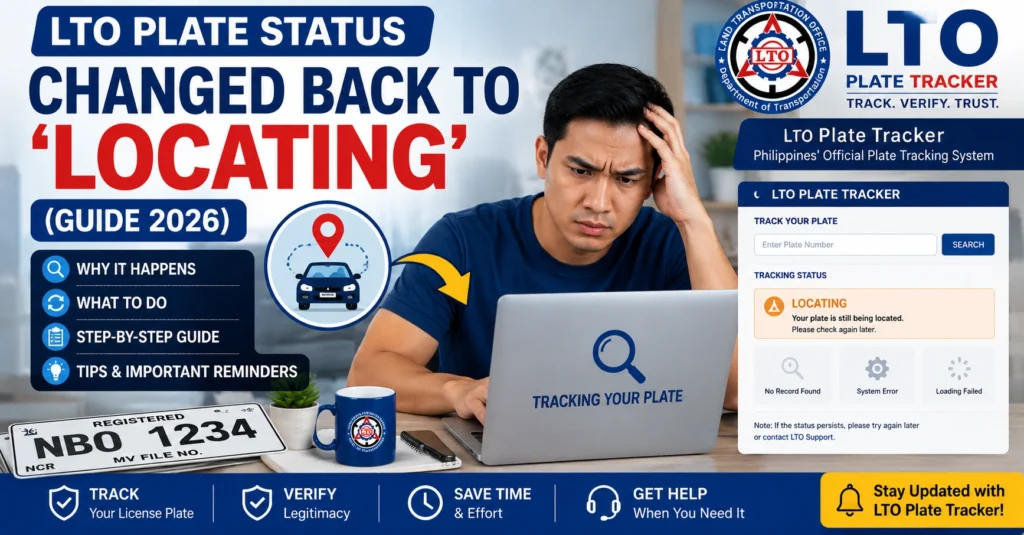
Why the Status Changes Back to Locating
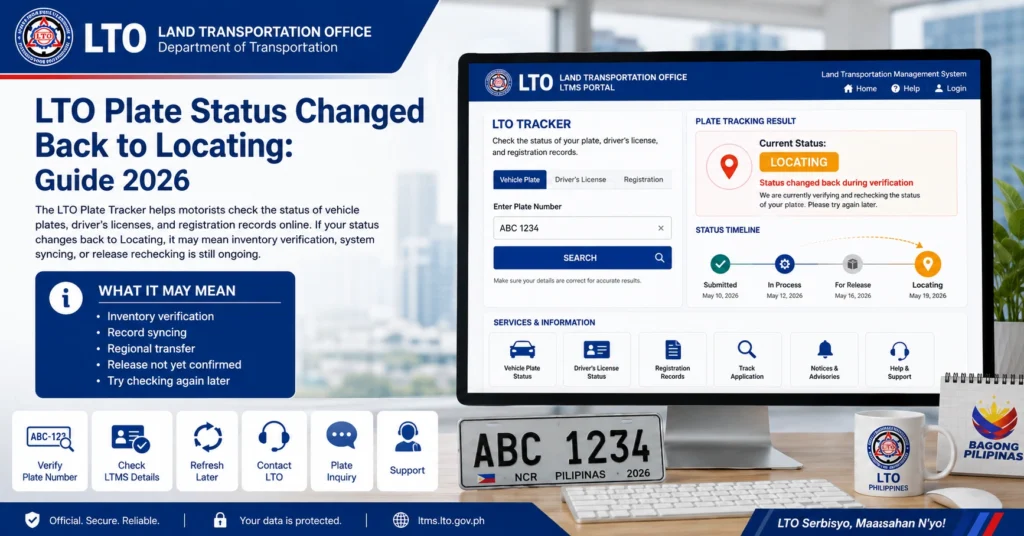
When your plate status reverts to “Locating,” it can happen for several reasons:
System or Database Update
The LTO updates its tracker in batches. During system synchronization, statuses may temporarily revert. This is more common when multiple batches are processed at once, and the system needs to reconcile delivered and produced plates.
Courier Scanning Error
If the plate is scanned incorrectly while in transit, the tracker may display “Locating” even if the plate is already produced or dispatched.
Plate Production Issue
Sometimes a plate may have been produced but flagged for verification, reassignment, or quality check. This can cause a temporary status change back to “Locating.”
Human Error at LTO
LTO processes thousands of documents daily. Misentered or delayed updates may temporarily affect the tracker.
Even if the tracker shows “Locating,” your plate may already be produced or in transit.
You can also read: LTO Tracker Problems: Complete Troubleshooting Guide 2026
How to Check Your Plate Status
Checking your plate’s actual status helps reduce stress and confirms whether action is needed:
Verify Tracker Details:
Open LTO Tracker and note the plate number, status, and delivery/pickup option.
Take Screenshots:
Document the status to provide proof when contacting LTO, the courier, or your dealer.
Compare with OR/CR:
Ensure the plate number matches your documents. A mismatch can indicate a separate issue needing resolution.
Steps to Resolve Status Reversion
If you opted for home delivery:
Confirm the expected delivery date. Courier delays or scanning errors often cause the “Locating” status.
Ask for the current location of your plate.
Provide the plate number and waybill to confirm whether it’s in transit or held in a warehouse.
If the status does not update after a few days:
Request clarification if the tracker shows conflicting information.
Bring OR/CR and valid ID.
Ask the staff to check the plate’s physical location and confirm readiness for release.
If your registration went through a dealer:
Dealers may clarify whether the tracker reverted due to a system error or mis-scanned plate.
Ask if the dealer has received or is holding your plate.
Monitor the tracker every 24–48 hours.
Updates may appear without notice, and frequent checks can prevent unnecessary visits.
Tips to Handle Tracker Reversions
Table: Steps to Take When Plate Status Reverts to Locating
| Step | Action | Notes |
|---|---|---|
| 1 | Verify Tracker | Note current status, plate number, delivery/pickup option, take screenshots |
| 2 | Contact Courier | Confirm plate location and transit status |
| 3 | Visit LTO Office | Bring OR/CR and ID, ask staff for confirmation |
| 4 | Contact Dealer | Verify if dealer has plate or info |
| 5 | Follow Up | Recheck tracker every 24–48 hours until status updates |
Common Reasons for Tracker Confusion
Batch Updates
Multiple plate batches may be processed simultaneously, causing temporary inconsistencies.
Regional Delivery Differences
Plates produced in one region may take longer to appear as ready in another region due to logistics.
Delayed Courier Scanning
A plate may have physically moved but not yet scanned, showing an outdated status online.
Pending Verification or Quality Check
LTO sometimes flags plates for inspection before final release. This may temporarily revert the status.
Home Delivery vs LTO Pickup
| Option | Pros | Cons | Best For |
|---|---|---|---|
| Home Delivery | Convenient, arrives at your door | Can be delayed or mis-scanned | Drivers far from LTO branches |
| LTO Pickup | Direct collection, no scanning errors | Requires visiting LTO, may have long lines | Those who want faster verification |
How to Prevent Future Status Confusion
FAQs
Conclusion
A status change back to “Locating” can be worrying, but most of the time it’s a system update, courier delay, or scanning error, not a lost plate. Monitor your tracker, contact LTO, courier, or dealer if needed, and stay proactive. Keeping records and acting quickly ensures your plate is released safely without unnecessary delays.


