
LTO Tracker for Second-Hand Vehicles: Full Guide Update 2026
Buying a second-hand vehicle can be exciting, but checking its registration and plate status can sometimes be confusing. That’s where the LTO Tracker comes in. It lets vehicle owners track their plates and registration online, even for second-hand vehicles, saving time and unnecessary trips to the LTO office.
This guide will show you how to use the LTO Tracker for second-hand vehicles and what to do if issues come up.
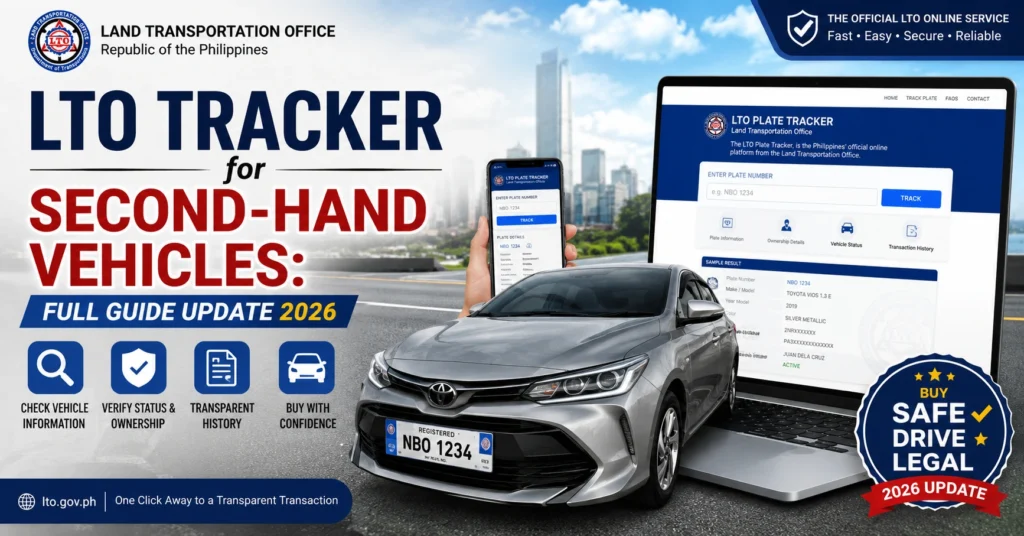
What is the LTO Tracker?
The LTO Tracker is an online tool by the Land Transportation Office. It helps vehicle owners:
For second-hand vehicles, this is especially helpful because ownership transfers can sometimes delay updates in the system.
You can also read: LTO Tracker for New Motorcycles: Full Guide Update (2026)
Using LTO Tracker for Second-Hand Vehicles
Here’s a simple step-by-step guide:
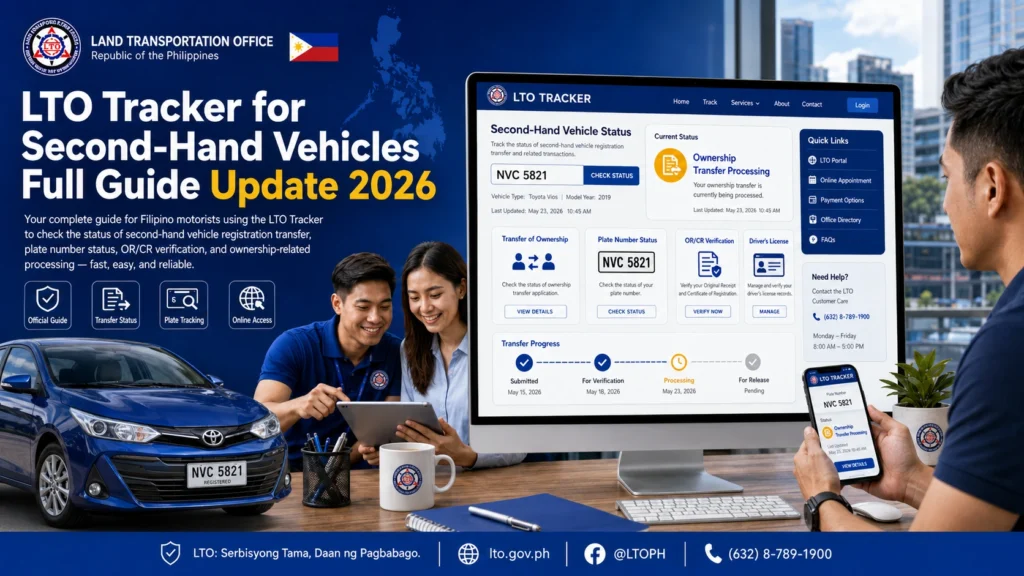
Always use the official website or the eGovPH app to avoid errors.
You will need:
Birthdate of the registered owner
MV File Number from the Certificate of Registration (CR)
Plate Number (if available)
OR/CR number
After entering your details, the tracker will show:
Dispatched / Received – Plate is with the courier for delivery
Processing – LTO is updating records
Being Reviewed – Ownership or documents are under verification
Available / OK – Plate is ready for pickup or delivery
Special Considerations for Second-Hand Vehicles
Second-hand vehicles have some unique considerations:
Ownership Transfer Must Be Complete
The tracker will only show updated records after the ownership transfer is processed. Make sure the deed of sale and proper documentation are submitted to LTO.
Authorization May Be Needed
If you are not the registered owner, you may need an authorization letter to claim plates or check status.
Address Updates
If the delivery address differs from the original registration, inform the LTO to avoid delays.
Common Issues and How to Fix Them
Even with the tracker, second-hand vehicle owners may encounter some problems:
MV File Number Not Found
Double-check the number from the CR
Wait a few business days for the system to update
Visit the LTO branch if still not found
Wrong Plate or Mismatch
Confirm the OR/CR details
Contact the LTO branch if the plate delivered does not match the tracker
Delayed Delivery
Courier deliveries may take extra days
Track your delivery reference number and follow up with the LTO branch if needed
Tracker Not Loading
Clear browser cache or try a different browser
Use the eGovPH mobile app
Tips for Smooth Tracking
FAQs
Conclusion
The LTO Tracker is a useful tool for second-hand vehicle owners. It allows you to monitor your plate and registration status without visiting the office multiple times.
By following the steps above, double-checking your details, and being aware of ownership requirements, you can avoid common issues and ensure your second-hand vehicle is properly tracked and delivered.
Patience is key — once your records are updated, the tracker will reflect the correct status, making your experience smooth and hassle-free.


