
Claiming LTO Plate Under Previous Owner Name: Guide (2026)
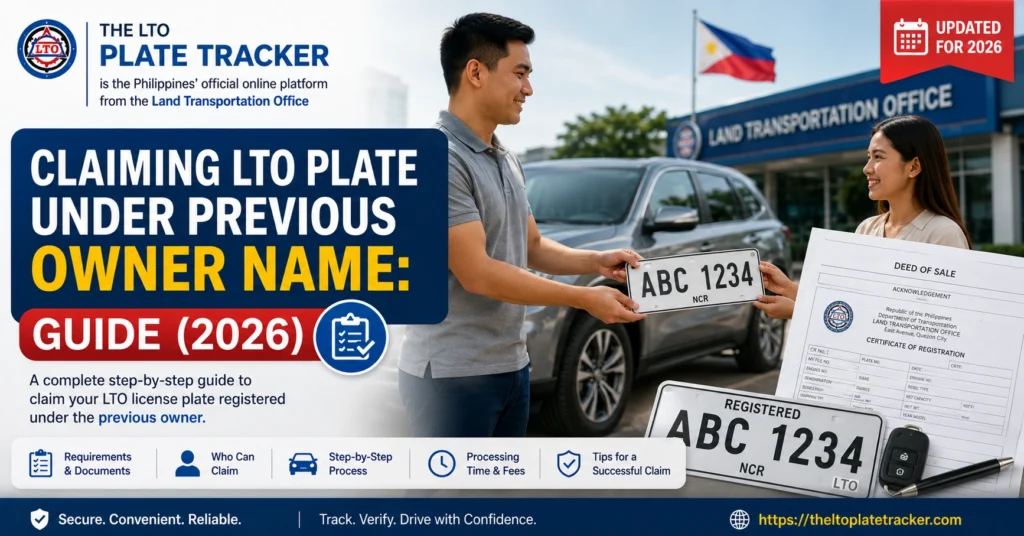
If you bought a vehicle from someone else and need to claim its LTO plate, you might encounter situations where the plate is still registered under the previous owner’s name. This is common with second-hand vehicles, and knowing the correct process can save you time and frustration.
This guide explains how to claim an LTO plate under a previous owner’s name, the requirements, and tips for a smooth process.
Why Plates Might Still Be Under the Previous Owner
When a vehicle changes hands, the ownership transfer may not yet be fully updated in LTO records. Until the transfer is processed:
You can also read: LTO Plate Claim Requirements for Used Cars: Guide (2026)
Requirements to Claim a Plate Under Previous Owner Name
To claim a plate that is still under the previous owner, you will typically need:
Original OR/CR
The Official Receipt and Certificate of Registration showing the previous owner.
Deed of Sale or Transfer of Ownership
A notarized document proving the vehicle was sold or transferred to you.
Authorization Letter (if applicable)
If you cannot claim the plate in person, the previous owner can provide an authorization letter.
Valid IDs
Both your ID and the previous owner’s ID may be required for verification.
LTO Processing Fee (if applicable)
Any transfer or release fees required by the LTO branch.
Steps to Claim the Plate
Follow these steps to successfully claim the plate:
Verify Ownership Transfer
Make sure the transfer of ownership has been submitted to the LTO and processed. Without this, the LTO may not release the plate.
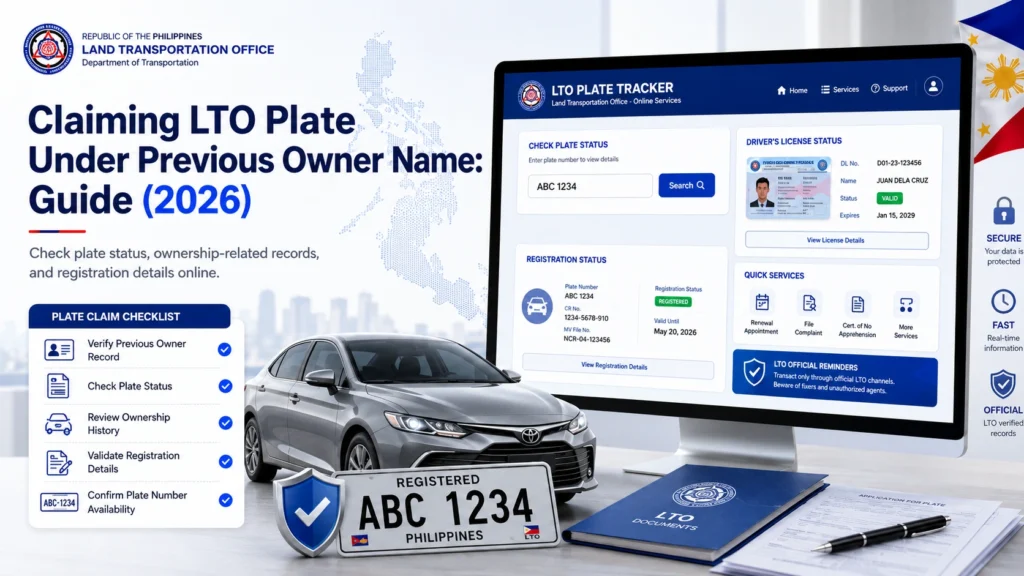
Check the LTO Tracker
Enter the MV File Number or OR/CR details to see if the plate is ready for pickup or delivery.
Prepare the Required Documents
Gather OR/CR, deed of sale, authorization letter (if needed), and IDs.
Visit the LTO Branch
Go to the branch indicated for your vehicle. Submit your documents and inform them you are claiming a plate under the previous owner’s name.
Claim the Plate
Once verified, the LTO will release the plate to you. Ensure that all details match your records before leaving the branch.
Common Issues and Solutions
This usually happens if the ownership transfer is still processing. Wait 1–3 business days and try again.
You need an authorization letter from the previous owner if they cannot come with you.
If LTO records differ from your documents, request a verification and present your OR/CR and deed of sale.
Tips for a Smooth Claim
FAQs
Conclusion
Claiming an LTO plate under the previous owner’s name is straightforward if you have the right documents and follow the proper steps. Always ensure the ownership transfer is processed, bring all required documents, and verify the details with the LTO branch.
By following these steps, you can claim your plate safely and avoid unnecessary delays or complications.


