
LTO Plate Available but Dealer Has None? Fix Guide (2026)
You checked the LTO Tracker and saw that your plate is already available or released. So you contacted your dealer, expecting good news. But then they said, “Wala pa po sa amin,” or they do not have your plate yet. That can be frustrating, especially if you have waited for weeks or months.
This problem happens when the online tracker shows that the plate has been released, but the dealer has not yet received, sorted, recorded, or prepared it for claiming. It does not always mean your plate is missing. But you should follow up the right way so you do not waste time going back and forth.
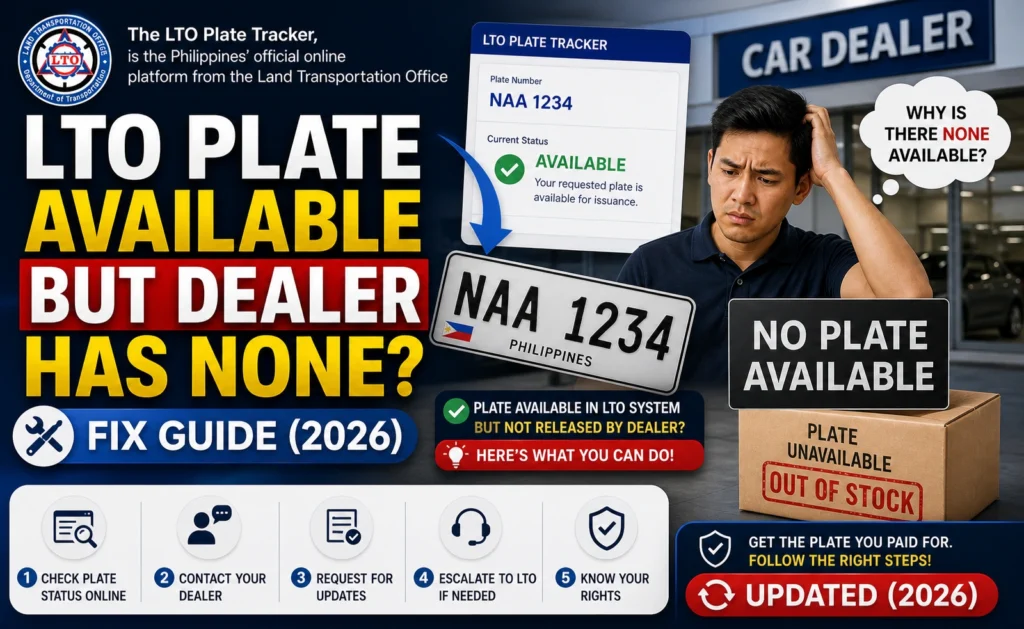
Quick Answer: Why Does LTO Tracker Say Available but Dealer Has None?
You can also read: Wrong LTO Plate Delivered? Steps to Fix It Update (2026)
Why This Dealer Mismatch Happens
The LTO Tracker and the dealer’s actual plate inventory may not update at the same time. The tracker may already show that your plate has been released, while the dealer may still be waiting for the physical batch, sorting the plates, or checking which customers can claim them.
Dealers also handle many vehicle registrations at once. If your plate was part of a large batch, it may take time before staff identify, record, and contact the correct owner. That is why a plate can appear online before the dealer calls you.
Check These Details Before Visiting the Dealer
Save the LTO Tracker result
Take a screenshot showing your plate number, MV file number, status, release point, dealer name if shown, and date checked. This helps prove that the tracker showed your plate as available.
Search using your MV file number
If you searched by plate number first, try searching again using your MV file number. The MV file number is usually found on your Certificate of Registration or Official Receipt.
Check the release location
Do not assume the plate is at the dealer just because the dealer processed your registration. Look carefully at the location or office shown in the tracker result.
Ask your dealer for a written reply
Instead of only calling, message or email your dealer. Send the tracker screenshot and ask if your plate batch has already arrived. A written reply is useful if you need to escalate the issue later.
Check your OR/CR details
Make sure your name, vehicle details, MV file number, and plate number are correct. If there is a mismatch, the dealer may not release the plate until the record is verified.
Step-by-Step Fix If Dealer Says They Have No Plate
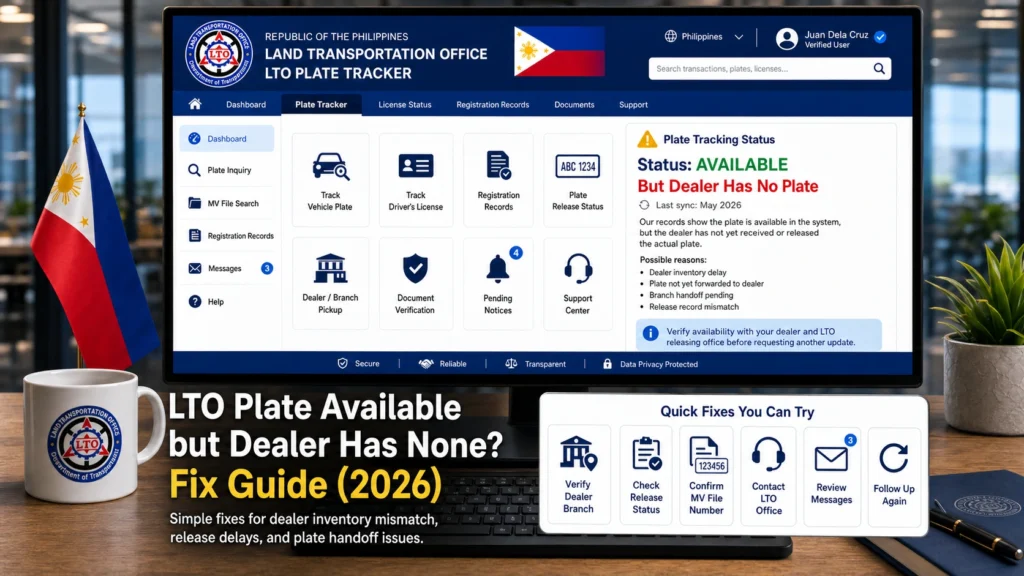
Check if the status says available, released, ready for pickup, or for delivery. These statuses can mean different things. Save the exact wording before contacting anyone.
Message your dealer and include the screenshot. Ask them to check using your plate number, MV file number, and date of registration.
Sometimes the dealer has not received the latest plate batch yet. Ask if the batch containing your vehicle registration has already arrived and been sorted.
If the dealer still says they do not have it, contact the LTO office, district office, or NRU office shown in the tracker result. Ask whether the plate was released to the dealer, still at the office, or available for direct claiming.
Some plates must be claimed through the dealer, while others may be available at a specific LTO office. Ask clearly if you can claim it personally or if only the dealer can pick it up.
If you are told to visit the dealer or LTO office, bring your valid ID, OR/CR, tracker screenshot, authorization letter if needed, and proof that you own or are authorized to claim the vehicle plate.
What to Say to the Dealer
Keep your message polite and clear. You can copy this:
Good day. I checked the LTO Tracker and my plate appears as available/released. However, I was informed that it is not yet with the dealer. My plate number is [plate number], MV file number is [MV file number], and vehicle details are [vehicle model]. I have attached the tracker screenshot. May I ask if the plate batch has already arrived or if I should coordinate with the LTO office shown in the result?
What to Say to the LTO Office
If the dealer cannot confirm your plate, contact the LTO office shown on the tracker result. Use this simple message:
Good day. The LTO Tracker shows that my plate is available/released, but my dealer says they do not have it yet. My plate number is [plate number], MV file number is [MV file number], and dealer is [dealer name]. May I confirm if the plate was already released to the dealer, still at your office, or available for personal claiming?
Documents to Prepare
Before you go to the dealer or LTO office, prepare your documents. This will make the process faster and prevent another wasted trip.
Can You Claim the Plate Directly from LTO?
Common Mistakes to Avoid
When the tracker and dealer give different answers, it is easy to get frustrated. But avoid these mistakes:
FAQs
Conclusion
If your LTO plate is available but the dealer has none, stay calm and follow the paper trail. The tracker may be updated before the dealer receives or sorts the physical plate. Start by saving your tracker screenshot, checking with your MV file number, and asking your dealer for a clear written reply
If the dealer still cannot find it, contact the LTO office or NRU office shown in the tracker result. Ask if the plate was already released to the dealer, still at LTO, or available for personal pickup. Clear proof and polite follow-up can save you from repeated visits and confusing answers.


