
LTO Tracker Payment Successful but Pending: What to Do (2026)
If you made a payment for your LTO plate or registration online and the system says “Payment Successful but Pending”, it can be confusing. Many vehicle owners face this situation when using the LTO Tracker or online payment system.
This guide explains why payments may remain pending, what steps to take, and how to ensure your plate or license is processed correctly.
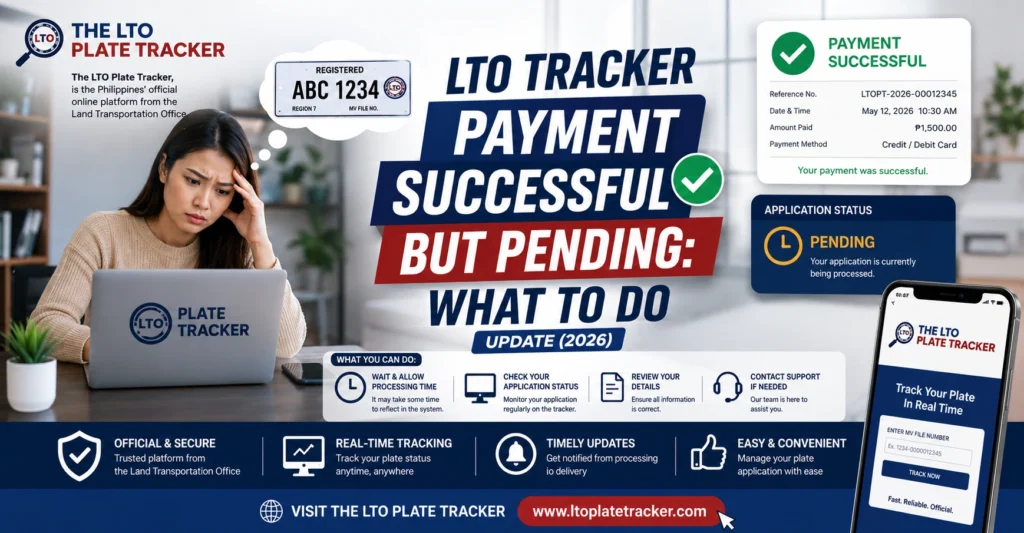
Why Your Payment Shows as Pending
Even after a successful payment, the LTO system may temporarily mark it as pending due to:
Online payments may take a few hours or even a day to reflect in LTO’s system. This is common for GCash, online banking, or credit/debit card transactions.
The LTO Tracker may not immediately sync with your payment information. It can take some time before the status updates.
If your MV File Number, OR/CR number, or personal information was entered incorrectly, the system may not confirm the payment immediately.
During peak registration periods, payments may take longer to process due to high transaction volume.
Occasionally, the website or app experiences temporary technical issues that delay updating payment status.
You can also read: LTO Plate Pickup vs Delivery: Which Is Faster? Update (2026)
Steps to Resolve Pending Payment Status
Here’s what you can do if your payment shows as pending:
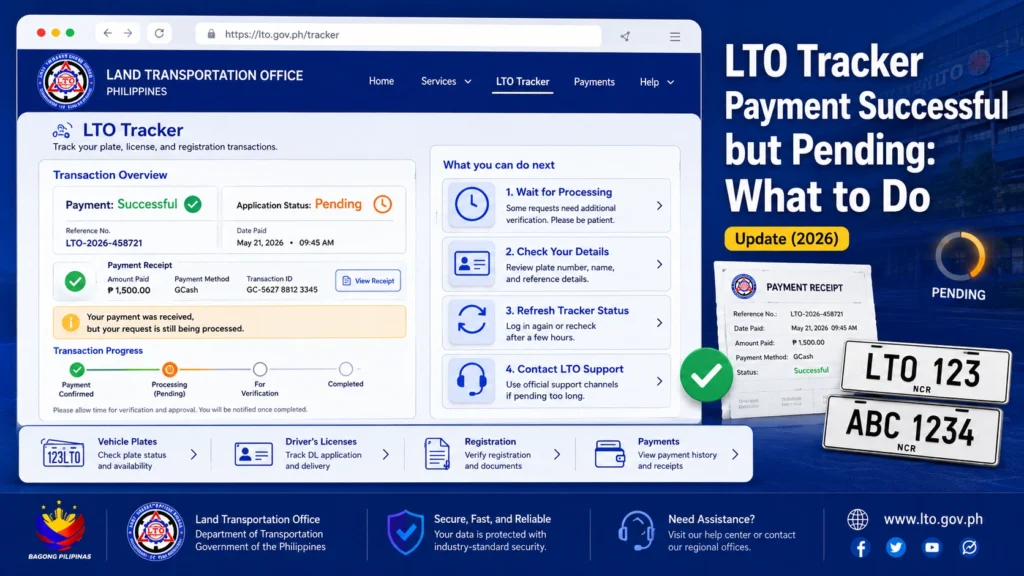
Verify Your Payment
Check your bank, GCash, or payment method to confirm that the amount was deducted. Keep your payment receipt or confirmation.
Wait for System Update
Allow 24–48 hours for the LTO system to reflect the payment. Most pending payments update automatically within this timeframe.
Double-Check Your Details
Ensure that the MV File Number, OR/CR, and personal information entered in the LTO Tracker match your official documents.
Contact the LTO Branch
If the payment remains pending after 48 hours, contact the branch where your plate or registration was processed. Provide proof of payment and transaction details.
Follow Up With Your Payment Provider
If using GCash or a bank transfer, sometimes the payment provider needs to confirm the transaction. Contact them to ensure the payment was processed correctly.
Common Reasons Payments Get Stuck Longer Than Expected
What to Do If Payment Is Pending for More Than 48 Hours
Tips to Avoid Payment Pending Issues
FAQs
Conclusion
A pending payment status can be stressful, but it’s usually temporary. Most payments update automatically within 24–48 hours. By confirming your payment, checking your details, and contacting the LTO branch if needed, you can ensure your plate or license is processed without unnecessary delays.
Patience, proper verification, and following up when necessary are the keys to a smooth experience with LTO online payments.


