
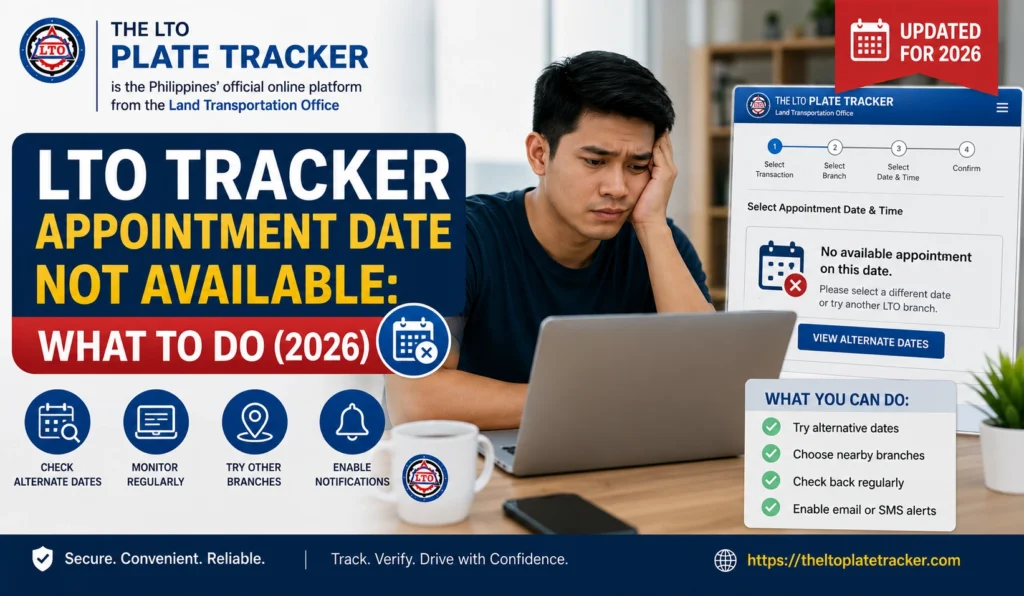
LTO Tracker Appointment Date Not Available: What to Do (2026)
If you’re trying to book or check an appointment for your LTO plate or license through the LTO Tracker and it says “Appointment Date Not Available,” you’re not alone. Many motorists in the Philippines face this issue, especially during peak registration periods.
This guide will explain why appointment dates may not be available and what steps you can take to secure your slot.
Why LTO Appointment Dates Might Not Be Available
Several factors can prevent available dates from showing in the LTO Tracker:
Fully Booked Slots
Appointment slots at your chosen LTO branch may already be full. This is common during peak months like registration renewals or holidays.
Branch-Specific Limitations
Some LTO branches process appointments in batches, so certain dates may not yet be released for online booking.
System Updates or Maintenance
LTO periodically updates their system, which may temporarily hide available appointment dates.
Incomplete Registration Information
If your details in the tracker are incomplete or incorrect, the system may not show any available appointments.
Regional Restrictions
Certain services or branches may restrict appointments to specific regions or vehicle types.
You can also read: Claiming LTO Plate Under Previous Owner Name: Guide (2026)
How to Take Action When Appointment Dates Are Not Available
Here’s what you can do if no dates are showing:
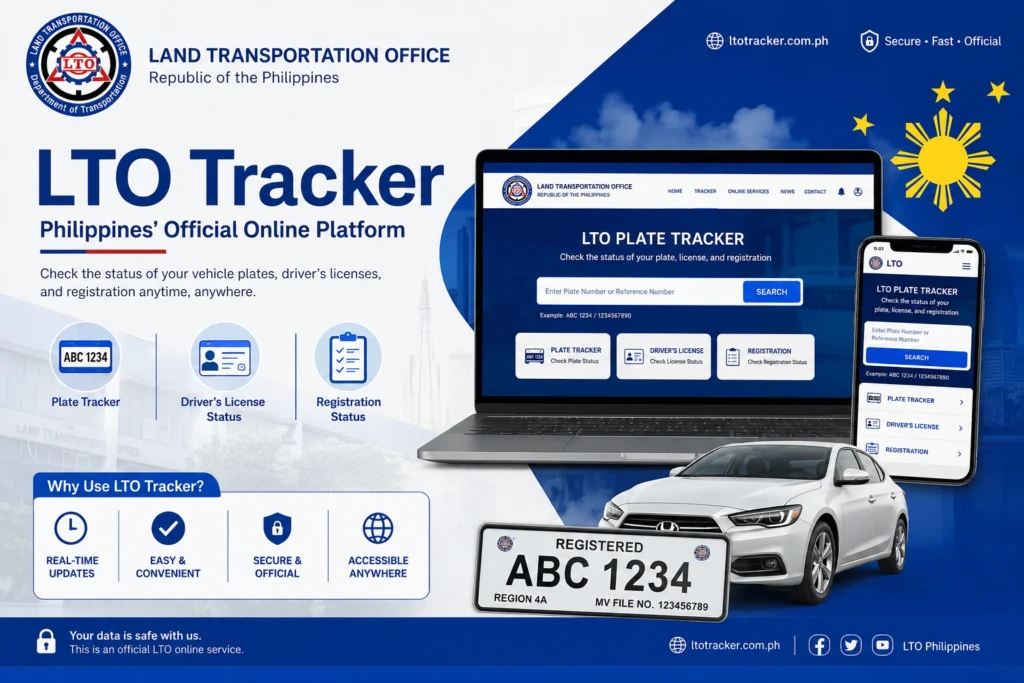
Double-Check Your Details
Make sure your MV File Number, OR/CR number, or plate number is correct in the tracker. Even small errors can prevent available dates from showing.
Try Different Branches
Try Different Branches
Some nearby LTO branches may have open slots. Check multiple branches if possible.
Check Regularly
Appointment dates are often updated daily. Refresh the tracker or check at different times of the day to catch newly released slots.
CUse the eGovPH Ap
AThe mobile app sometimes reflects updated availability faster than the website.
Contact the LTO Branch
If you still cannot find a date, call or visit the LTO branch to inquire about available appointments or to request priority scheduling.
Alternative Options If No Appointments Are Available
If online slots are unavailable for several days, consider these alternatives:
Walk-in Options
Some LTO branches allow limited walk-ins for urgent cases. Call the branch to confirm availability.
Flexible Branch Selection
Choose other nearby LTO branches with available dates. Being flexible can help you secure an earlier appointment.
Understanding Appointment Slot Releases
Knowing how LTO releases slots can improve your chances:
Tips to Secure an LTO Appointment Quickly
FAQs
Conclusion
If your LTO Tracker shows “Appointment Date Not Available,” it doesn’t mean you’re stuck. By checking your details, monitoring multiple branches, using the eGovPH app, and contacting the LTO branch when needed, you can secure an appointment efficiently.
Patience and persistence are key. New slots can appear at any time, so staying proactive ensures you get your plate or license without unnecessary delays.


