
Paid for LTO Plate Delivery but No Update? Fix Guide (2026)
Paid for LTO plate delivery but still no update? That can feel annoying, especially when the payment was already deducted and the tracker still shows the same status. You may be wondering if your payment failed, if your plate is lost, or if the courier already has it.
The good news is that no update after payment does not always mean there is a problem. In many cases, LTO still needs to process, verify, or turn over the plate before the courier can send a tracking number. This guide explains what may be happening and what you should do next.
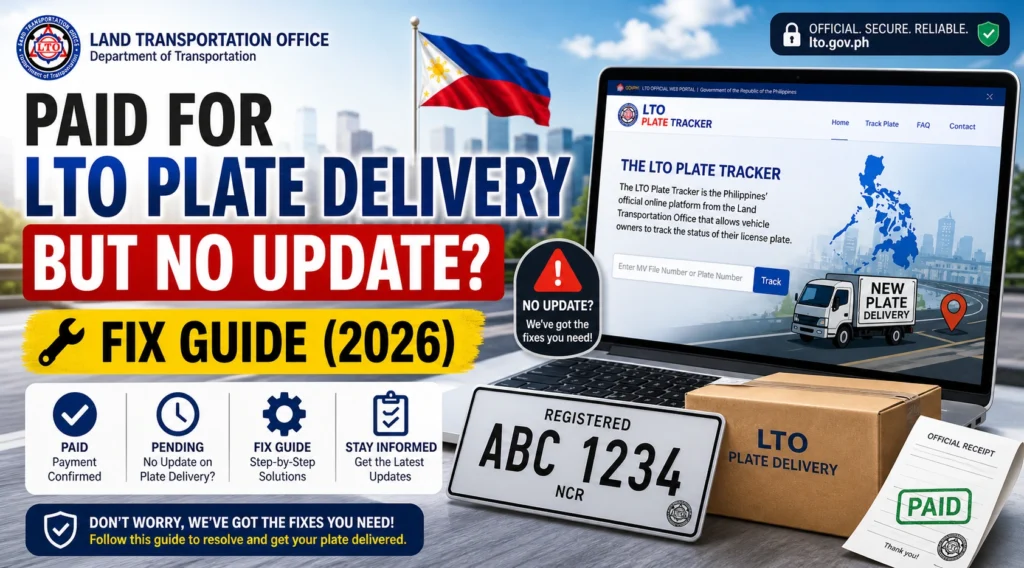
Quick Answer: Why Is There No Update After Payment?
If you paid for LTO plate delivery but received no update, your payment may be successful while your plate is still waiting for LTO processing or courier turnover. The courier usually cannot send a tracking number until LTO has released the package to them.
Save your payment receipt, reference number, tracker screenshot, MV file number, and delivery details. If there is still no update after a reasonable waiting time, contact the LTO office, release point, or courier support if a courier tracking number is already shown.
You can also read: LTO Tracker Status Meaning: Complete Guide (2026)
Why Your LTO Plate Delivery Has No Update
Many people expect the tracker to change right after payment. But payment is only one step. Your plate may still need to be found, verified, packed, endorsed, or handed over for delivery.
How Long Should You Wait After Paying?
What to Check First
Check your payment receipt
Make sure the payment was successful. Save the amount, date, payment method, and reference number. Do not pay again unless LTO or the official payment channel tells you to.
Search again using your MV file number
If you checked using your plate number, try using your MV file number. You can usually find it on your Official Receipt or Certificate of Registration.
Save your LTO Tracker screenshot
Take a screenshot showing the status, plate number, MV file number, payment or delivery message, and date checked. This is useful when you follow up.
Check your SMS and email
Courier tracking details may be sent by SMS or email. Check your inbox, spam folder, and text messages before assuming there is no update.
Review your delivery address
Make sure your house number, street, barangay, city, province, landmark, and phone number are correct. A wrong address can delay delivery.
Step-by-Step Fix If You Paid but Got No Update
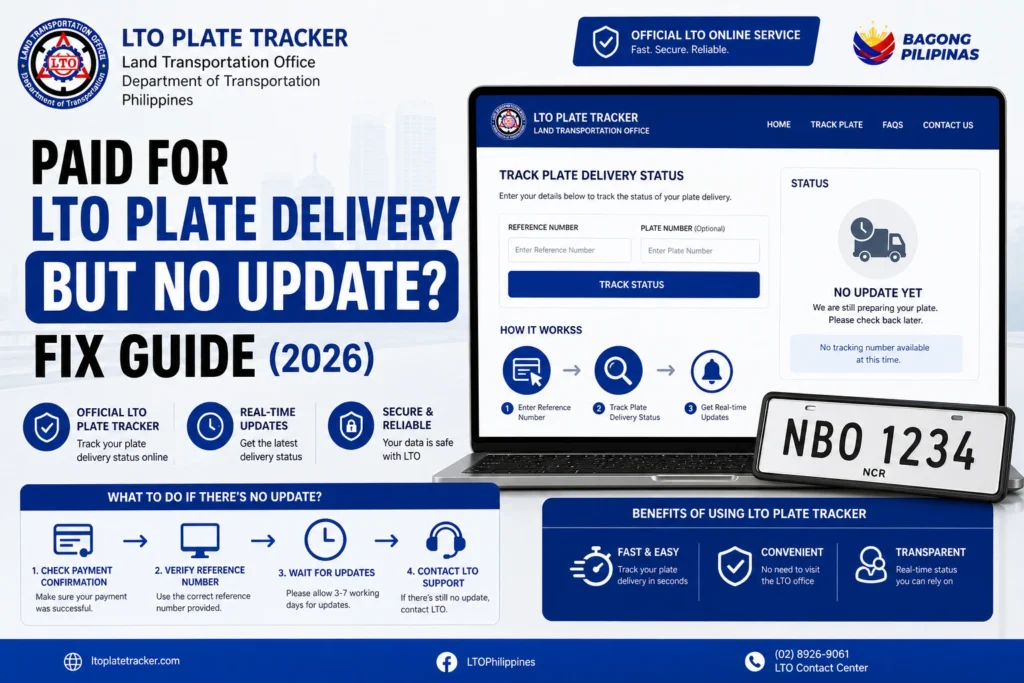
Step 1: Wait for normal processing
If you paid recently, give the system time. Your plate may still be under LTO validation before courier booking starts.
Step 2: Do not pay twice
If your payment was deducted, do not make another payment right away. Duplicate payment can create more confusion. Save the proof instead.
Step 3: Check if a courier tracking number exists
If a courier tracking number is already shown, contact the courier. If there is no tracking number yet, the plate may still be with LTO.
Step 4: Contact the release point
If the tracker shows an LTO office, dealer, or pickup point, contact them first. Ask if your plate is still processing, ready for release, or waiting for courier turnover.
Step 5: Contact courier support only if assigned
If a courier name or tracking number appears, contact the courier with your tracking number, name, phone number, and delivery address.
Step 6: Send complete details
When following up, include your plate number, MV file number, payment reference, payment date, tracker screenshot, and contact number. Clear details help support check faster.
What If Payment Was Deducted but Status Did Not Change?
What If There Is No Courier Tracking Number?
Can You Pick Up the Plate Instead?
When Should You Follow Up?
Sample Follow-Up Message
You can copy and edit this message:
Good day. I already paid for LTO plate delivery, but I have not received any update yet. My plate number is [plate number], MV file number is [MV file number], payment reference number is [reference number], and payment date is [date]. May I ask if my plate is still under LTO processing, ready for courier turnover, or already assigned for delivery?
Documents and Proof to Prepare
Keep these ready before contacting LTO, the dealer, or the courier:
Common Mistakes to Avoid
Small mistakes can make the delay worse. Avoid these common errors:
FAQs
Conclusion
If you paid for LTO plate delivery but no update appears, stay calm. Your payment may be successful while the plate is still waiting for LTO processing, release, or courier turnover.
Start by saving your payment proof, checking your MV file number, reviewing your tracker screenshot, and watching for SMS updates. If nothing changes after a reasonable time, contact LTO or the release point with complete details. The more organized your proof is, the easier it is to get a clear answer.


