LTO Tracker Required Documents Checklist – Update 2026

Using LTO Tracker for plate or driver’s license delivery requires certain documents to ensure the process goes smoothly. Missing or incorrect documents can delay delivery, block payments, or cause verification issues.

This guide provides a complete checklist, explains each requirement, and shares tips to avoid common problems.
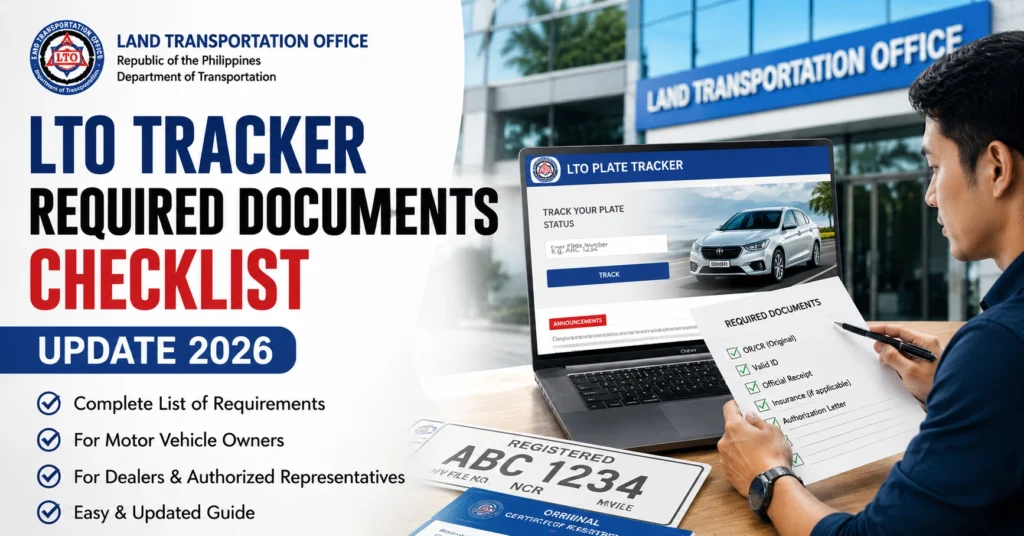
LTO Tracker Required Documents Checklist – Update 2026

Why Documents Are Important in LTO Tracker

Documents are required for:

Identity verification – to confirm the requester is the registered owner

Delivery authorization – for plates or licenses

Legal compliance – LTO must follow government rules for vehicle registration and license issuance

Missing or incorrect documents may lead to:

  • Rejected ID uploads
  • Mismatched OR/CR names or addresses
  • Delivery delays or denial

You can also read: LTO Tracker ID Upload Rejected: Fix Guide – 2026

Complete LTO Tracker Required Documents Checklist
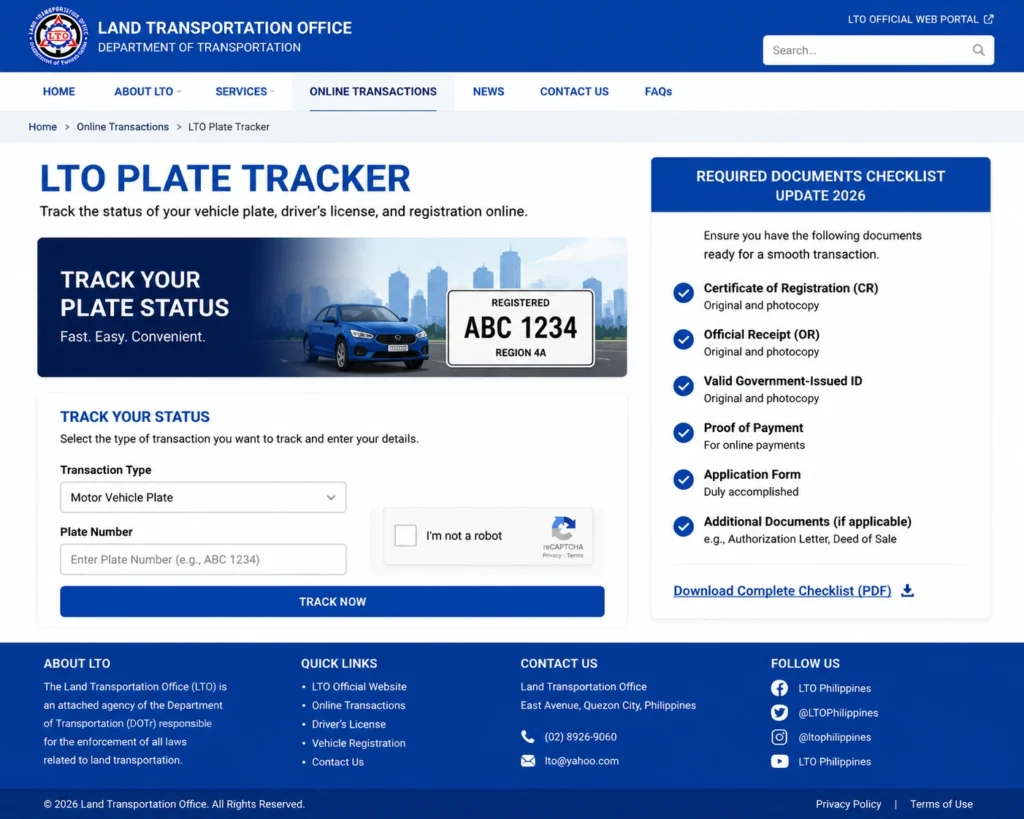
Complete LTO Tracker Required Documents Checklist
DocumentPurposeNotes
Valid Government-issued IDVerify identityMust match OR/CR name
Certificate of Registration (CR)Vehicle ownership verificationOriginal document required
Official Receipt (OR)Proof of payment and registrationEnsure payment details are correct
Deed of Sale (if second-hand vehicle)Ownership transfer verificationNotarized copy required
Proof of Payment for DeliveryConfirm delivery fee paidScreenshot or receipt from GCash/QR
Completed LTO Tracker FormDelivery request submissionMake sure all fields are accurate
Authorization Letter (if someone else claims)Allow third-party pickupMust be signed by the registered owner
Clear ID UploadSystem verificationJPG or PNG format, all corners visible, readable text

Common Mistakes That Cause Document Rejection

  • Blurry or low-quality ID images – Make sure your ID photo is clear.
  • Mismatch between ID and OR/CR – Names must match exactly.
  • Incomplete Deed of Sale or missing notarization – Critical for second-hand vehicles.
  • Incorrect delivery address – Must match tracker submission or be verified.
  • Wrong file format or cropped images – Upload JPG or PNG files, no PDFs.

Step-by-Step Document Submission Tips

  • Prepare all documents before starting – Check validity and clarity.
  • Scan or take a clear photo – Ensure details are readable.
  • Check name and address matches – Must match CR, OR, and ID.
  • Upload documents one at a time – Avoid system errors or upload failures.
  • Keep digital copies – Screenshot or save all submissions for reference.

Troubleshooting Common Issues

  • ID Upload Rejected – Re-upload a high-resolution, properly cropped JPG or PNG.
  • OR/CR Name Mismatch – Visit LTO branch to correct the name before proceeding.
  • Delivery Delays – Confirm all required documents are submitted and verified.
  • Missing Authorization Letter – Required if someone other than the owner picks up the plate.
  • Tracker Errors – Clear browser cache or try a different device if submissions fail.

Tips to Avoid Document Problems

  • Always double-check spelling, initials, and numbers before submission
  • Use government-issued IDs that are valid and unexpired
  • Ensure all uploaded images are clear, complete, and readable
  • Save digital copies of all receipts, forms, and uploads
  • Keep communication lines open with your dealer or LTO branch for verification

FAQs

Yes, but the image must be clear and readable.

You must correct it at the LTO branch; otherwise, the tracker may block delivery.

Yes, it is required for ownership transfer verification.

Yes, with a signed authorization letter from the registered owner.

Only JPG or PNG files are accepted. PDFs or other formats may be rejected.

Conclusion

Having the right documents is crucial for a smooth LTO Tracker experience.
By preparing all items in advance, ensuring clarity, and verifying names and addresses, you can avoid delays, rejected uploads, and other common problems.
Keep all proofs and copies ready, follow the checklist, and your plate or license delivery should proceed without frustration.

Similar Posts

Leave a Reply

Your email address will not be published. Required fields are marked *