
LTO Plate Mismatch With OR/CR: Fix Guide Latest Update (2026)
If you checked your vehicle documents and noticed that your plate number doesn’t match your OR/CR, don’t panic. This is a common problem in the Philippines, and most of the time it can be fixed quickly with the right steps.
A mismatch can cause stress, but knowing the reasons and following the right process will help you resolve it efficiently. This guide breaks it down step by step, with tips and practical advice.
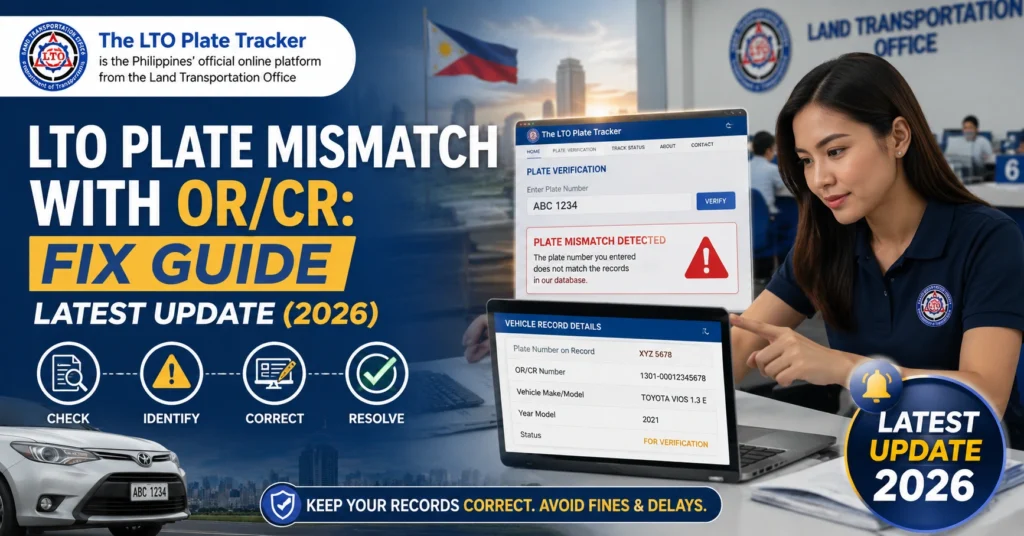
What Causes a Plate Mismatch
A plate mismatch happens when the plate number recorded in your Official Receipt (OR) or Certificate of Registration (CR) is different from the one physically installed on your vehicle. This usually occurs due to:
Dealer Error
Dealers submit your registration to LTO, and sometimes the plate number is typed incorrectly or mismatched with the vehicle information. This is the most common cause for newly purchased vehicles.
Data Entry Error at LTO
LTO offices process thousands of documents daily. A human or system error during encoding may cause the plate to differ from the OR/CR.
Plate Reassignment or Replacement
If your plate was replaced, recycled, or delayed in production, your OR/CR may not match the plate issued initially. This often happens for vehicles registered in bulk or through dealers.
Courier or Delivery Issues
If your plate is delivered via a courier, scanning errors can mark a different plate as “delivered,” leading to apparent mismatches with OR/CR.
You can also read: LTO Tracker GoGo Xpress Delivery Guide Latest Update (2026)
Why It Matters
Having a plate mismatch can cause practical problems such as:
Registration Renewal Issues:
LTO may flag your registration as invalid during renewal.
Traffic Enforcement Problems:
Using a plate that doesn’t match your OR/CR may attract fines or legal scrutiny.
Vehicle Sale Complications:
Mismatched documents reduce buyer trust and may cause legal issues during ownership transfer.
Ensuring your plate and documents match protects you from fines, delays, and unnecessary stress.
How to Fix a Plate Mismatch
Follow these steps carefully to resolve the issue:
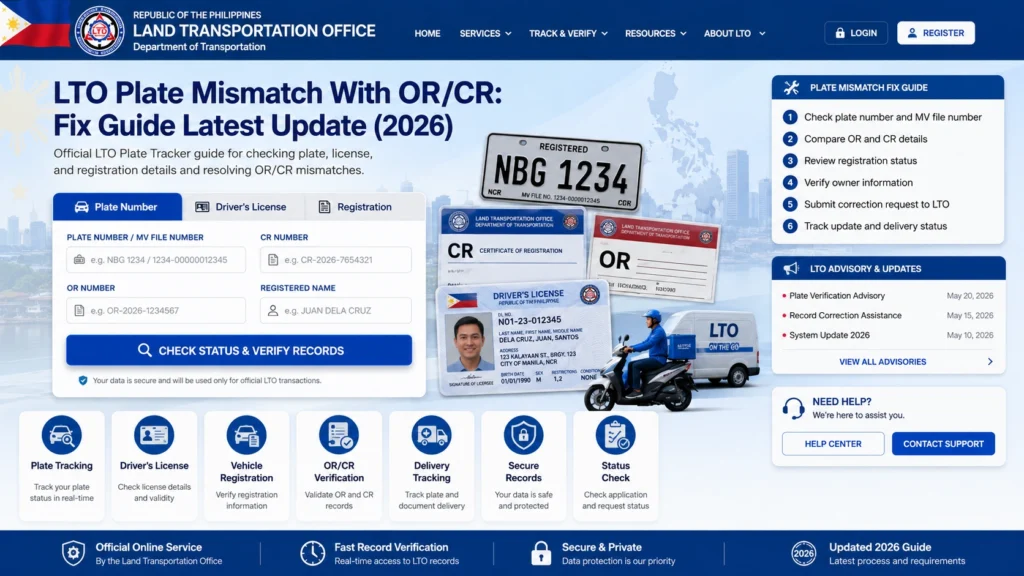
Check both your OR/CR and the physical plate on your vehicle. Ensure that:
- The plate is for your exact vehicle model.
- The OR/CR matches your name, address, and vehicle details.
Take photos of your documents and plate for record-keeping. This helps LTO or dealers investigate quickly.
If your vehicle was processed by a dealer:
Dealers can sometimes submit corrections to LTO before you need to visit the office.
Ask them to verify the registration and plate number.
Provide them with your OR/CR and plate photos.
Bring the following to your LTO branch:
- Original OR and CR
- Physical plate
- Valid government-issued ID
Ask the staff to check the records and correct the mismatch. Many offices can correct simple errors within a day.
LTO can issue a correction or amendment to match your plate with your OR/CR. Steps usually include:
- Filling out a short correction form
- Submitting your OR/CR, plate, and ID
- Waiting for staff to verify and update the records
Minor corrections are often free, but new plates may require a small fee.
Check your LTO Tracker or app to ensure your plate and OR/CR now match. Keep all correspondence and confirmation receipts for proof.
Tips to Prevent Mismatches
Home Delivery vs LTO Pickup
| Option | Pros | Cons | Best For |
|---|---|---|---|
| Home Delivery | Convenient; plates arrive at your door | Can be delayed or mis-scanned | Those far from LTO branches |
| LTO Pickup | Guaranteed direct collection; no scanning errors | Requires visiting LTO; may have long lines | Those who want fast verification |
Using SMS or LTO Apps for Updates
FAQs
Conclusion
A plate mismatch with OR/CR is common but can be fixed easily if you act quickly. Verify your documents, contact your dealer, visit LTO if needed, and follow up using the LTO Tracker.
Keeping all records and acting early ensures your vehicle documents are accurate, legal, and stress-free.


