
LTO Tracker Says In Process for Too Long — What to Do (2026)
If your LTO Tracker shows “In Process” for an extended period, it can be concerning. This status typically indicates that your plate, license, or document request is still being processed internally by the LTO. Even if payment is completed and eGovPH approval is received, internal verification, document matching, and preparation for delivery may take time.
Knowing why the status remains in process helps you determine the right steps to follow and avoid unnecessary trips to LTO branches.
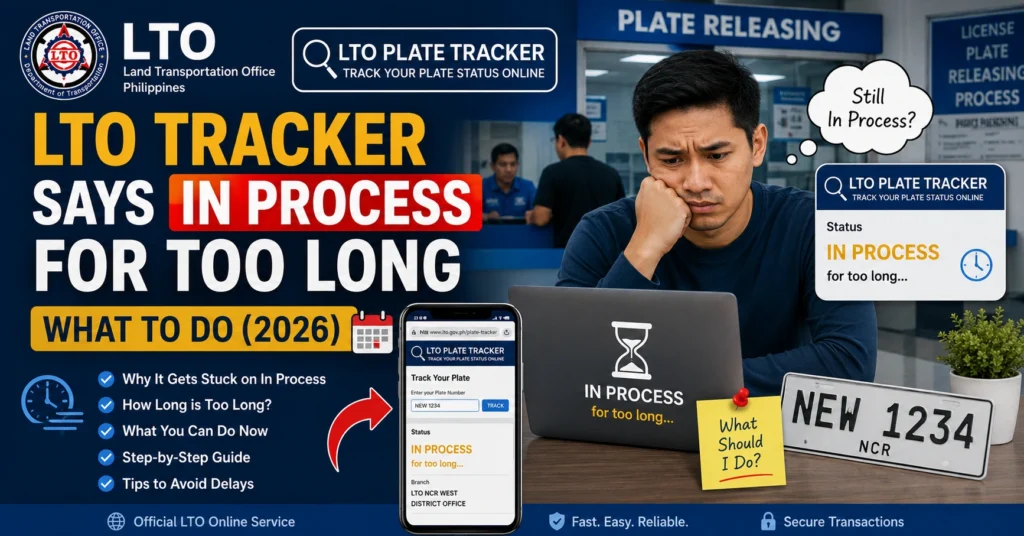
Common Reasons “In Process” Takes Too Long
Peak seasons for license renewals, plate issuance, or branch workloads can slow processing.
LTO needs to verify MV File Numbers, OR/CR documents, and other details before moving the request to the next stage.
Missing or incorrect OR/CR numbers, MV File numbers, or contact details can cause delays.
Even after processing, plates or licenses must be packaged and handed over to the courier.
Technical issues with the tracker or backend system can cause delays in updating the status.
You can also read: LTO Tracker Wrong Branch for Plate Pickup — What to Do 2026
Step-by-Step Actions to Resolve “In Process” Delays
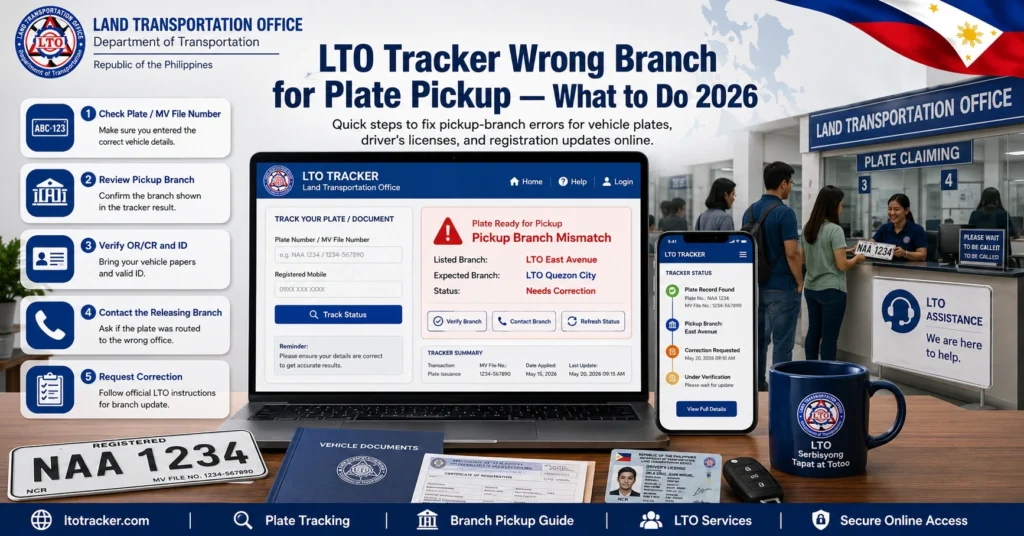
Verify Your LTO Tracker Status
Ensure that the tracker still shows “In Process” and no other updates are available.
Check Your Submitted Information
Confirm MV File Number, OR/CR, and contact information are accurate.
Wait a Reasonable Processing Time
Most plates and licenses may take 2–4 weeks depending on branch workload.
Contact LTO Client Care or Branch
Submit a complaint with screenshots of your tracker and proof of payment.
Follow Up
Keep a record of your complaint and follow up if the status remains unchanged after the advised timeframe.
Typical Processing Timeline
| Request Type | Status | Estimated Time | Notes |
|---|---|---|---|
| New Plate | In Process | 3–4 weeks | Includes verification, printing, and delivery preparation |
| Replacement Plate | In Process | 2–3 weeks | Usually faster than new plates |
| Driver’s License | In Process | 1–2 weeks | Depends on branch workload |
| Long Pending | In Process | 3–5 weeks | Follow up with branch if no change |
Common Mistakes to Avoid
Alternative Ways to Expedite Resolution
Visit the Assigned LTO Branch
Show all documents including tracker screenshot and OR/CR.
Contact LTO Client Care Online or Hotline
Report your issue officially to escalate processing.
Verify Contact Information
Ensure your phone number and email are updated so SMS notifications reach you.
Request Status Confirmation
Ask the branch to confirm your current processing stage and estimated release time.
Tips to Ensure Smooth Processing
FAQs
Conclusion
If your LTO Tracker shows “In Process” for an extended period, it is usually due to internal verification, high volume, or system delays. By verifying your information, waiting the standard processing time, and reporting delays to LTO Client Care or your branch, you can ensure that your request is addressed efficiently. Keeping all documentation ready and following official channels is key to resolving long process delays.


