
LTO Plate Backlog: How to Check Your Status Update 2026
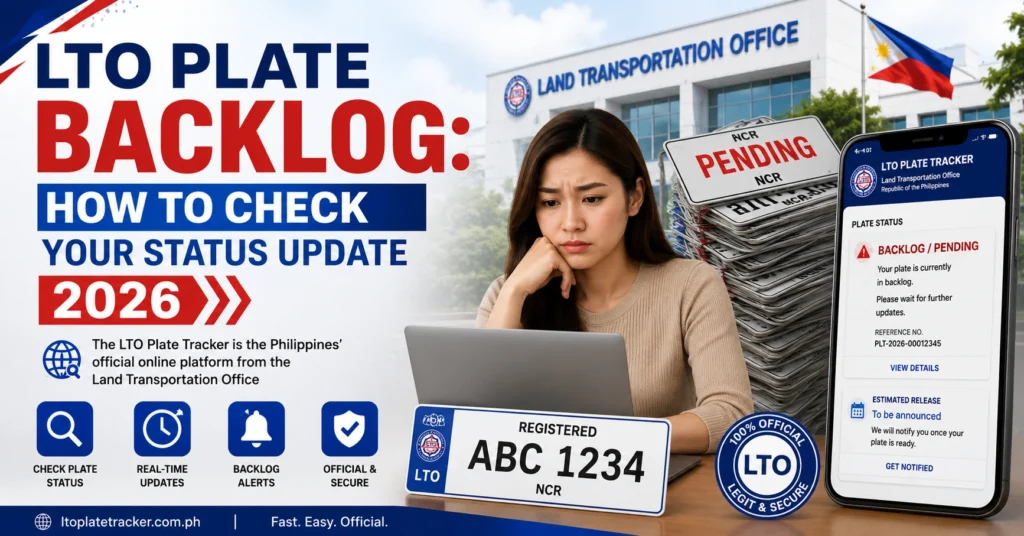
Many vehicle owners in the Philippines are still waiting for their official LTO license plates due to delays in production and distribution — commonly called the plate backlog. This is especially true for vehicles registered in earlier years or during periods of high demand. Knowing how to check your plate’s status helps you stay informed without unnecessary visits to the LTO office.
What Is the LTO Plate Backlog?
The plate backlog refers to the delay in issuing physical license plates after your vehicle has been registered and paid for. Although the Land Transportation Office (LTO) now processes plates faster than before, many motorists still report long waits for their plates to be released or delivered.
This backlog can result from high application volume, regional distribution slowdowns, or batch processing, meaning plates are produced in sets and released gradually.
You can also read: LTO Tracker for Plate and License Status: Complete Guide 2026
How to Check Your Plate Status Online (Step‑by‑Step)
The best and easiest way to check the status of your LTO plate — including whether it’s still in backlog — is through the official LTO Tracker system.
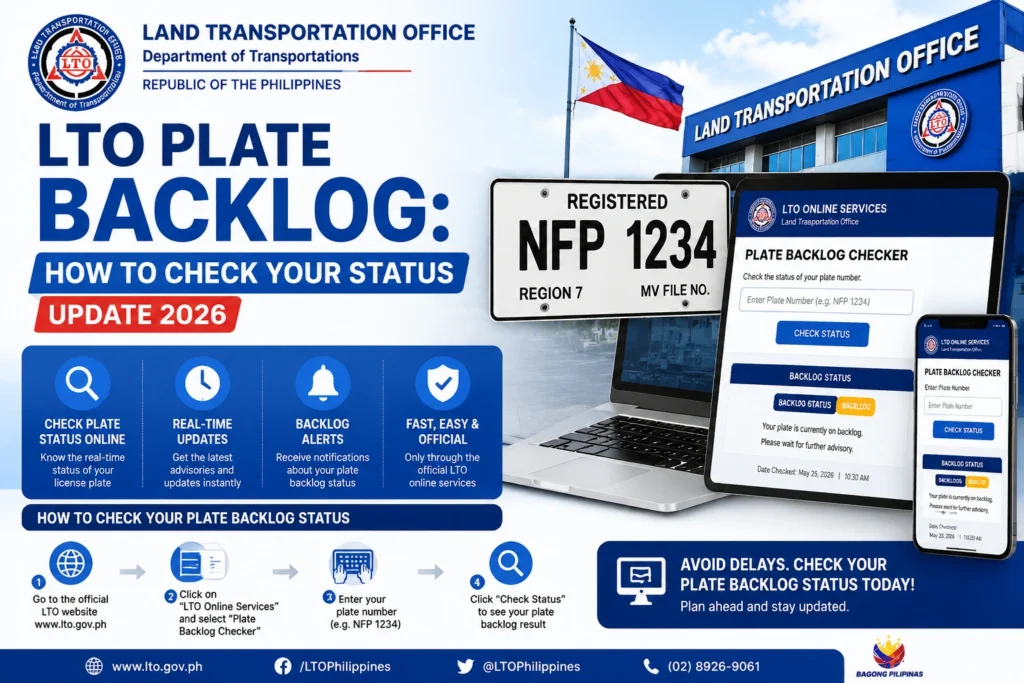
Go to the LTO Tracker portal designed for plate and license status checks. This is the central online tool LTO uses to share live updates.
Look for the Plate Tracker option. You can typically choose between tracking a license plate or a driver’s license.
Plate Number: If you already have your assigned plate number.
MV File Number: The 15‑digit Motor Vehicle File Number from your Certificate of Registration (CR).
Entering this correctly tells the system exactly which record to look up.
After submitting your plate number or MV File Number, the tracker will show your current status, such as In Process, Produced, Ready for Pickup, or Dispatched. This helps you know whether you’re still in a backlog queue or if your plate is progressing.
What Your Plate Status Might Mean
| Status | Meaning | What You Should Do |
|---|---|---|
| Not Found | No record exists for your number yet | Double‑check the details; try your MV File Number |
| In Process / Under Process | Plate still in production backlog | Wait and check again in a few days |
| Produced | Plate has been printed | Monitor for release or pickup status |
| Ready for Pickup / Available for Pickup | Plate has reached the LTO branch | Visit LTO office to claim it |
| Ready for Delivery / Dispatched | Plate is being delivered | Track courier or confirm delivery address |
These meanings are based on common tracker messages for plate status results.
Other Ways to Check Your Plate Status
SMS Inquiry
If you can’t access the internet, some services allow you to send an SMS with your plate number to a designated number and receive basic status in reply.
Visit Your LTO District Office
If online status remains unclear, visit the office where your vehicle was registered. Bring your OR/CR and vehicle details so the staff can manually check plate availability.
Why Your Plate Might Still Be in Backlog
Even with online tracking available, plates can remain in backlog for reasons like:
Because plates are released in batches, a status like In Process or Not Found doesn’t mean you don’t have plates — it may simply mean LTO hasn’t updated or produced them yet.
Tips to Manage Waiting Time
FAQs
Conclusion
The LTO plate backlog can be frustrating, but the LTO Tracker system lets you check where your plate is in the process without repeated office visits. Using your plate number or MV File Number, you can monitor progress from In Process to Dispatched and know the right time to claim your plate. Regular checking and knowing what each status means helps you stay informed while waiting for your official plates.


