
LTO Tracker Problems: Complete Troubleshooting Guide 2026
The LTO Tracker is a vital tool for monitoring the status of vehicle plates and driver’s licenses. However, users sometimes experience issues such as error messages, missing updates, or SMS not received. Understanding common problems and knowing how to troubleshoot them ensures you stay informed and prevents unnecessary trips to the LTO office.
This guide covers all common LTO tracker problems, their meanings, and step-by-step solutions.
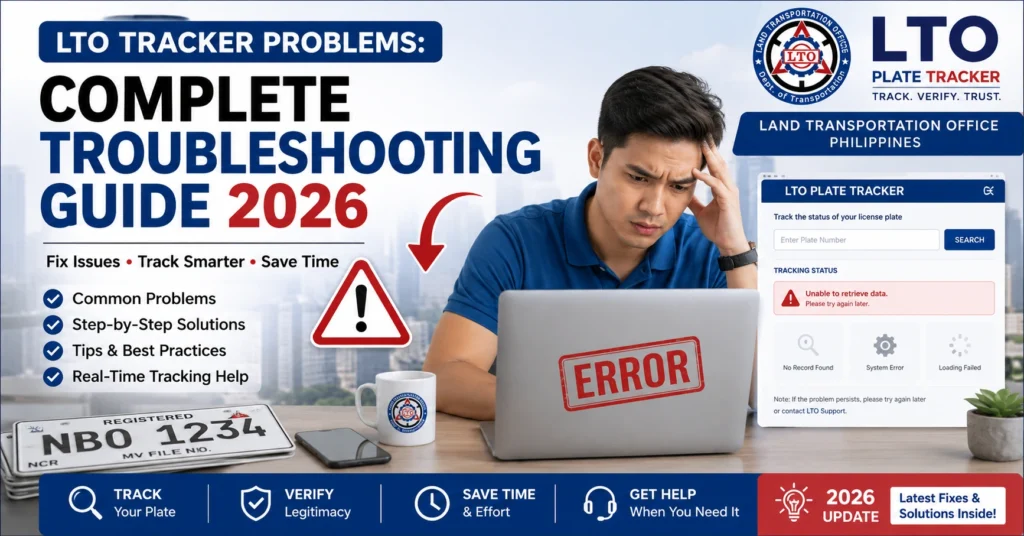
Common LTO Tracker Problems and Causes
No Record Found
Meaning: The tracker cannot locate your plate or license record.
Possible Causes:
Solution:
You can also read: How to Report Missing LTO Plate Delivery Latest Update 2026
Invalid Input
Meaning: The tracker detected an incorrect or incomplete number format.
Possible Causes:
Solution:
ystem Temporarily Unavailable
Meaning: The tracker is offline for maintenance or high traffic.
Possible Causes:
Solution:
Pending Template Delivery (Plates)
Meaning: Your vehicle plate has not yet been sent to production.
Possible Causes:
Solution:
Already Claimed / Received by Someone Else
Meaning: Tracker shows the plate or license has been collected.
Possible Causes:
Solution:
SMS Not Received
Meaning: You do not get text notifications for updates.
Possible Causes:
Solution:
Plate Backlog
Meaning: Plates are delayed due to high demand or production queues.
Possible Causes:
Solution:
Delivery Address Errors
Meaning: Plate or license may be sent to the wrong address.
Solution:
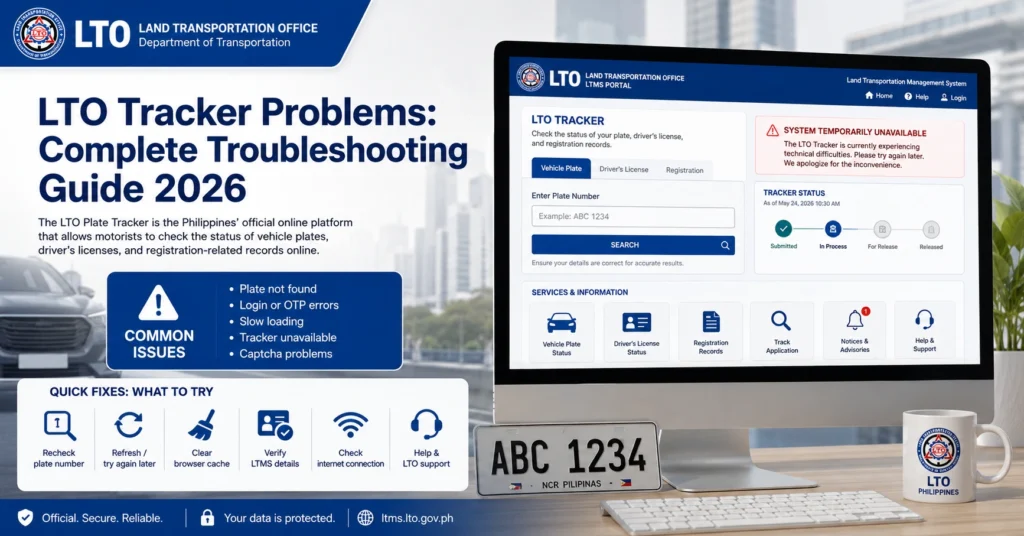
LTO Tracker Problems and Solutions
| Problem | Meaning | Possible Cause | Action |
|---|---|---|---|
| No Record Found | No plate/license record found | Wrong details, recent registration not updated | Double-check inputs, use MV File Number, contact LTO |
| Invalid Input | Incorrect number format | Typo, missing digits | Re-enter numbers exactly as on OR/CR |
| System Temporarily Unavailable | Tracker offline | Maintenance, high traffic | Wait, try again later |
| Pending Template Delivery | Plate not yet produced | Production backlog | Wait 3–7 days, verify delivery address |
| Already Claimed / Received by Someone Else | Plate/license marked collected | Courier or scan error | Verify with courier/dealer, report to LTO |
| SMS Not Received | No text notifications | Wrong number, network issues | Verify number, check network, contact LTO |
| Plate Backlog | Plate delayed | High demand | Monitor tracker, contact branch/dealer |
| Delivery Address Errors | Plate sent wrong | Wrong address, system error | Confirm and update address, contact LTO |
Tips to Avoid Tracker Problems
FAQs
Conclusion
The LTO Tracker is a useful tool, but it can encounter problems like system errors, backlogs, and delivery issues. Understanding common error messages, their causes, and the right steps to resolve them ensures your plate or license is issued smoothly. Always verify your details, monitor the tracker regularly, and communicate with LTO or your dealer when necessary.


