
LTO Tracker Status Meaning: Complete Guide (2026)
Checking your plate or driver’s license on the LTO Tracker is easy, but understanding the status can be confusing. One day it says processing. Another day it says locating, available, dispatched, or delivered. If you do not know what those words mean, it is hard to know whether you should wait, follow up, or prepare documents.
This simple 2026 guide explains the most common LTO Tracker status meanings in plain language. You will learn what each status usually means, what action to take, and when it is time to contact LTO, your dealer, or the courier.
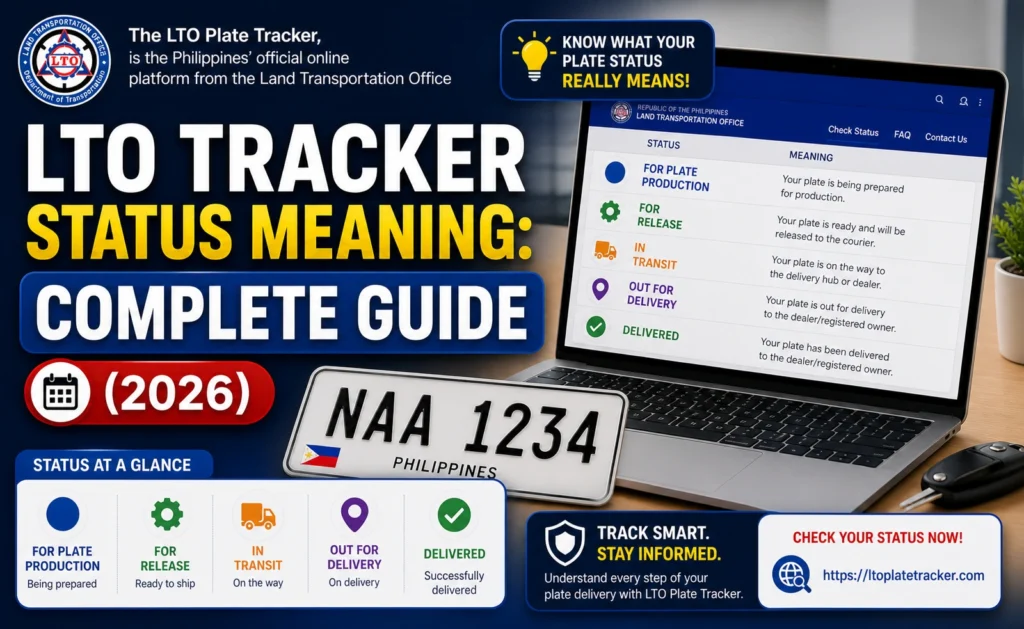
Quick Answer: What Does LTO Tracker Status Mean?
You can also read: LTO Plate Available but Dealer Has None? Fix Guide (2026)
LTO Tracker Status Meanings in 2026
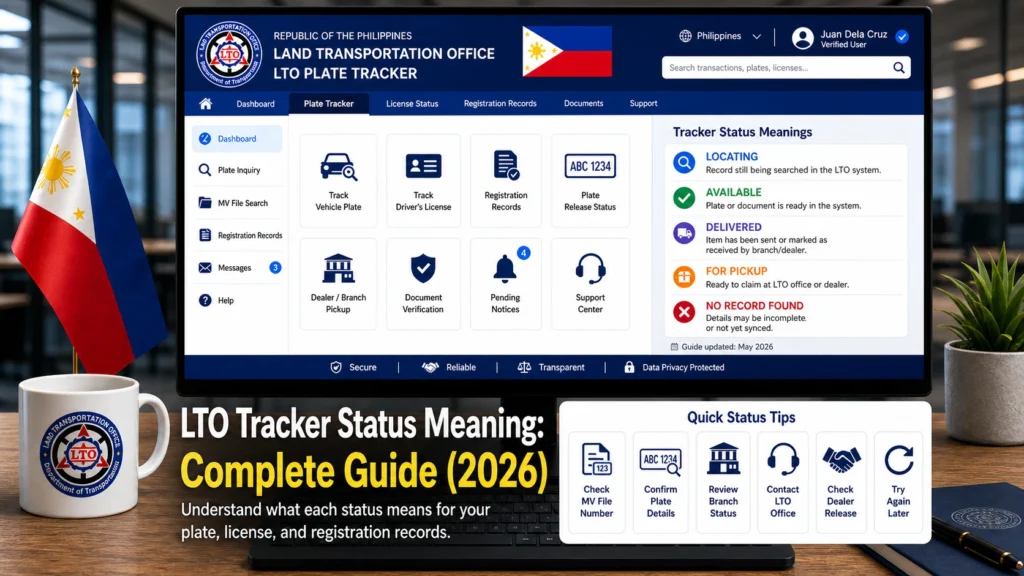
Processing
Processing means your record is still being checked or updated in the system. For plates, this may mean your plate is not yet ready for release. For driver’s licenses, it may mean the card or record is still being prepared.
What to do: Check again after a few days. Make sure you entered the correct plate number, license number, or MV file number.
Your Plate Number Is Processing
This usually means your plate request or plate record is moving through LTO’s internal process. It may appear after you check the tracker, request delivery, or complete payment.
What to do: Save your tracker screenshot and payment reference if you already paid for delivery. If it stays unchanged for a long time, follow up with the release point.
We Are Now Locating Your Plate Number
What to do: Wait for an update, but keep screenshots. If you already paid and no SMS or courier tracking arrives after several business days, contact LTO or the courier hub.
Available
Available means the system found your plate or license record and it may be ready for the next step. This can lead to pickup, delivery booking, or further verification.
What to do: Check the pickup point, dealer name, or delivery option shown on the tracker. Do not assume the item is already at your dealer unless the tracker clearly says so.
Available for Pickup
Available for pickup means your plate or license may be claimed from the location shown in the tracker. The page may show an LTO office, branch, or pickup point.
What to do: Prepare your valid ID, OR/CR for plates, tracker screenshot, and authorization letter if someone else will claim it.
Ready for Release
Ready for release means your plate or license is already prepared for claiming or the next release step. It may still need proper verification before it is handed over.
What to do: Contact the office, dealer, or release point before visiting. Ask what documents are needed and who is allowed to claim it.
Released
Released means the plate or license has already been released by LTO to the next party, such as a dealer, pickup point, courier hub, or another release channel.
What to do: If the tracker shows a dealer, contact the dealer with your screenshot. If it shows an LTO office or NRU office, contact that office for claiming instructions.
Ready for Delivery
Ready for delivery means your plate or license may now be eligible for courier delivery. You may need to upload documents, enter your address, and pay the delivery fee.
What to do: Upload clear documents, double-check your address, save the payment reference, and wait for courier tracking.
Payment Successful
Payment successful means your delivery fee was accepted. It does not always mean the courier already has your plate or license.
What to do: Save your receipt and reference number. Check your SMS and email for courier updates.
Dispatched
Dispatched usually means the item has moved to the delivery stage or has been turned over for courier processing.
What to do: Look for a courier tracking number. If a courier is assigned, track the delivery on the courier’s tracking page.
In Transit
In transit means your plate or license is already moving through the courier network.
What to do: Monitor the courier tracking page. Make sure someone is available to receive the package at your delivery address.
Delivered
Delivered means the courier or system marked the plate or license as delivered. But if you did not receive it, you should check who accepted the package.
What to do: Ask your family, office, guardhouse, condo lobby, or receptionist. Then ask the courier for proof of delivery if needed.
Received
Received may mean the item was accepted by someone at the address or marked as completed by the delivery system.
What to do: Check the receiver name, delivery time, and proof of delivery. If you did not receive the plate, report it right away.
Not Found
Not found means the tracker could not find a matching record for the details you entered. This may happen because of a typo, incomplete record, wrong number, or system delay.
What to do: Check the number again. Try your MV file number if the plate number does not work. For license tracking, make sure the license number and birth date are correct.
Error or No Result
Error or no result may happen because of website traffic, incorrect details, temporary system issues, or an unavailable record.
What to do: Refresh the page, try again later, use another browser, and double-check your information.
LTO Plate Status vs Driver’s License Status
What to Do Based on Your Status
If your status says processing
Wait and check again. Processing does not always mean there is a problem. But if the same status stays for weeks, save screenshots and follow up with LTO.
If your status says locating
This means your plate is still being verified or matched. If you already paid for delivery and no courier update arrives, contact LTO support with your payment proof.
If your status says available or ready for pickup
Check the pickup point carefully. Call or message the office or dealer before going there. Bring your ID, OR/CR, and tracker screenshot.
If your status says dispatched or in transit
Track the item using the courier tracking number. Watch for SMS updates and make sure your delivery address is correct.
If your status says delivered but you have no plate
Ask people at your address first. Then contact the courier for proof of delivery. If nobody received it, report the issue to the courier and LTO.
If your status says not found
Recheck your details. Try using your MV file number instead of your plate number. If the vehicle is second-hand, make sure the ownership record is updated.
Common LTO Tracker Problems and Simple Fixes
Some LTO Tracker issues are not really system errors. They happen because records, courier updates, dealer inventory, and plate batches do not always move at the same speed.
Save screenshots and check again after a few business days.
Wait for courier SMS, then contact support if no update appears.
Send the tracker screenshot and ask if the plate batch has arrived.
Ask for courier proof of delivery.
Do not install it. Compare the plate with your Certification, OR/CR, and tracker.
The item may only be available for pickup or not yet eligible for courier booking.
Documents You Should Keep Ready
Whether you are claiming, reporting, or following up, it helps to prepare your documents early. This makes your message clear and saves time.
When Should You Contact LTO or the Courier?
Sample Follow-Up Message
You can copy this message and edit the details:
Good day. I checked the LTO Tracker and my status shows “[status shown].” My plate number is [plate number], MV file number is [MV file number], and my reference/tracking number is [number]. I would like to ask for an update and confirm the next step for pickup or delivery. I have attached my tracker screenshot and payment proof.
FAQs
Conclusion
The LTO Tracker is helpful, but the status can be confusing if you do not know what each word means. Processing, locating, available, released, dispatched, and delivered all point to different stages of the plate or license process.
If your status looks normal, give it time and keep checking. If it stays stuck, shows delivered with no plate, or gives details that do not match your records, save your proof and follow up early. A clear screenshot, correct MV file number, payment receipt, and polite message can help you get a faster answer.


