
LTO Driver’s License Card Still Processing: What to Do (2026)
If you’ve applied for a new driver’s license or renewed your license, you might check your LTO Tracker and notice that the status says “Processing” or that your license card is still being processed. This can be worrying, especially if you expected to receive it quickly.
This guide explains why your license may still be processing, what the stages mean, and steps to ensure your card is released without delays.
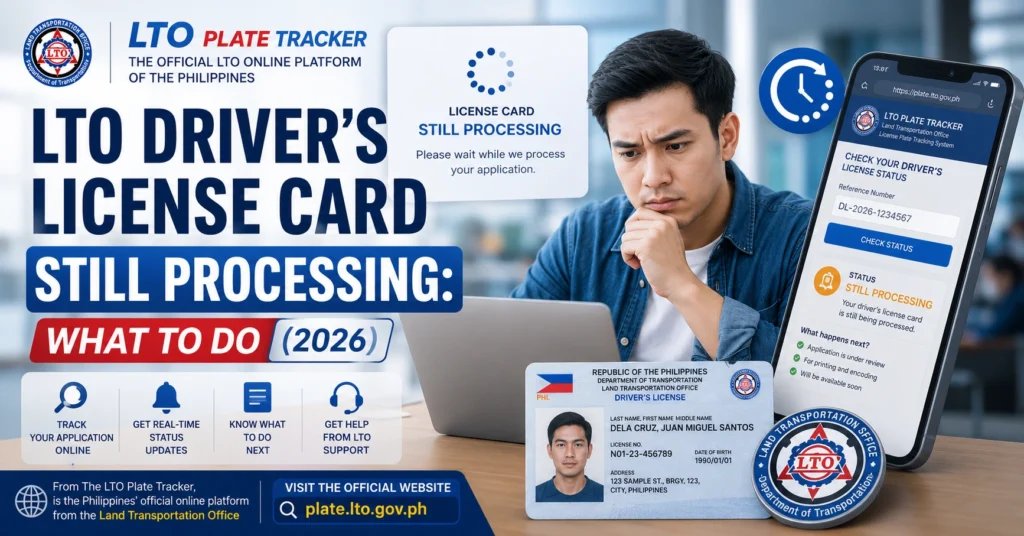
Why Your Driver’s License Is Still Processing
Several factors can keep your license in the processing stage:
Document Verification
LTO must confirm that all required documents are complete and valid.
Missing or incorrect information can delay processing.
Photo Capture and Database Entry
Your photo, signature, and personal information are processed for the official license card.
Errors or mismatches can cause further delays.
High Volume of Applications
LTO branches handle thousands of applications daily.
Peak periods, like school holidays or end-of-month renewals, may slow processing.
System or Printing Delays
The physical printing of the card may take a few days.
System updates may lag behind the actual processing, causing tracker delays.
You can also read: LTO Tracker SMS Not Received: What to Do Latest Update 2026
Step-by-Step Guide to Check Status
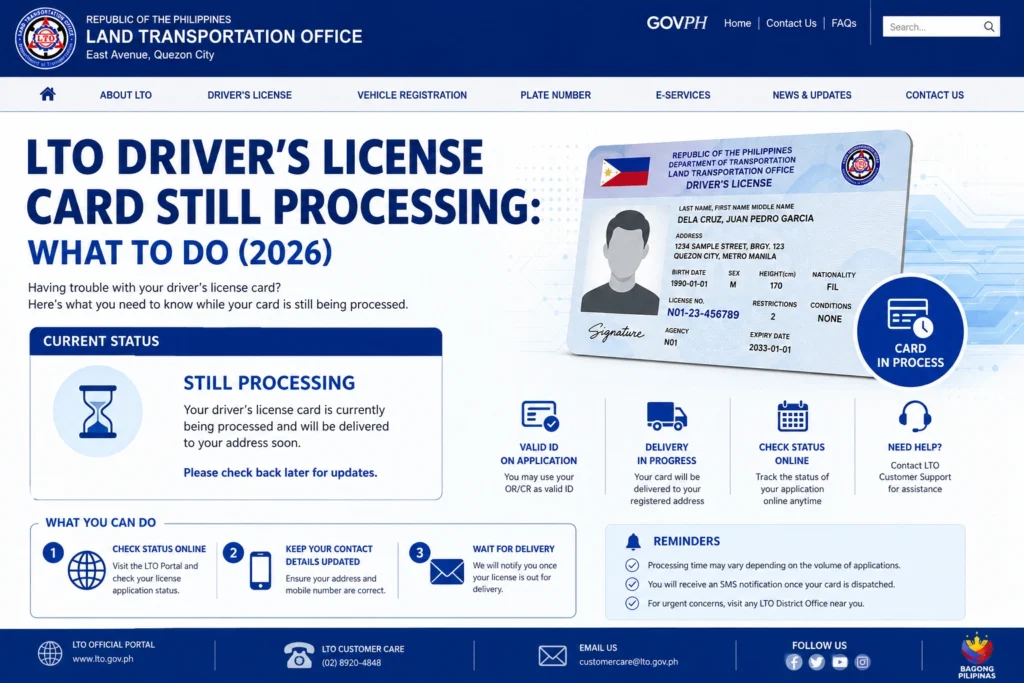
Log in to the LTO Tracker.
Check the status messages: Pending, In-Process, Ready for Release, or Dispatched.
Take a screenshot for reference if needed.
Ensure you submitted all required documents, including OR, ID, and completed application forms.
Verify that the information on your application matches your official IDs.
Call or visit the LTO branch where you filed your application.
Provide your application number, OR, and ID.
Ask for clarification if your license has been in processing for longer than the typical timeframe.
If you opted for home delivery, confirm your address and courier details.
If picking up in person, check whether your license is ready for release at the branch.
Keep checking the LTO Tracker every 1–2 days.
Most licenses move from processing to ready for release within 1–5 business days, depending on branch workload.
Table: LTO Driver’s License Processing Stages
| Status | Meaning | Action |
|---|---|---|
| Pending | Application received, initial verification | Wait and verify documents submitted |
| Processing / In-Process | LTO reviewing documents, entering info, preparing card | Monitor tracker, contact branch if delayed |
| Ready for Release / Released | License card printed and available | Claim at LTO office or authorized dealer |
| Dispatched / Delivered | License sent via courier | Track delivery and confirm address |
| Cancelled / Rejected | Application invalid or incomplete | Contact branch, correct issues, and resubmit |
Tips to Speed Up Processing
FAQs
Conclusion
A driver’s license that is still processing is usually normal and part of LTO’s verification and card printing procedure. By checking the tracker, confirming your documents, and following up with the branch or dealer if needed, you can ensure your license is released without unnecessary delays.
Patience, preparation, and communication are key to receiving your card smoothly.


