
LTO Tracker Down After GCash Payment — What to Do in 2026
If you paid for your LTO plate delivery using GCash but the LTO Tracker website is down, not updating, or still says For Payment, you are not alone. Many drivers and vehicle owners are reporting the same problem and it can be confusing.
In this guide, we will explain why the tracker sometimes fails after payment, what to do next, and simple tips to avoid stress and delays.
Why LTO Tracker Sometimes Stops Updating After GCash Payment
There are a few common reasons:
System Outage or Maintenance
The LTO confirmed the tracker may be temporarily unavailable due to system upgrades or outages. These are official updates, not a scam.
Database Sync Delay
When many people use the system at once, the tracker may lag, especially after a payment. Data may take time to update.
Backend Glitches in the Portal
Internal tracking errors can cause your payment status not to show up, even though the money already left your GCash account.
Not Yet Handed to Courier
The tracker may not show a status until LTO has handed your plate or license to a courier. Otherwise, it could still show old status.
You can also read: Can I Track an Old Green Plate in LTO? Latest Update 2026
How Plate Delivery Works After GCash Payment
Understanding how the system works helps calm your nerves. Here is the usual delivery flow:
If the tracker stops after step three, it could simply be waiting for step four, not a failure.
Delivery Time Comparison 2026
Here is a simple table so you know what to expect for normal delivery times:
| Service | Estimated Delivery Time | Notes |
|---|---|---|
| Plate Delivery | 1–3 weeks (Metro Manila) | Some areas may be faster |
| Plate Delivery | 10–21 days (Outside NCR) | May take longer in remote areas |
| Plate Delivery | Up to 28 days | Far provinces and rural locations |
| Driver’s License Delivery | Around 1 week | Once ready and handed to courier |
These estimates are based on public tracking status reports and known delivery timelines in 2026.
Common Status Messages and What They Mean
Understanding status labels helps you know where you stand:
What You Should Do If the Tracker Isn’t Updating
Here is a simple checklist you can follow:
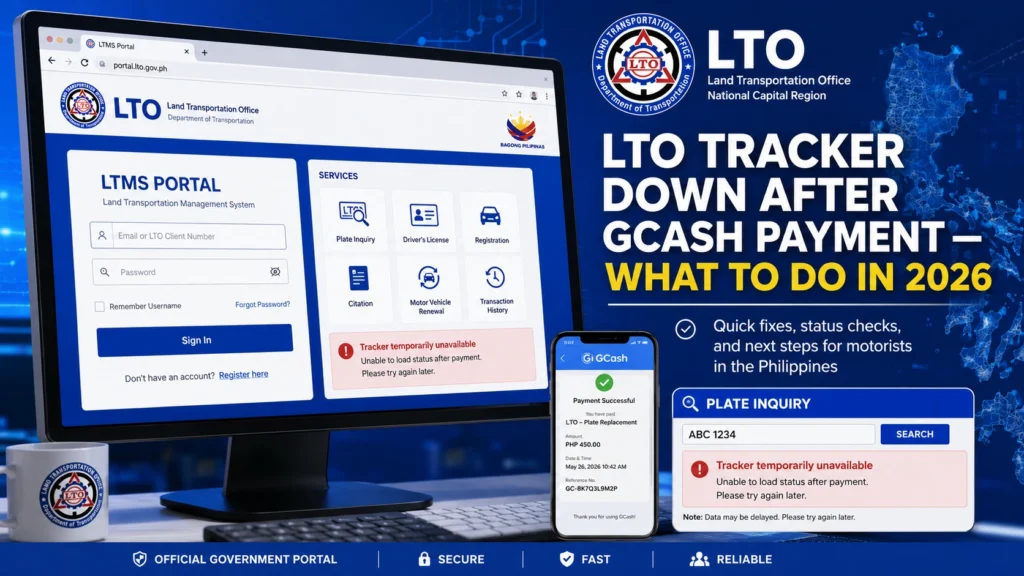
Check GCash Payment History
Make sure the payment really went through. Screenshot your payment details for reference.
Be Patient
Sometimes the tracker system takes a few days to update after payment.
Try SMS Tracking
If the status has not changed after a week, contacting the district office you registered in can help clarify.
Visit or Call Your LTO Office
If the status has not changed after a week, contacting the district office you registered in can help clarify.
Keep All Proof Handy
Documents like your OR, CR, payment screenshot, tracker screenshot, and ID will help in any follow-up.
What to Do If Your Plate Is Stuck in Locating Plate
Some users report that their status stays at “we are now locating your plate number” for weeks or even months. This means the system has not fully assigned or confirmed the plate in the database yet, and it is often just a database sync delay, not that you lost your payment.
If this happens:
Can You Switch to Pickup If Delivery Is Slow
Yes, in many cases, you can switch to pickup if delivery isn’t updating and you are near the LTO office.
Reasons pickup might be better:
Make sure you bring:
FAQs
Conclusion
Do not panic if the LTO Tracker seems down or not updating after paying via GCash. This is a common situation in 2026 caused by system updates, outages, and syncing delays.
The best steps are:
Stay calm
Save proof of payment
Use SMS tracking if needed
Follow up if no update after a week]
Being patient and persistent usually gets results. Your plate or license is likely still coming, it is just waiting for the system to catch up.


