
LTO Tracker Courier Delivery Taking Too Long — What to Do
If your LTO Tracker shows that your plate, license, or document has been handed to the courier but the delivery is taking too long, it can be frustrating. Delays are common and usually due to high volume, logistics issues, or system processing. Understanding why courier delivery may take longer and how to address it will help you get your items faster and avoid unnecessary worry.
The LTO system updates in phases. First, it changes the status to “Ready” once verification and processing are complete. Then, it generates the courier handoff, which may include SMS notifications, emails, or branch confirmation. Sometimes these notifications are delayed even though the courier has your item.
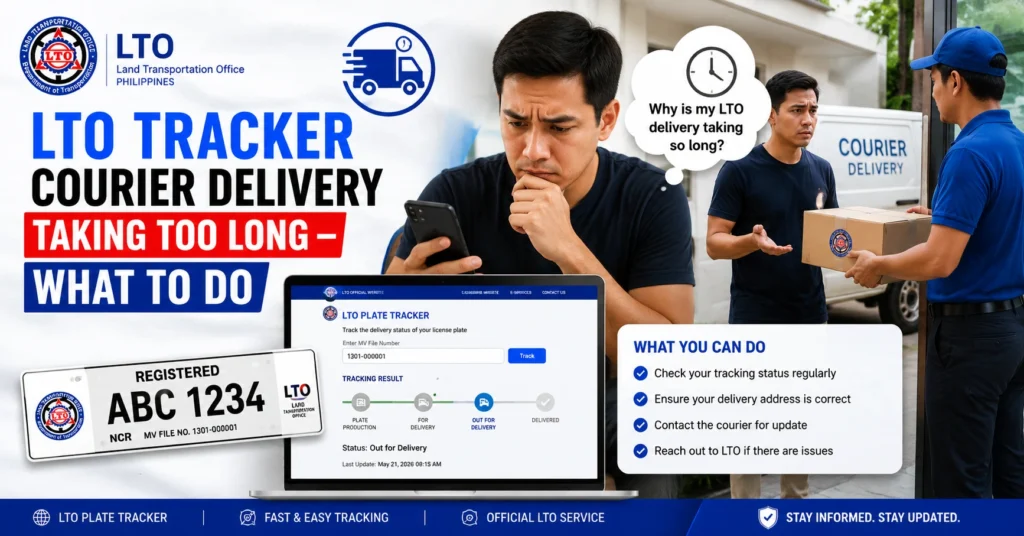
Common Reasons for Courier Delivery Delays
High Volume Periods
During peak months, such as license renewals or plate issuance periods, courier services experience high traffic that can slow delivery.
Regional Logistics Challenges
Deliveries to remote or provincial areas may take longer due to distance, road conditions, or branch workload.
Incomplete or Incorrect Information
Missing or wrong address, MV File Number, or contact details can cause delays.
Courier Operational Issues
Weather conditions, transport delays, or internal courier scheduling can extend delivery time.
System or Tracking Updates
Sometimes the LTO Tracker shows delayed updates even when the courier already has the item.
You can also read: LTO Tracker Says In Process for Too Long — What to Do (2026)
Step-by-Step Actions to Resolve Courier Delivery Delays
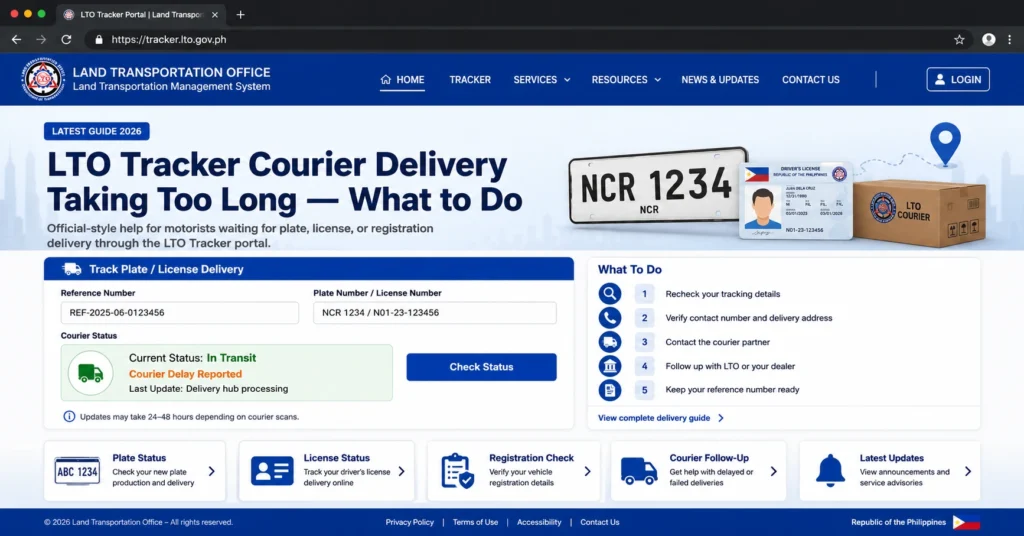
Confirm that the LTO Tracker shows your item has been handed to the courier.
Ensure your phone number and email in LTO records are correct so SMS notifications reach you.
Delivery usually takes 3–7 business days in Metro areas and 1–3 weeks in provincial areas depending on branch and courier workload.
If your tracker provides courier details or tracking number, reach out directly to the courier service.
If delivery exceeds normal timelines, submit a report to LTO Client Care or your regional office with your tracker screenshot, payment proof, and contact information.
Typical Timeline for Courier Delivery
| Type of Delivery | Standard Time | Notes |
|---|---|---|
| Metro Manila | 3–7 business days | Depends on courier schedule |
| Provincial Areas | 1–3 weeks | Distance and branch workload affect delivery |
| Replacement Plate | 1–2 weeks | Usually faster than new plates |
| Driver’s License | 1 week | Courier schedule may vary |
Common Mistakes to Avoid
Alternative Ways to Expedite Delivery
Branch Pickup
If courier delays are too long, check if you can pick up your plate or license directly from the LTO branch.
Contact Courier Support Directly
Use the tracking number provided by LTO (if any) to communicate with the courier and check package status.
Verify Address and Contact Information
Correct any errors to prevent failed delivery attempts.
Use Off-Peak Scheduling
Try scheduling or following up during off-peak hours to avoid delays caused by high volume.
How to Report Courier Delivery Delays to LTO
Gather Required Documents
Collect your eGovPH approval, payment receipts, and tracker screenshots.
Access LTO Client Care
Use the official portal or hotline to submit a report.
Provide Complete Information
Include name, contact number, MV File Number, vehicle details, OR/CR numbers, and description of the delay.
Follow Up
Keep a record of your complaint number and follow up if the delay persists beyond the advised time.
Tips to Ensure Faster Courier Delivery
FAQs
Conclusion
If your LTO Tracker courier delivery is taking too long, it is usually due to high volume, regional logistics, or system updates. By following the step-by-step actions, using alternative methods to expedite delivery, and reporting delays properly to LTO, you can ensure your plate, license, or document is delivered efficiently. Patience, preparation, and timely follow-up are key to a smooth delivery process.


