
What to Do If Your LTO Plate Was Received by Someone Else
If you’ve checked your vehicle plate status on the LTO Tracker and it says your plate has been received by someone else, you’re not alone. Many drivers see confusing statuses and don’t know what it means or what to do next.
This guide explains it in simple terms, with steps you can take right away and helpful tips to fix it without stress.
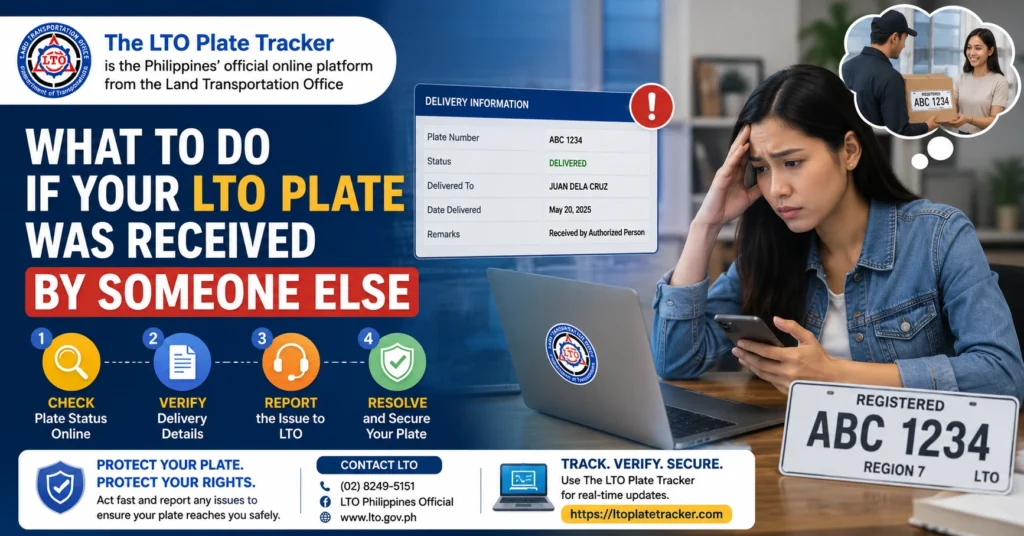
What This Message Usually Means
When the LTO Tracker says your plate has been received by someone else, it often points to one of these issues:
The delivery partner or courier accidentally gave your plate package to the wrong person.
Sometimes the waybill shows correct name and address, but the plate inside the package is different. This can happen in the courier’s sorting or during shipment.
The LTO released record may have been updated too early, or the courier scanning system tagged your plate as delivered incorrectly. This doesn’t always mean someone else owns it — the tracking data could be wrong.
You can also read: LTO Plate Mismatch With OR/CR: Fix Guide Latest Update (2026)
What You Should Do Step by Step
If your tracker says someone else received your plate, here’s a clear plan:
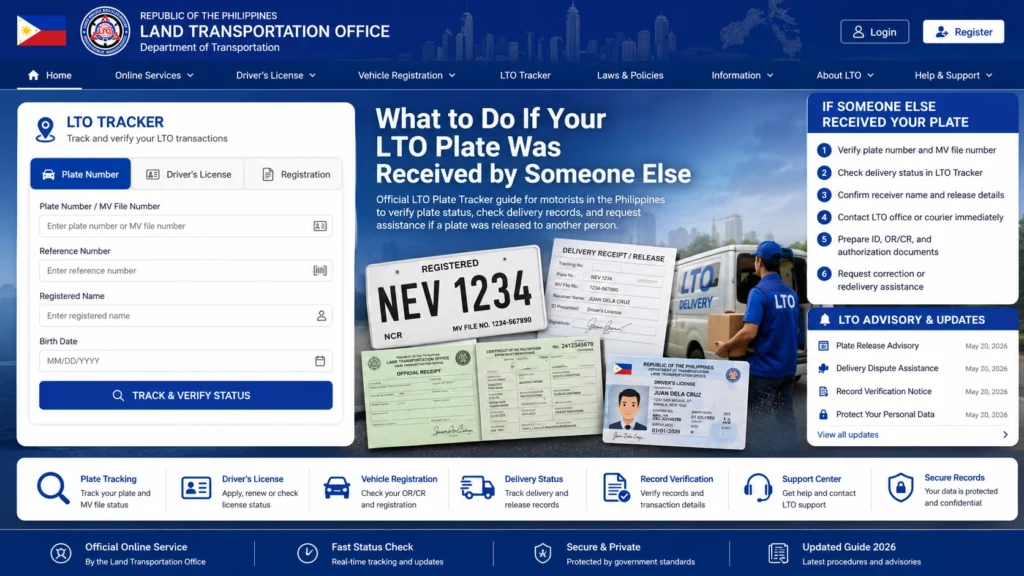
Check Your Delivery Tracking and Waybill
Before anything else, check the courier tracking number and waybill details if you chose home delivery. Make sure the name and address on the shipping record is yours. If the waybill info is correct but the plate is wrong, this strongly points to a delivery error. Mistakes can happen during sorting and it doesn’t immediately mean the plate is gone.
Contact LTO Courier Hub or Client Care
LTO’s delivery partner handles final delivery records, so contacting them often helps the fastest. When you contact them, include your plate number, courier tracking number, screenshot of tracker status, and photo of the plate you received if it is wrong. This helps them trace it quicker.
Call or Visit Your LTO District Office
Sometimes the online tracker isn’t updated well or is delayed. Going to your LTO branch where your vehicle was registered can help. They can check internal records, confirm if the physical plate was actually released and logged as delivered, and tell you if a delivery scan was recorded incorrectly.
Talk to Your Dealer If Applicable
If a dealer filed your registration and got the plates on your behalf, ask your dealer if they actually received your plate. Sometimes dealers mistakenly mark a plate as received or hold it without updating you. Remind them your LTO Tracker shows it’s ready or delivered, which usually speeds up their follow-up.
Do Not Install a Wrong Plate
If the plate physically in your hands isn’t yours, do not attach it to your vehicle. Using a wrong plate can cause fines or confusion with law enforcement. Return it or bring it to LTO right away so they can sort the issue.
Why This Happens So Often
Many drivers experience delays, mixed statuses, or errors in the online tracker because:
Don’t panic — it’s a common issue, not necessarily a lost plate.
Tips to Avoid Plate Delivery Problems
Home Delivery vs LTO Pickup
Home Delivery is convenient but can be delayed or mis-scanned. Always keep your waybill and screenshots handy.
LTO Pickup guarantees you get your plate directly, no scanning errors, but requires visiting the branch. Choose what works best for your situation.
Using SMS or LTO Apps for Updates
Some people prefer SMS tracking or LTO apps for updates. It’s slower than the website but gives text confirmation. Make sure to double-check against your online tracker, as system delays or errors may still occur.
FAQs
Conclusion
Seeing “received by someone else” can be stressful, but in most cases, it’s a delivery or tracker error, not a lost plate. By checking waybills, contacting couriers, following up with LTO, and confirming with your dealer, you can usually fix the issue quickly.
Keep records and stay calm — most drivers get their plates safely after a simple follow-up.


