
Wrong LTO Plate Delivered? Steps to Fix It Update (2026)
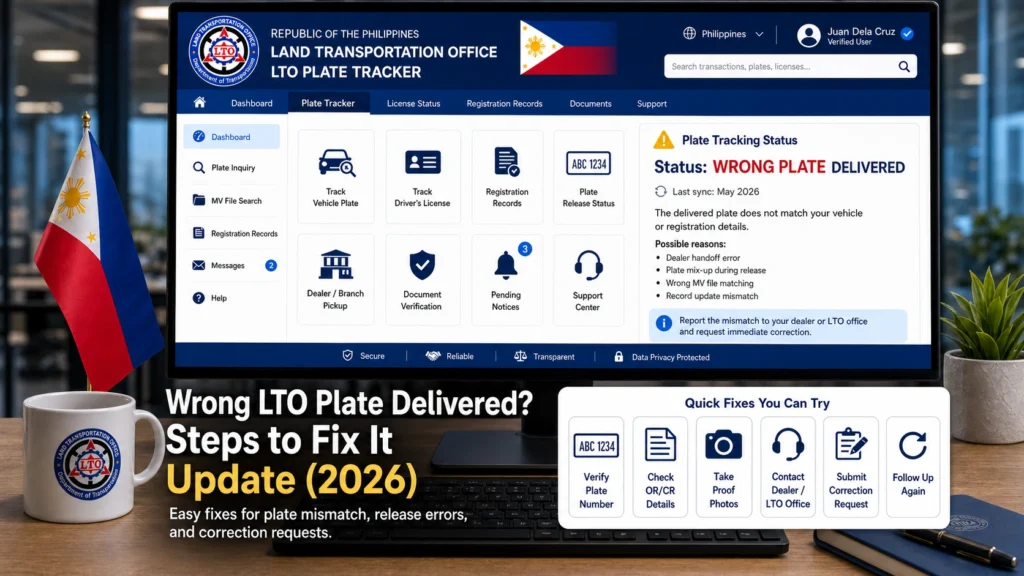
Receiving your LTO plate should feel like a relief. But what if the plate delivered to you has a different number from the one you saw on LTO Tracker, your OR/CR, or your email Certification? That can be confusing, especially after waiting for a long time.
The first thing to remember is simple: do not install the plate right away if something does not match. Check your records first, take photos, save your delivery proof, and contact the proper support channel before using the plate on your vehicle.
Quick Answer: What Should You Do First?
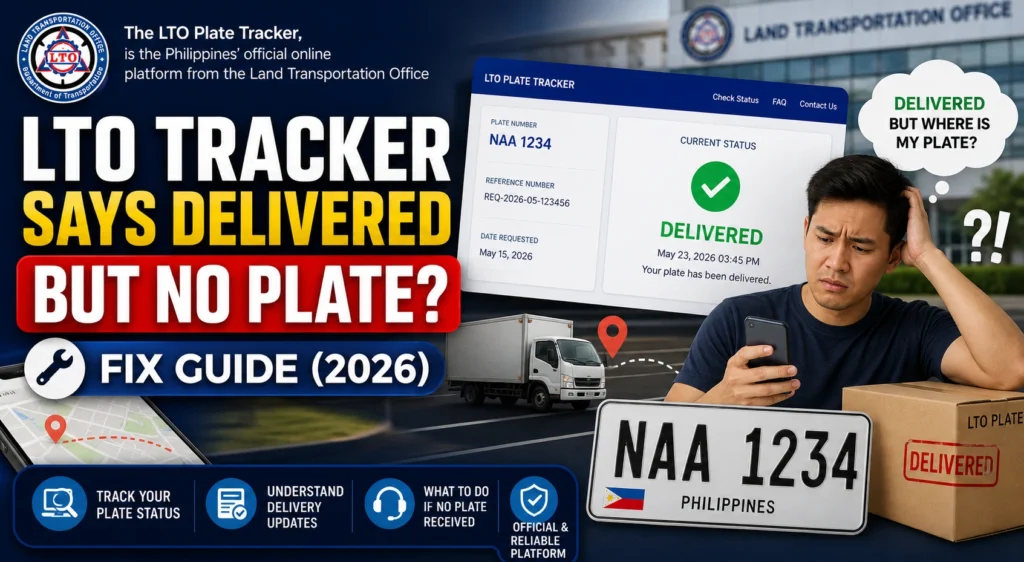
You can also read: LTO Tracker Says Delivered but No Plate? Fix Guide (2026)
Why the Delivered Plate May Look Wrong
A plate mismatch can happen for a few reasons. Sometimes the LTO Tracker display does not match the final plate issued. Sometimes the physical plate, Certification, and vehicle record need to be checked together before you know if there is a real error.
In other cases, the wrong plate may have been packed, sorted, or handed over during delivery. That is why you should avoid guessing. The safest move is to compare all records and ask for official verification.
Check These Details Before Reporting
Check the plate number on the physical plate
Take a clear photo of the plate you received. Make sure the full plate number is readable. Do not install it yet if you are unsure.
Check your email Certification
Search your email inbox, spam folder, and junk folder for the Certification sent after your LTO Tracker delivery request. This Certification may show the official plate number assigned to you.
Compare it with your OR/CR
Look at your Official Receipt and Certificate of Registration. Compare the plate number, MV file number, vehicle make, model, and owner details.
Review the LTO Tracker result
Take a screenshot of the tracker page. If the tracker shows a different plate number from the physical plate, save that screenshot before the status changes.
Check the delivery label
Look at the package label if you still have it. Check the name, address, tracking number, and reference number. This helps confirm if the parcel was meant for you.
Step-by-Step Fix for a Wrong LTO Plate Delivery
Step 1: Do not use the plate yet
If the plate does not clearly match your vehicle record, do not attach it to your motorcycle or car. Wait for confirmation first. Using the wrong plate can create more problems later.
Step 2: Take clear photos
Take photos of the physical plate, delivery packaging, courier label, tracker result, OR/CR, and Certification. Keep the images clear and complete.
Step 3: Compare all records
Match the physical plate with your Certification first. Then compare it with your OR/CR, MV file number, and tracker result. This will help you understand where the mismatch appears.
Step 4: Contact the courier if the package looks wrong
If the delivery label has a different name, address, or reference number, contact the courier right away. Ask them to verify if the package was delivered to the correct person.
Step 5: Contact LTO Customer Service
If the Certification does not match the plate you received, contact LTO Customer Service or the release point. Send your photos and explain the mismatch clearly.
Step 6: Wait for verification
Do not throw away the package, receipt, or delivery label. LTO or the courier may need these details to trace the plate and correct the issue.
What If the Certification Matches the Delivered Plate?
What If the Plate Belongs to Someone Else?
Documents and Proof to Prepare
Before you contact support, prepare everything in one folder. This saves time and makes your report easier to understand.
Sample Message You Can Send
Use a short message with complete details. You can copy and edit this:
Good day. I received my LTO plate delivery, but the plate number does not match my records. My physical plate number is [plate number received]. The plate number in my Certification/OR/CR/LTO Tracker is [correct or shown plate number]. My MV file number is [MV file number], tracking number is [tracking number], and delivery date is [date]. I have attached photos of the plate, Certification, OR/CR, and delivery label. May I request verification and correction?
Common Mistakes to Avoid
When people receive a wrong plate, they often panic and rush. But rushing can make the issue harder to fix. Avoid these mistakes:
FAQs
Conclusion
Getting the wrong LTO plate delivered is frustrating, but it can be fixed if you handle it calmly. Start by comparing the physical plate with your Certification, OR/CR, MV file number, tracker result, and courier label.
If everything matches the Certification, the tracker may simply be showing a different detail. But if the Certification or vehicle documents do not match the plate you received, report it right away. Save your proof, contact LTO or the courier, and do not use the plate until the issue is verified.


