
Mother File Problem in LTO Tracker Explained (Update 2026)
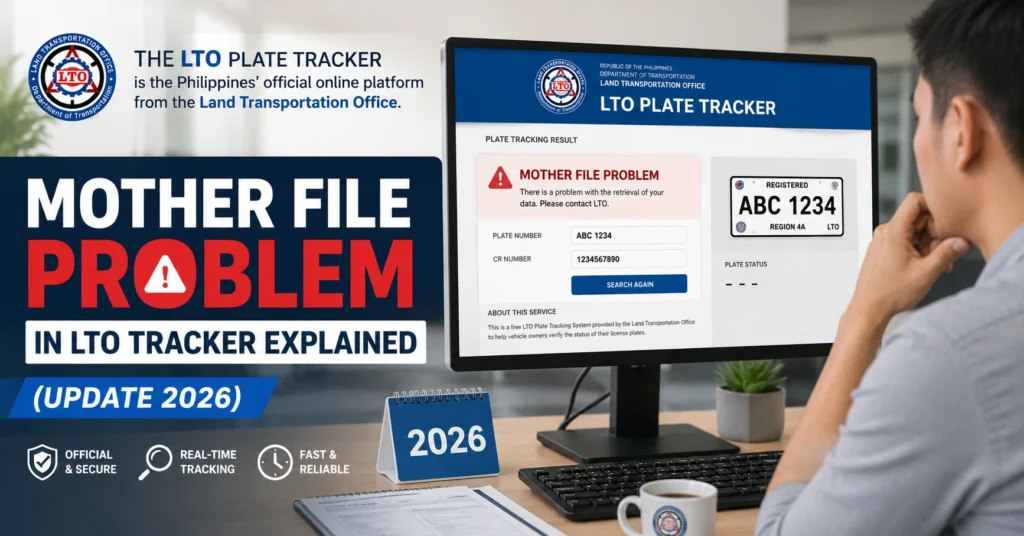
A Mother File problem in LTO Tracker usually means the vehicle’s main registration record is connected to another LTO office, often the branch where the vehicle was first registered. This can cause delays, missing records, wrong plate details, or “No Record Found” results when checking your plate number, MV File Number, OR/CR, or ownership status online.
It does not always mean your vehicle has a legal problem. Sometimes, the record just needs confirmation, updating, or checking at the correct LTO branch.
What Is a Mother File in LTO?
You can also read: LTO Tracker Website Down What to Try (Simple Fix Guide 2026)
Is the Mother File the Same as the MV File Number?
No. These two are not the same.
Here is the simple difference:
What Does Mother File Problem Mean in LTO Tracker?
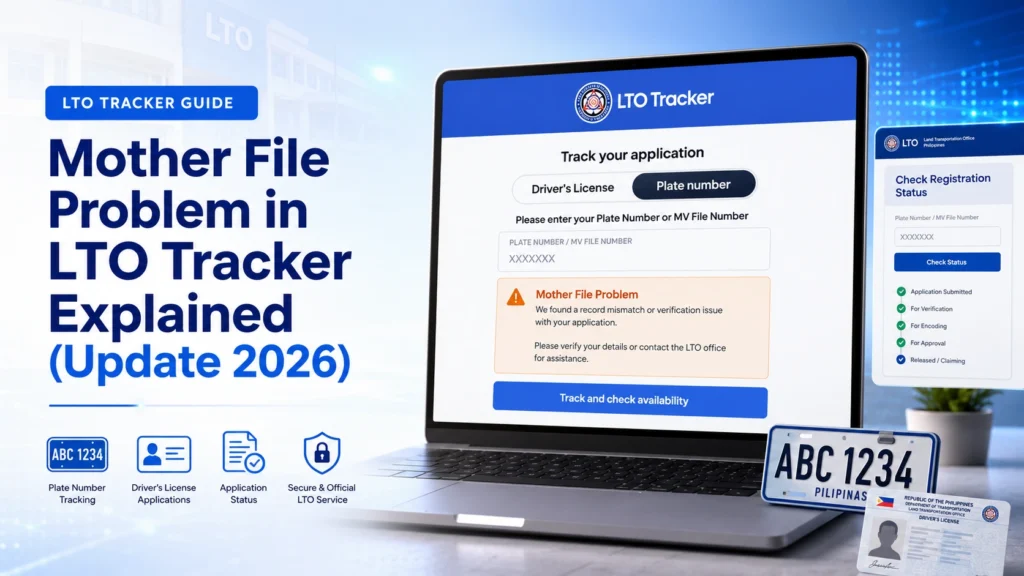
A Mother File problem means the online tracker cannot properly match or read your vehicle record from the main LTO database or the branch where the vehicle record is stored.
This may happen when:
In many cases, this is more of a record-matching issue than a serious violation. But you should still check it, especially before buying, selling, renewing, or transferring a vehicle.
Common Signs of a Mother File Problem
You may have a Mother File issue if you notice any of these problems:
Why Does This Happen?
There are several possible reasons.
This is common with second-hand vehicles. You may live in one city, but the vehicle was first registered somewhere else.
The original documents may still be connected to the first LTO branch. When another branch needs to process your transfer, plate claim, or correction, they may need confirmation from the Mother File branch.
If you bought a used car or motorcycle, the seller may have given you the OR/CR and deed of sale, but that does not always mean the LTO transfer of ownership is complete.
If the vehicle is still under the first owner’s name, the tracker may show old details or create confusion during plate delivery or renewal.
Sometimes the LTO office may already have some records, but the online tracker does not show them yet.
This can happen during system updates, branch uploads, or batch processing. So a “No Record Found” result does not always mean your vehicle has no record.
Some owners receive a physical plate, but the online tracker shows another plate number. Others have a plate number printed on OR/CR, but the tracker does not show the same result.
This kind of mismatch should be checked quickly. You need the plate number, MV File Number, engine number, and chassis number to match properly.
For brand-new vehicles, the dealer often handles the first registration. If the dealer delays the release of OR/CR or plate details, your tracker result may also be delayed.
In this case, you should follow up with the dealer and ask for the exact LTO branch where the vehicle was registered.
What Should You Check First?
Before going to an LTO office, check these details:
Make sure the numbers are typed exactly as shown. Do not add extra spaces. Do not confuse zero with the letter O. Do not confuse number one with the letter I.
Small typing mistakes can create a false “No Record Found” result.
What to Do If LTO Tracker Shows No Record Found
Here is a simple step-by-step process.
Step 1: Recheck the Number You Entered
Enter the MV File Number exactly as shown on your OR/CR. If you are using the plate number, use the same format shown on your documents.
Try again using a different device or browser if the page is not loading properly.
Step 2: Check If the Vehicle Is New, Used, or Transferred
If the vehicle is brand-new, ask the dealer if the registration details were already submitted to LTO.
If the vehicle is second-hand, check if transfer of ownership was completed. A deed of sale alone is not enough if the LTO record is still under the old owner.
Step 3: Find the Original LTO Branch
Look at your CR and registration papers. They may show where the vehicle was first registered or where the current record was processed.
This branch may be important because it may hold the Mother File.
Step 4: Contact the Dealer or Previous Owner
If the vehicle came from a dealer, ask for the LTO branch, release status, and any plate claim details.
If it is second-hand, ask the seller where the vehicle was registered and whether the ownership transfer was completed.
Step 5: Visit an LTO Office With Complete Documents
If the issue does not clear online, visit the LTO office. Bring your OR, CR, valid ID, deed of sale if needed, and any screenshots from the tracker.
Tell the staff that your vehicle may have a Mother File or record confirmation issue.
What If the Mother File Is Far Away?
Mother File Problem for Second-Hand Vehicles
Second-hand vehicles are where this issue often becomes confusing.
Many buyers think that once they have the OR/CR and deed of sale, everything is done. But the LTO record may still need to be officially transferred.
This can create problems later, such as:
Before buying a second-hand vehicle, always check if the OR/CR details match the engine number, chassis number, and plate number. Also ask where the Mother File is located.
If the seller cannot explain the vehicle’s registration history, be careful.
Can You Still Use the Vehicle?
Documents to Bring to LTO
Bring these when checking a Mother File issue:
It is better to bring extra copies. LTO branches may ask for different supporting documents depending on your case.
How to Avoid Mother File Problems Before Buying a Used Vehicle
Use this quick checklist before buying:
Does LTO Tracker Fix the Mother File Problem?
Quick Troubleshooting Table
Problem:
No Record Found
Possible Reason:
Wrong number, delayed update, or record not uploaded
What to Do:
Recheck MV File Number and try again later
Problem:
Plate number does not match
Possible Reason:
Encoding error or record mismatch
What to Do:
Bring OR/CR and plate proof to LTO
Problem:
Used vehicle still under old owner
Possible Reason:
Transfer not completed
What to Do:
Process transfer of ownership
Problem:
LTO asks for confirmation
Possible Reason:
Mother File is in another branch
What to Do:
Ask the branch how to request confirmation
Problem:
Dealer says plate is not ready
Possible Reason:
Dealer delay or LTO release delay
What to Do:
Ask for LTO branch and release status
FAQs
Conclusion
A Mother File problem in LTO Tracker can be stressful, but it is usually fixable. Start with the basics: check your MV File Number, OR/CR, plate number, engine number, and chassis number.
If the vehicle is second-hand, pay extra attention. The Mother File may still be connected to the first registration branch, and the ownership transfer may not be complete.
The best way to avoid bigger problems is to verify early. Do not wait until renewal, resale, or checkpoint trouble. If the tracker does not give a clear result, visit LTO with complete documents and ask for manual verification.


