
LTO Tracker If Vehicle Is Not in Your Name – (Guide 2026)
Many vehicle owners check their LTO Tracker and wonder: Can I track plates or delivery if the vehicle is still under the previous owner’s name?
This is a common situation for second-hand vehicles or when a transfer of ownership has not yet been completed. This guide explains how LTO Tracker works in this case and what you can do to avoid delays.
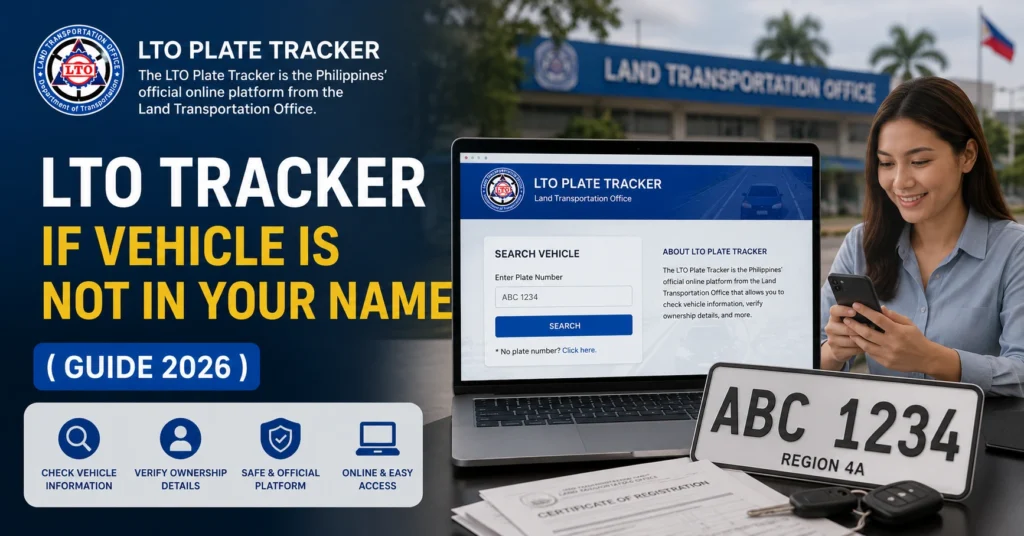
Can You Use LTO Tracker if the Vehicle Is Not in Your Name?
Yes, you can sometimes check the status, but there are limitations:
If your vehicle is still registered under someone else’s name, you may not be able to claim the plate or request delivery without completing the ownership transfer.
You can also read: Can Dealers Hold Plates After LTO Release? – Explained in 2026
Why LTO Limits Tracker Access to the Owner
LTO Tracker is designed to protect vehicle registration and prevent fraud:
Steps to Use LTO Tracker With a Vehicle Not in Your Name
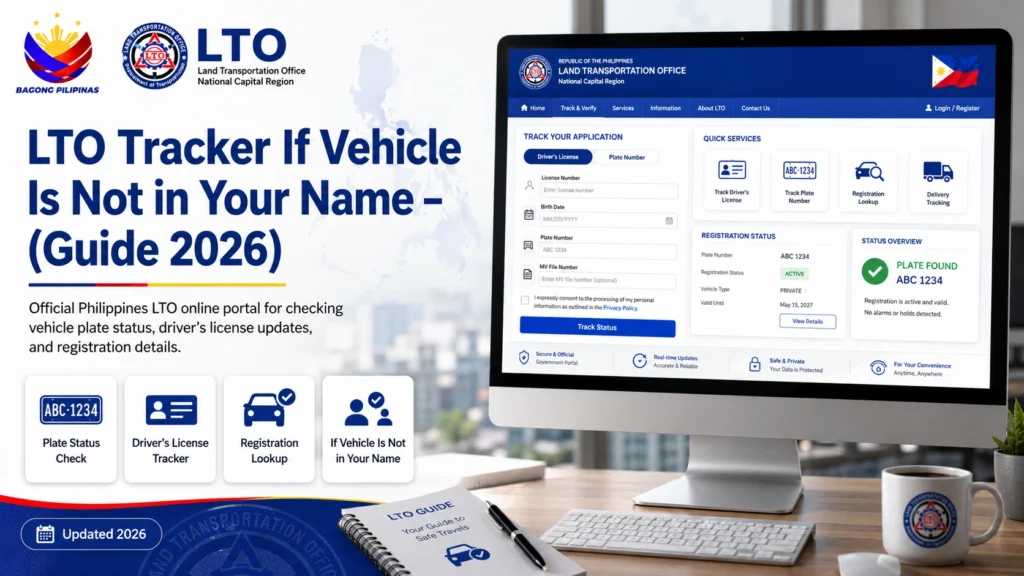
Check the Certificate of Registration (CR) to see the current registered owner.
If the vehicle is still under the previous owner, you need to complete the transfer first.
Before claiming plates or using delivery, complete the ownership transfer at your LTO branch. You’ll need:
Deed of Sale or notarized transfer documents
Original OR/CR
Valid IDs
Once the vehicle is officially in your name, you can:
Receive GoGo Xpress SMS updates
Track plate or license status
Schedule delivery through LTO Tracker
Troubleshooting: If You Try Tracker Before Ownership Transfer
If you attempt to request plate delivery while the vehicle is not yet in your name:
The best approach is to wait until LTO updates the owner records.
Tips for Smooth LTO Tracker Access
FAQs
Conclusion
You cannot fully use LTO Tracker for delivery if the vehicle is not in your name. The system is tied to the registered owner to prevent unauthorized claims and ensure proper delivery.
The best approach is to complete the ownership transfer first, then track the plate or license, schedule delivery, and receive SMS updates.
Being proactive with documents and communication helps you avoid delays and ensures a smooth process.


