LTO Tracker ID Upload Rejected: Fix Guide – 2026

Many users of LTO Tracker face the frustrating situation where their ID upload is rejected. This can block plate delivery, driver’s license updates, or verification, delaying the entire process.

This guide explains why ID uploads are rejected, how to fix the problem, and tips to avoid it in the future.
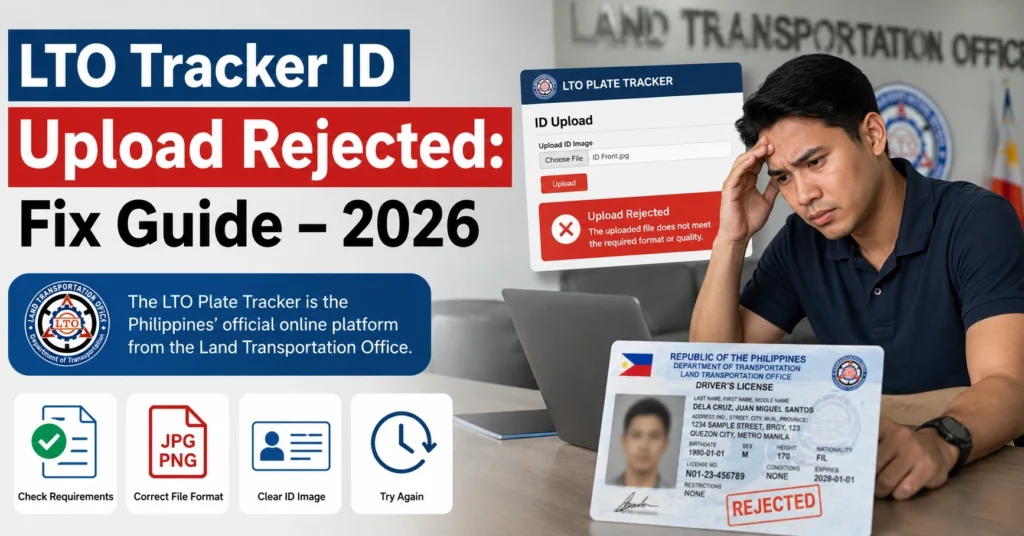
LTO Tracker ID Upload Rejected: Fix Guide – 2026

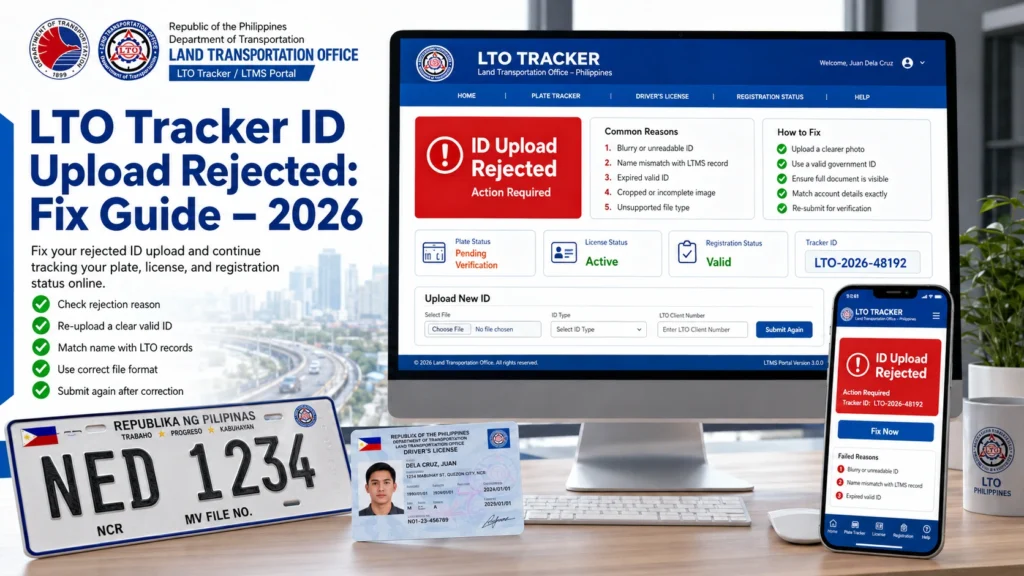
There are several common reasons your ID might be rejected:

Blurry or Low-Quality Image – The system cannot read details if the image is unclear.

Incorrect File Format – LTO accepts specific formats like JPG or PNG; PDFs or other formats may be rejected.

Expired or Invalid ID – LTO only accepts valid government-issued IDs.

Mismatched Information – Name on your ID must match the OR/CR or tracker details exactly.

Incomplete Upload – If part of the ID is cropped or missing, the system may reject it.

You can also read: LTO Tracker Delivery Time in 2026: How Long Does It Take?

Step-by-Step Fix for ID Upload Rejection
StepActionDetails
1Check Image QualityMake sure your photo is clear, well-lit, and all details are visible
2Confirm File FormatSave the ID as JPG or PNG; avoid other formats
3Verify ValidityEnsure your ID is not expired and is government-issued
4Match Name and DetailsMake sure the name on your ID matches the OR/CR or tracker registration
5Retry UploadLog in to LTO Tracker and upload the corrected ID

Following these steps usually resolves the issue within a few attempts.

Troubleshooting Tips

  • Avoid using screenshots of your ID; scan or take a clear photo instead
  • Crop the image to remove unnecessary background, but include all corners and text
  • Ensure file size meets LTO requirements; avoid extremely large or small files
  • Retry upload on a stable internet connection to prevent interruptions
  • Clear your browser cache if repeated attempts fail

What Happens If Your ID Upload Fails Multiple Times

If your ID continues to be rejected:

  • Contact your dealer (if registration went through a dealer) for assistance
  • Visit your LTO branch to verify ID in person
  • Bring OR/CR, valid ID, and payment proof to complete verification

This ensures your plate or license processing continues without unnecessary delays.

Tips to Avoid Future ID Upload Rejections

  • Always use a government-issued ID (e.g., passport, driver’s license, SSS, or PRC ID)
  • Keep your ID image high-resolution and well-lit
  • Avoid partial or cropped images
  • Make sure all names and numbers match official records
  • Double-check file format and size before uploading

New Heading: How ID Verification Affects Delivery

If your ID is rejected, it can block plate or license delivery because:

  • LTO needs to verify the owner’s identity before releasing items
  • Courier services require ID verification for delivery
  • Rejected ID delays the system from generating GoGo Xpress tracking numbers

Ensuring a successful ID upload prevents unnecessary delivery delays.

New Heading: Quick Checklist for Successful ID Upload

  • High-resolution image
  • Correct file format (JPG/PNG)
  • Valid, government-issued ID
  • Name matches OR/CR and tracker registration
  • Entire ID visible (no cropping)
  • Stable internet connection

Following this checklist eliminates most upload errors.

Often because of poor image quality, wrong format, or mismatch with tracker details.

No. Only valid, government-issued IDs are accepted.

Typically JPG or PNG. Avoid PDFs or other formats.

Yes, you can re-upload a corrected image directly in LTO Tracker.

Visit your LTO branch or contact your dealer for verification.

Conclusion

An ID upload rejection in LTO Tracker is common but fixable.
By following the steps above, checking your image, and ensuring all details match official documents, you can quickly resolve the issue.
Always keep your documents ready and double-check uploads to avoid delays in plate or driver’s license delivery.

Similar Posts

Leave a Reply

Your email address will not be published. Required fields are marked *