
LTO Tracker Not Working — Causes, What It Means Update (2026)
If you are trying to check your vehicle plate or driver’s license status online in the Philippines and keep running into errors on the LTO Tracker system, you are not alone. Many car and motorcycle owners have reported the online tool failing, loading too slowly, or showing error messages when attempting to track status. This guide breaks down exactly why this happens, how you can still check your status, and reliable alternatives while the tracker is unstable.
Why the LTO Tracker Sometimes Stops Working
The online tracking tool provided by the Land Transportation Office (LTO) and the Department of Transportation (DOTr) is designed to let users check the status of:
However, at times the service may fail or show errors due to:
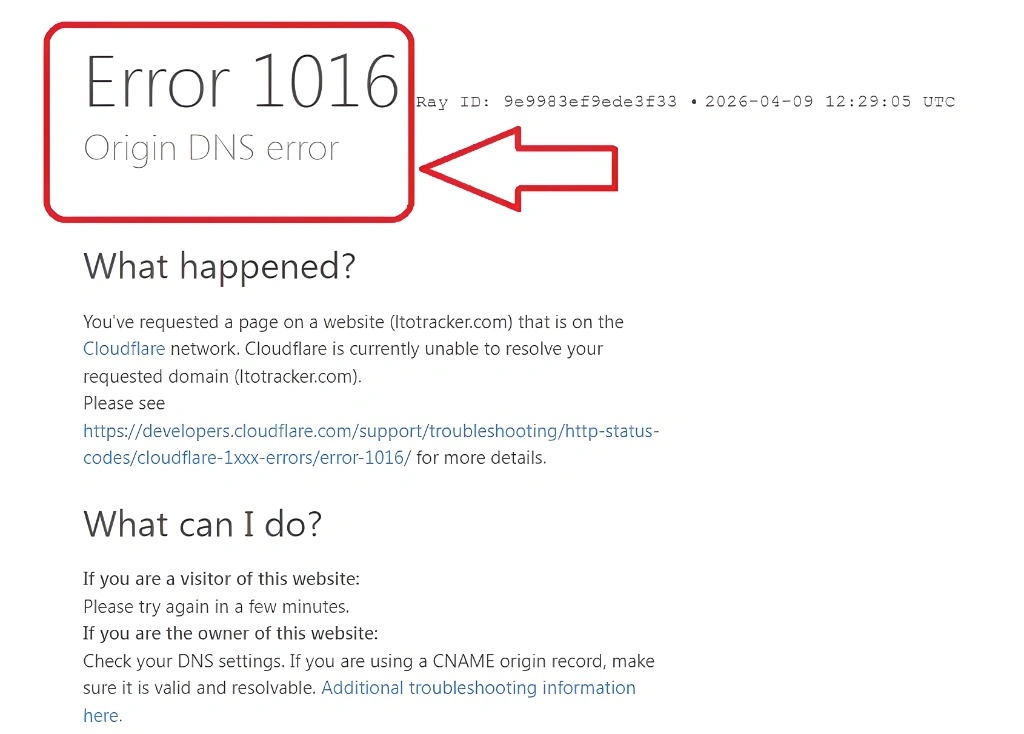
LTO periodically updates its systems, improves tracking features, or adjusts infrastructure. During these periods, the online portal may be temporarily unavailable.
Millions of vehicle owners and drivers try to check status around the same time, especially during holidays and peak registration periods, which can strain the system and cause errors.
Even when the tracker loads, it might not show updated information if regional LTO offices have not uploaded the latest records. If a registration has not been updated yet at the source, the tracker may still say “Not Found” or “No Record.”
Simple entry errors, such as mistyped plate numbers, or using older browsers and poor internet connections can cause the tracker to fail. Always double-check plates before searching.
Understanding What the Tracking Results Mean
When the tracker works properly, you might see status messages like:
These messages help motorists decide what to do next without unnecessary visits to the LTO office.
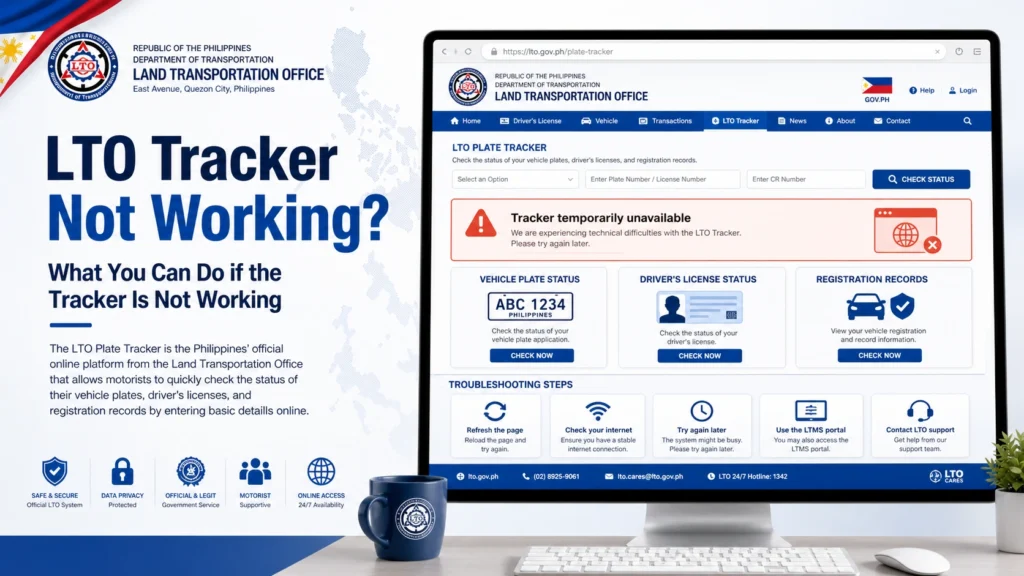
What You Can Do if the Tracker Is Not Working
When the online tool fails repeatedly, use these proven alternatives to check your plate or license status:
SMS Status Check
You can verify your plate without going online:
You will get SMS confirmation of your plate status, including released or processing details, even if the web tracker is not loading.
Use a Government Mobile App
The eGovPH mobile app includes many digital government services, including checking LTO plate or license status, and sometimes works even when web pages are down. The app is available for both Android and iPhone.
Visit an LTO District or Extension Office
If online and SMS checks do not work or show errors, heading to your local LTO branch still gives you accurate, official status updates:
Regional Plate Tracking Portals for NCR
If your vehicle is registered in the National Capital Region (NCR), official LTO-NCR plate inquiry tools allow tracking of:
These tools are official and sometimes more stable than the main LTO Tracker portal.
Tips to Avoid Common Tracking Errors
Here are some practical tips users should follow:
How Long Does It Usually Take for Plates to Be Processed?
Processing times vary by branch and workload. Usually:
Using the alternatives above ensures you know your status without waiting for the web tracker to function.
Additional Ways to Track Driver’s License Status
Apart from vehicle plates, many motorists want to track their driver’s license card. Methods include:
This ensures you are fully informed about both your plates and licenses.
FAQs
Conclusion
The LTO Tracker system is a convenient tool, but temporary errors or maintenance can prevent access. Motorists in the Philippines should rely on SMS verification, mobile apps, regional portals, or visiting LTO offices to stay updated on plate and license status. By following the tips and alternatives outlined here, you can avoid frustration, save time, and ensure you always have accurate, official information regarding your vehicle and license documents.


