
LTO Tracker Refund Guide for Delivery Fees – Update 2026
Paying for delivery through LTO Tracker is supposed to make your life easier. But what happens if something goes wrong — the tracker doesn’t update, your plate or license doesn’t arrive, or the delivery option wasn’t actually processed? Many users ask the same thing:
Can I get a refund for the delivery fee on LTO Tracker?
Yes, under certain situations you can. This guide will explain how refunds work, when you qualify, and what steps to take so you don’t feel stuck.
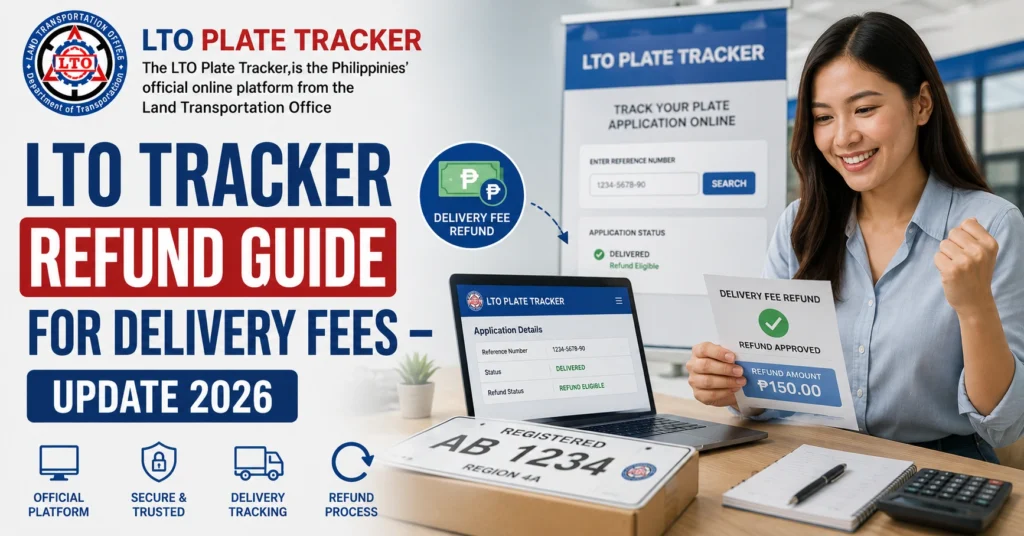
Why You Might Need a Refund
Here are some common reasons people look for a refund:
These problems usually happen during system delays, website errors, or data sync issues.
You can also read: LTO Tracker No Tracking Number After Pay – What It Means in 2026
Can You Get a Refund for LTO Tracker Delivery Fees?
Yes, refunds are possible, but they are not automatic.
Here’s the simple rule:
If the system did not process your delivery and the item did not go to the courier, you have a strong case for a refund.
If your plate or license was already handed to the courier, then a refund may not be allowed because the service was technically provided.
Standard Delivery Time Expectations
Before asking for a refund, it’s good to understand normal delivery times:
| Service | Normal Delivery Time |
|---|---|
| Plate Delivery | 1 to 4 weeks |
| Driver’s License Delivery | About 1 week |
If delivery is within the normal time range, a refund request may not be accepted. But if it’s been much longer with no update, that’s a reason to ask.
Steps to Request an LTO Tracker Delivery Fee Refund
Here’s a simple step‑by‑step process:
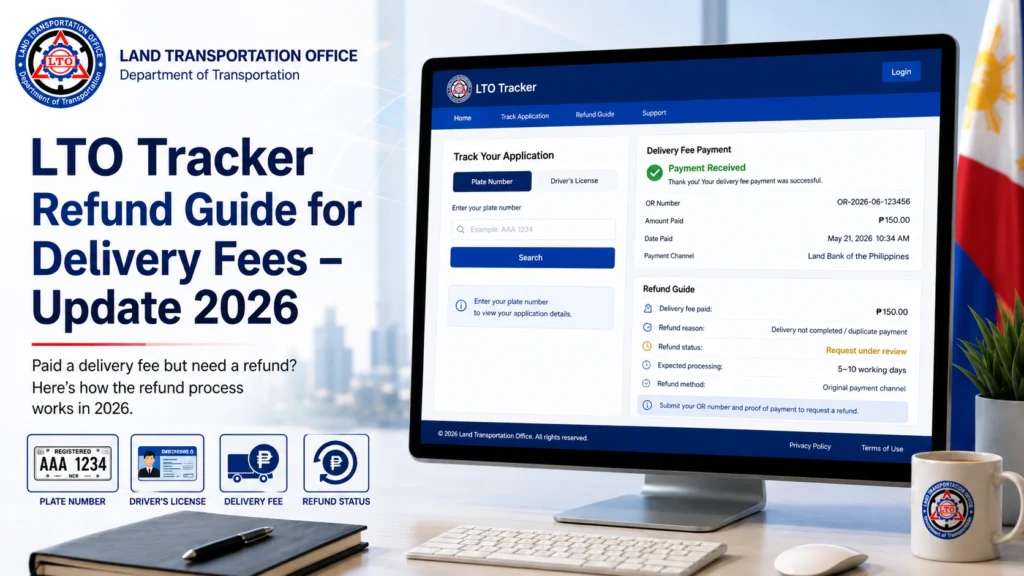
- Make sure your GCash receipt or payment screenshot clearly shows the delivery payment went through.
- Keep this saved on your phone or computer.
- Go back to LTO Tracker and screenshot your current status page.
- If it still shows “For Payment,” “Processing,” or no delivery update after several days, that supports your refund claim.
- Wait at least the normal delivery period before asking for a refund.
- For plates, that is usually up to 4 weeks from the date you paid.
- For driver’s licenses, it is usually about 1 week.
- Your next step is to reach out with proof.
- You can contact:
- The LTO office where you registered
- The LTO courier support center
- Any official email channel they provide for delivery concerns
- In your message, include:
- Your GCash payment receipt
- Screenshot of the tracker status
- OR or CR details
- Your contact number
- When asking for a refund, keep your request short and clear.
- Example statement you can use:
- “I paid my delivery fee on [date] but the tracker still does not show delivery or tracking number. I would like to request a refund because the system did not process delivery.”
Common Situations Where Refunds Are Accepted
Here are scenarios where refunds are more likely:
If the tracker shows your item was already dispatched to a courier, your refund request may be less likely.
What Happens If Refund Is Not Approved?
Sometimes your refund request might be denied. In that case:
Even if you do not get a refund, you still have your original request and might get your plate or license delivered later.
Tips to Avoid Refund Problems in Future
Here are quick tips so you don’t run into refund troubles again:
Most delivery problems happen because of simple errors or waits during system updates.
FAQs
Conclusion
Getting a refund for delivery fees on the LTO Tracker can feel confusing, but it is possible when you know how it works.
The system may lag or go down sometimes, but having clear proof and following the steps above gives you the best chance to get your money back if the delivery was not processed.
If you see slow tracker updates, be patient, keep your proofs safe, and don’t hesitate to ask for a refund if the rules support it.
Your money is yours, and it is okay to ask for it back when the service was not delivered.


