
LTO Plate Delivery Address Mistake: How to Fix It Update 2026
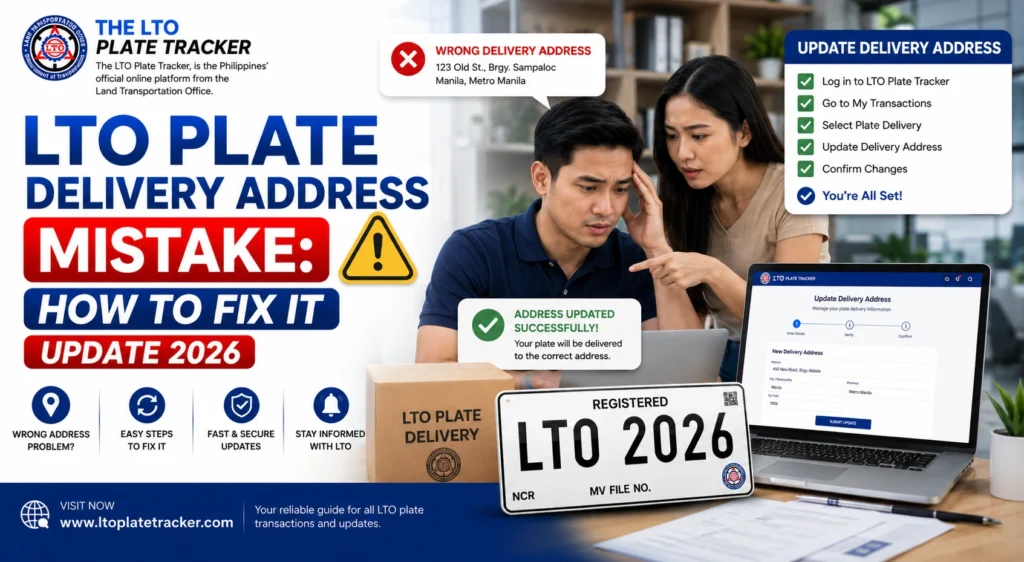
Sometimes when checking your LTO Tracker, you may notice that your vehicle plate is being sent to the wrong delivery address. This can happen due to typos, incorrect dealer input, or system errors.
An incorrect delivery address can delay your plate and create confusion, but it is usually easy to fix if you act quickly. This guide explains what to do step by step.
Why Address Mistakes Happen
Several reasons can cause LTO plate delivery errors:
Typographical Errors
A simple mistake in your street number, barangay, or postal code can cause the courier to deliver your plate to the wrong location.
Dealer or LTO Input Error
When registration is processed by a dealer or LTO branch, your address may be entered incorrectly in the system.
System Glitch
Sometimes, the LTO Tracker displays a wrong address even if your registration was correct, due to system syncing issues.
Courier Misdirection
Even with the correct address in the system, courier errors can send the plate to a nearby or wrong location.
How to Fix an LTO Plate Delivery Address Mistake
Follow these steps to correct the delivery address:
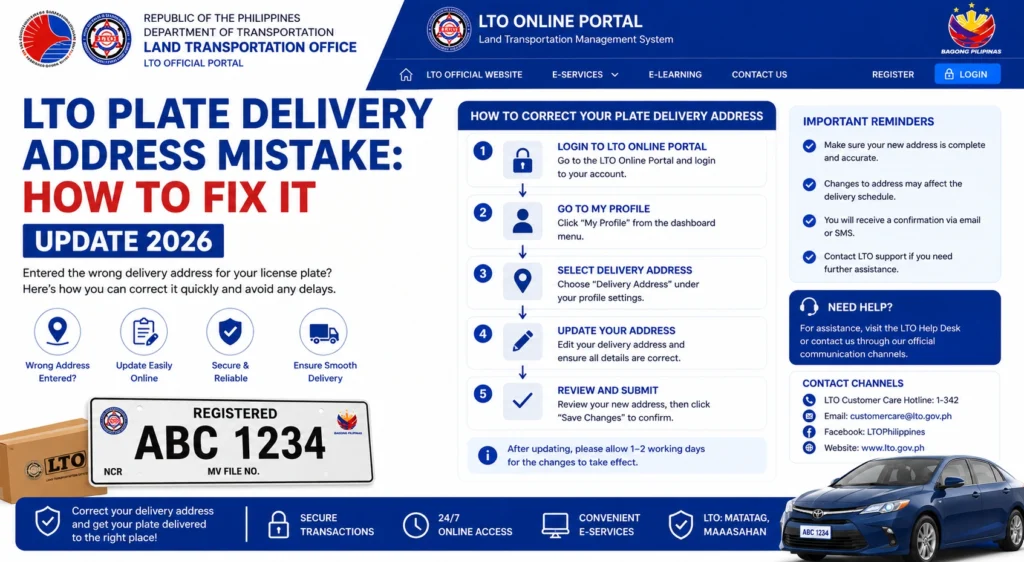
Verify Your Details in LTO Tracker
Log in to your LTO Tracker and check the current delivery address.
Compare it with the address you submitted during registration.
Take a screenshot of the tracker showing the wrong address for reference.
Contact Your LTO Branch
Call or visit the branch where your vehicle was registered.
Provide your OR/CR, plate number, and the incorrect delivery address.
Ask the staff to update your address in the system to ensure the courier is notified.
Inform Your Dealer (If Applicable)
If your registration was done through a dealer, notify them of the error.
Dealers can often communicate directly with the LTO office to update the delivery address quickly.
Contact the Courier
If your plate is already in transit, contact the courier immediately.
Provide the correct delivery address and your tracking details.
Some couriers can reroute or hold the package to prevent misdelivery.
Confirm the Update
After corrections, check your LTO Tracker daily to confirm that the delivery address has been updated.
Ensure that your plate is scheduled for pickup or delivery to the correct location.
You can also read: Documents Needed to Claim an LTO Plate Latest Update (2026)
Table: Steps to Fix a Plate Delivery Address Mistake
| Step | Action | Notes |
|---|---|---|
| 1 | Verify Tracker | Compare submitted address with tracker, take screenshots |
| 2 | Contact LTO Branch | Provide OR/CR and plate number, request address update |
| 3 | Inform Dealer | Dealer can expedite corrections if involved |
| 4 | Contact Courier | Provide correct address and tracking number, request reroute |
| 5 | Confirm Update | Monitor tracker until status shows delivery to correct address |
Tips to Prevent Future Mistakes
FAQs
Conclusion
An incorrect LTO plate delivery address can delay your vehicle plate, but fixing it is straightforward.
Verify your tracker, contact the LTO branch and dealer if needed, and coordinate with the courier. Acting quickly ensures your plate reaches you safely and on time.


